EasyManua.ls Logo

EverFocus EFC304 - Report 9

EverFocus EFC304
160 pages
Print Icon
To Next Page IconTo Next Page
To Previous Page IconTo Previous Page
Loading...
NAV IP
A
Sa
v
D
e
Ca
Re
10.2.
3
Selectt
h
willapp
e
10.3
R
10.3.
1
Clickon
queryp
a
Inputth
Search
c
button,
list.The
For exa
just wa
n
search.
T
10.3.
2
Clickth
e
tothe
C
functio
n
A
ccess cont
r
v
e: Sa
v
e
lete: Del
ncel: Ca
n
turn: Ba
c
3
DeleteA
h
emapwhic
e
arsaying“a
R
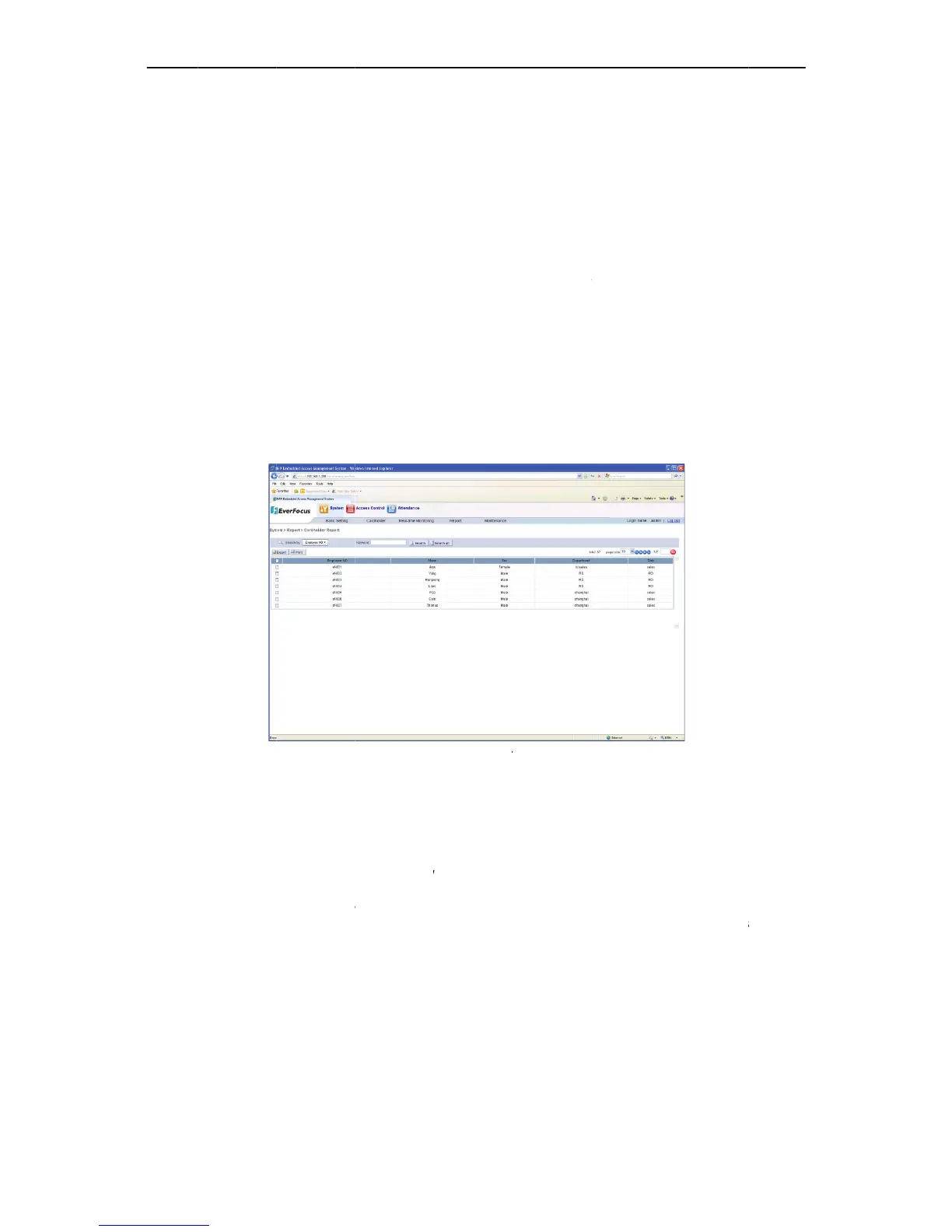
eport
1
SearchC
systemme
n
a
ge,seefigu
r
eemployee
n
c
onditionisd
willshowall
queryisexa
c
mple: There
n
t to search
T
heabsence
2
ExportC
a
e
“Export”b
u
C
SVformat,s
n
.
r
olle
r
v
etheelect
r
etethecur
n
celtheop
e
c
ktomain
p
nElectro
n
hneedtod
e
reyousure
t
ardholde
r
n
u“System”
r
ebelow:
n
umberorn
a
ividedintoe
therelated
r
c
tandthere
s
have two c
a
“ef001” as
ofanyonec
a
rdholde
r
u
tton,andth
e
electthepa
t
r
onicmap.
rentelectr
o
e
rationson
p
age.
n
icMap
e
leteonthe
m
t
odelete”,cli
r
s
“Reports”
Figure1
a
metodopr
mployeenu
m
r
esultswith
k
s
ultslisted
w
a
rdholders
the result, i
n
haracterwill
r
s
e
download
f
t
htosaveth
e
97
o
nicmape
d
theelectr
o
m
aplist,clic
k
ck“Ok”toc
o
“Cardhol
d
0
7SearchCa
r
ecisequerie
s
m
ber,name.
k
eyword.Clic
k
w
illfullymatc
h
and their e
m
n
put the ke
y
beunablet
o
f
ileboxwill
p
e
document.
d
ited.
o
nicmap.
k
the“delet
e
o
nfirm,othe
r
d
er”,thesys
t
rd
holders
s
.
Inputtheke
y
k
“All”butto
n
h
thekeywo
r
m
ployee nu
m
y
word “e
f
0
0
o
querythec
a
p
opup.Allca
Click“OK”t
o
e
button,a
p
r
wisecancel
t
t
ementers
e
y
wordinthe
n
,togetbac
k
r
d.
m
ber are “ef
0
1” into the
a
rdholder.
rdholders’i
n
o
confirm.Pl
p
opupaco
n
t
hedeletefe
a
e
mployeeinf
o
box,clickth
e
k
totheallc
a
001” and
e
search box
a
n
formationw
easesee7.1
.
n
firmbox
a
ture.
o
rmation
e
“Search”
rdholder
ef
002”,if
a
nd click
illexport
.
7Export

Table of Contents