NAV IP Access controller
43
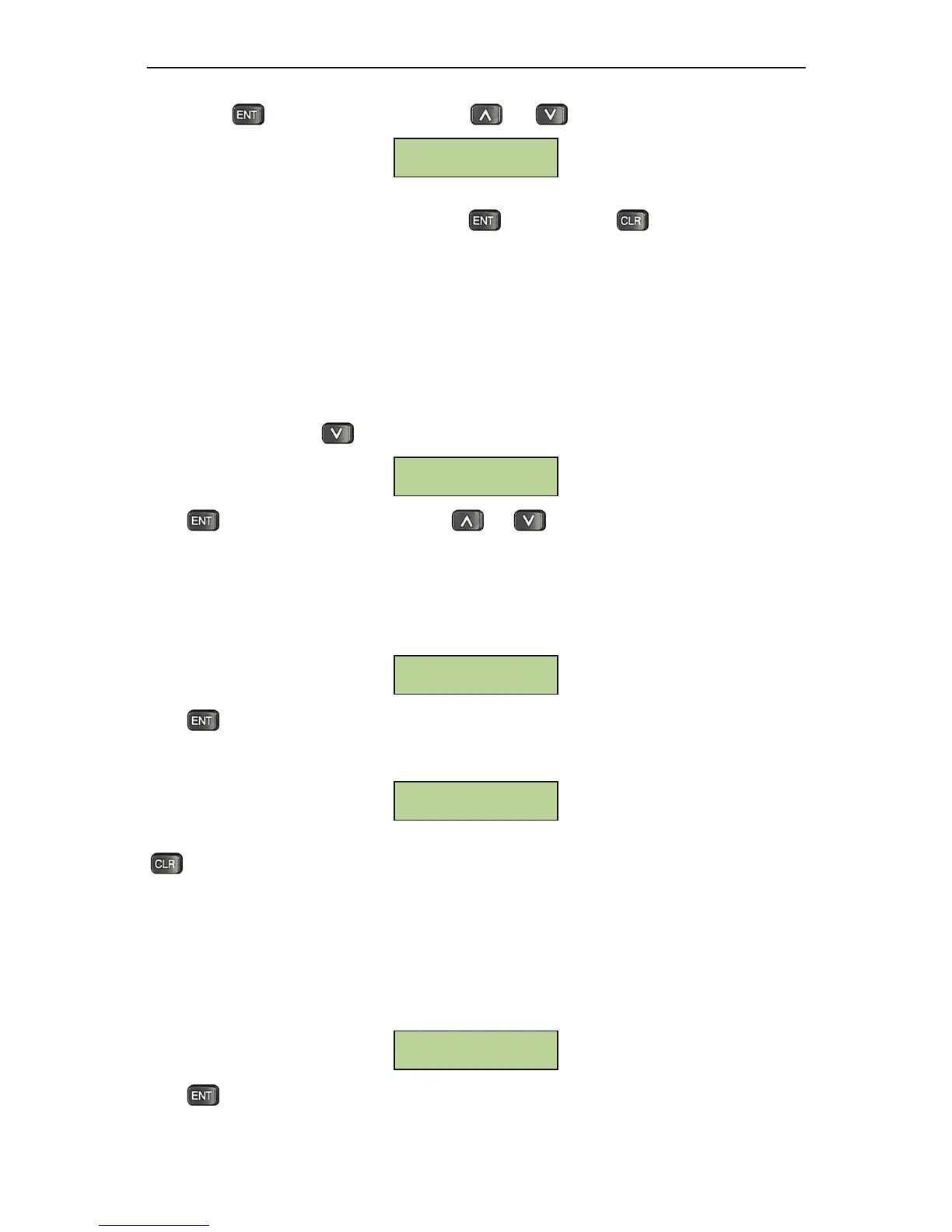
PresstoenterOverTimesetting.Useand tochoosefromdifferentdoor.
InputthedesireddoorholdopentimeintheOpenTimefield:enterminutesasa3‐digitnumber0~999,
andentersecondsasa2‐digitnumber0~59.Presstoconfirm.Presstoexitwithouteffecting
anychange.
5.8ReaderSetting
Card reader properties can be directly set on the controller, including whether the reader is keypad
reader,theallocationofreaderstodoors,andsystemreaderetc.
5.8.1EnterReaderSettingMenu
UnderSystemmenu,presstwicetobringupthefollowingwindow:
PresstoenterReader Setting menu. Use andto choose from differentmenu options.
AllmenuoptionsunderReaderSettingareintroducedbelow:
5.8.2SystemReaderSetting
Systemreadercanbeusedtoacquirethecard’sserialnumberwhencontrollerconfiguresthecard.User
cansetanyreaderthatconnectstothecontrollerasthesystemreader.Atthefollowingsubmenu:
Pressto enter System Reader setting. System will show current status of all readers as shown
below. Y means the reader is the system reader, N means it’s not. By default, no reader is set as the
systemreader.Usershavetosetitmanually.
Pressany ofthe1‐
8numerickeystochangethe systemreader settingof correspondingreaders.Press
toexit.
5.8.3KeypadSetting
KeypadSettingdefineswhetherthereaderisakeypadreader.Forakeypadreader,ifthePINproperty
ofthecardissetasenabled,andtheaccessrightsofthedooraresetascardplusPIN,thentheuseris
askedtoenterpasswordwhenthecardisswiped
onthekeypadreader.Atthefollowingsubmenu:
Press to enter keypad setting. System will show keypad setting status of all installed readers. Y
meansthereaderisakeypadreader,andNmeansthereaderisanon‐keypadreader.Bydefault,every
Keypad Setting
12345678
NNNNNNNN
System Reader
Setting
Reader Setting
Door-1Over Time
000Min 05 Sec



 To Next Page