NAV IP Access controller
26
4.StartingUptheController
4.1 ConnectingtoPower
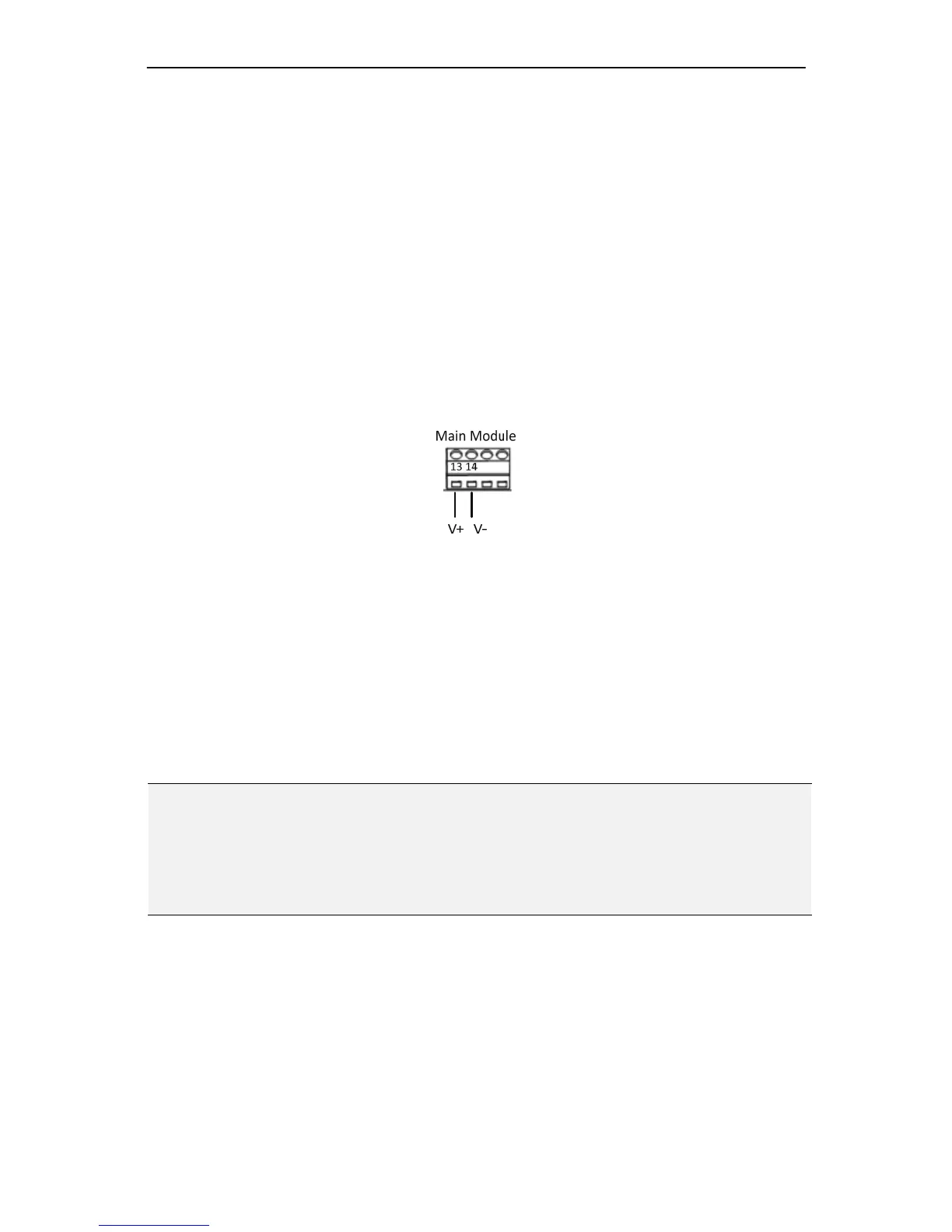
YoucanpowertheNAVcontrollerbyconnectingthepowersourcetoPin13and14onthe
terminalblockonthemainmodule.
Figure3‐1
ThevoltagerangeoftheNAVcontrollerisbetweenDC11Vand16V.Themaximum
currentis500mA.Ifthebackupbatteryisconnectedtothecontroller,apowersupplywith
DC15Visrequired.ThepowersupplyintheenclosureisDC15V.Inaddition,the
controllerprovidesa12Vpowersupplyforthereaders.Itshouldbenotedthatifa
controllerpowersmultiplereaders,thecurrentdrawwillbeincreased.Thetotalcurrent
drawcanbecalculatedasbelow:
Current(controller)=500+Current(reader)xNumberofReaders
ImportantTips:
1. Thevoltagesupplyshouldbelocatednomorethan2metersfromthecontroller.
2. Theelectriclocksandalarmdevicesmustbepoweredseparately.Thecontroller’s
powersupplycanpowerthecontrollerwiththemountedmodulesandthereaders
only,butnotthelockinghardwarenorthealarmdevices.
4.2 RestoringtheController
Torestorethecontrollertothefactorydefaultsettings,switchthepoweronwhileholding
theResetbuttononthemainmodule.
Chapter



 To Next Page