NAV IP Access controller
37
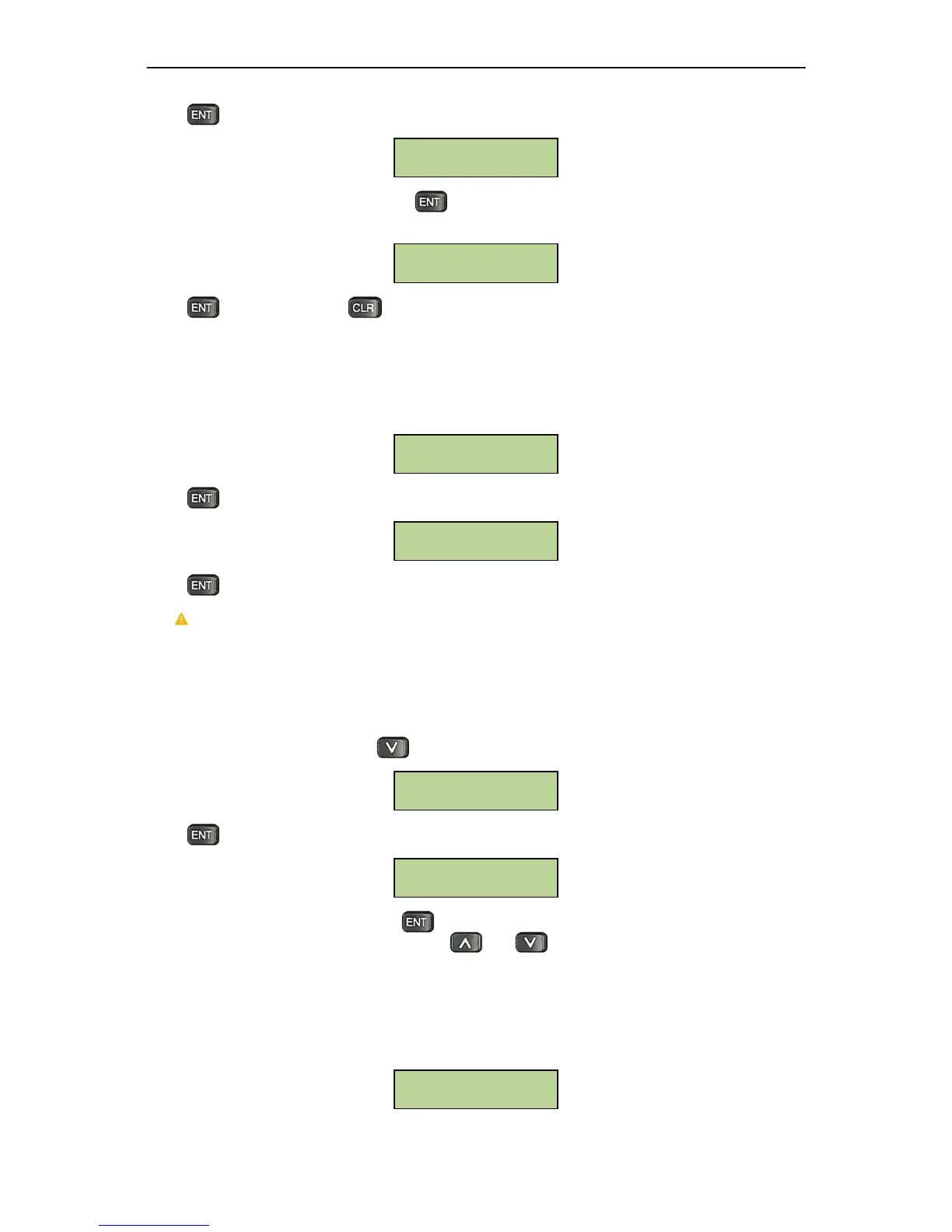
Press andthesystemwillprompttheusertoenteracardserialnumber,asshownbelow:
After entering the serial number, pressto delete this card. The system will prompt users to
confirmagainlikethebelowscreen:
Presstoconfirmorpresstoexitfromthe“deletecard”
menu.
5.6.4.6 Delete All Cards
Allcardscanbedeletedatonce.Atthefollowingwindow:
Pressandsystemwillprompttheusertoconfirmdeletion:
Press againtodeleteallcards.
Caution: this operation will permanently delete ALL cards from the controller database. This
operationisNOTundoable.
5.6.4SetCardProperties
UndertheCardSettingmenu,presstwicetobringupthefollowingwindow:
Pressandsystemwillprompttheusertoenterserialnumber,asshownbelow:
Afterenteringtheserialnumber,pressto entertothesubmenu forsetting cardproperties.Each
cardhas6propertiesthatcanbe
modified.Useandtochoosedesiredproperties.
5.6.4.7 Status Setting
Acardcanbesetasenabledordisabledatthefollowingsubmenu:
Status Setting
Input Card Serial
card#:___________
Set Card
Properties
Are You Sure ?
[ENT] to Confirm
Delete All Cards
Are you sure to
Delete000005398787
Input Card Serial
card#:___________



 To Next Page