NAV IP Access controller
30
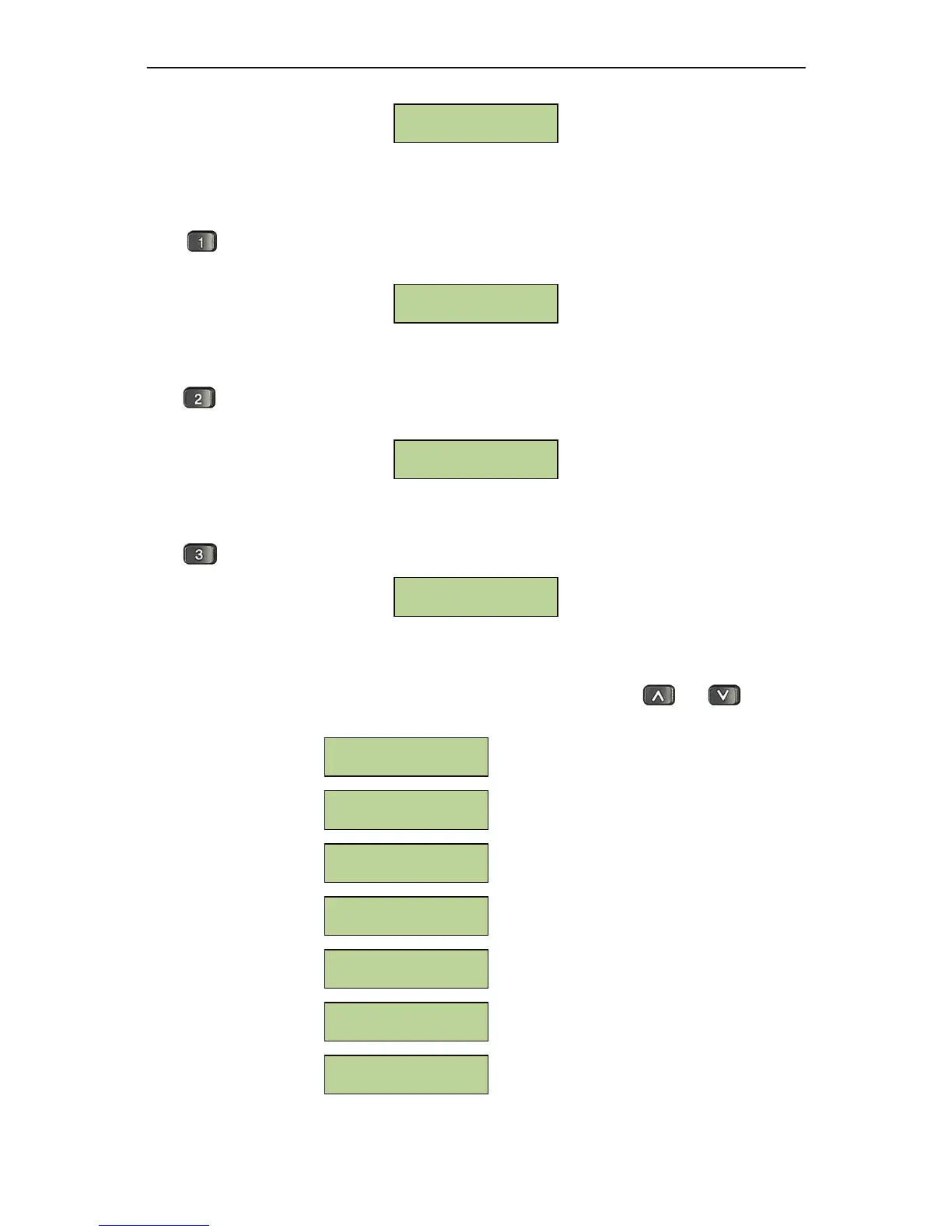
5.3.4DisplaytheNumberofInstalledModules
Press to show the number of installed door modules and alarm modules. For example, 4 door
modulesand1alarmmoduleareinstalledinthecontroller.Theexamplewindowisshownbelow:
5.3.5DisplaytheCurrentCardandEventNumber
Press to show the number of currently enrolled card and currently stored events. For example,
rightnowthecontrollerstored100cardsand36,555events.Theexamplewindowisshownbelow:
5.3.6DisplaytheControllerIPAddress
Press toshowtheIPaddress,MACaddressofthecontroller.Anexamplewindowisshownbelow:
5.4LevelOneSystemConfigurationItems
The first level menus are displayed after entering the system menu. Useandto toggle
betweenmenuoptions.Thefirstlevelmenuitemsareshownbelow:
SystemSettingMenu
CardSettingMenu
DoorSettingMenu
ReaderSettingMenu
AlarmSettingMenu
NetworkSettingMenu
AddressSettingMenu
Address Setting
Network Setting
Alarm Setting
Reader Setting
Door Setting
Card Setting
System Setting
192.168.0.96
00:aa:bb:cc:dd:01
Cards: 00100
Events: 36555
04-Door Modules
01-Alarm Modules



 To Next Page