NAV IP Access controller
31
Oncethedesireditemisdisplayed,press toenterintothecorrespondingmenu.Andpressin
thecorrespondingmenutoreturnthelevelonemenu.
5.5SystemSetting
IntheSystem Settingmenu,theusercansetbasicfunctions,including dateformat,systemdate,time,
password,autodaylightsaving,systemPIN,armPIN,language,backlight,eventerasingandloadfactory
default.
5.5.1EnterSystemSettingMenu
Thefollowingwindowappearsafterenteringthesystemmenu:
Presstoenter SystemSettingmenu.Useandtochoosefromdifferentmenuoptions.
AllmenuoptionsintheSystemSettingMenuareintroducedbelow.
5.5.2SetDateFormat
Theusercanchoosebetweentwodateformats:‘MM‐DD‐YYYY’or‘YYY‐MM‐DD’.Tochangethisoption,
usethearrowkeystodisplay“SetDateFormat”,andpress oncethewindowbelowisdisplayed.
Thecurrentdateformatusedwillappear.Press totogglebetweentwoformats.Press
toexit.
Theselectedformatistheoneshownonwindowwhenexiting.
5.5.3SetDate
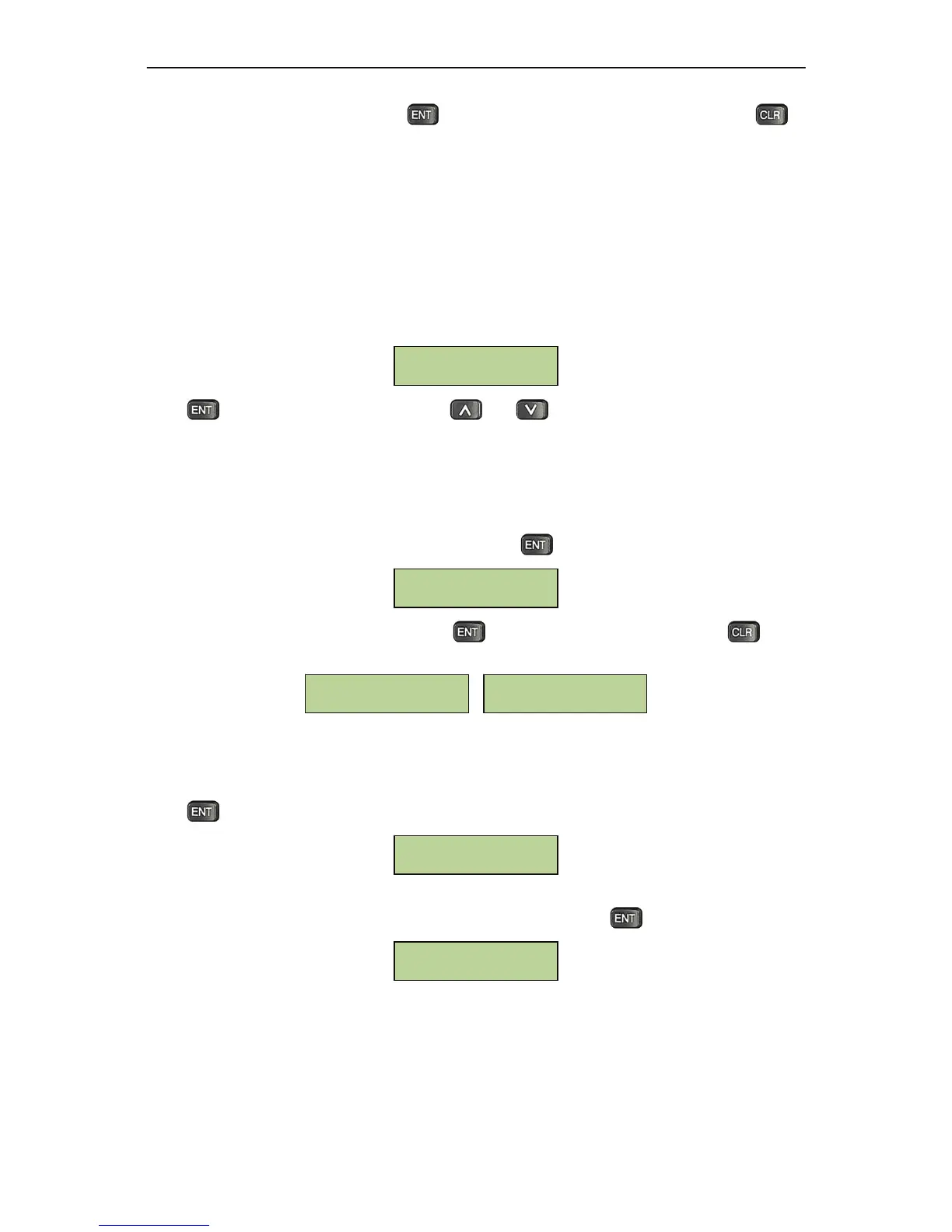
Press atthewindowbelowtosetthedate.
TheLCDwilldisplaythefollowingmenu.Use thenumericalkeystoinputthecurrentdateasasix‐digit
number:(MM‐DD‐20YY).Theyearmustbeintherange2000‐2038.Presstoconfirmthenewdate.
The date
and time can be set either at the controller or from the built‐in management software
remotely.
SetDate(MM-dd-YYYY)
__-__-20__
Set Date
MM-DD-YYYY
[ENT] to Toggle
YYYY-MM-DD
[ENT] to Toggle
Set Date Format
System Setting



 To Next Page