EasyManua.ls Logo

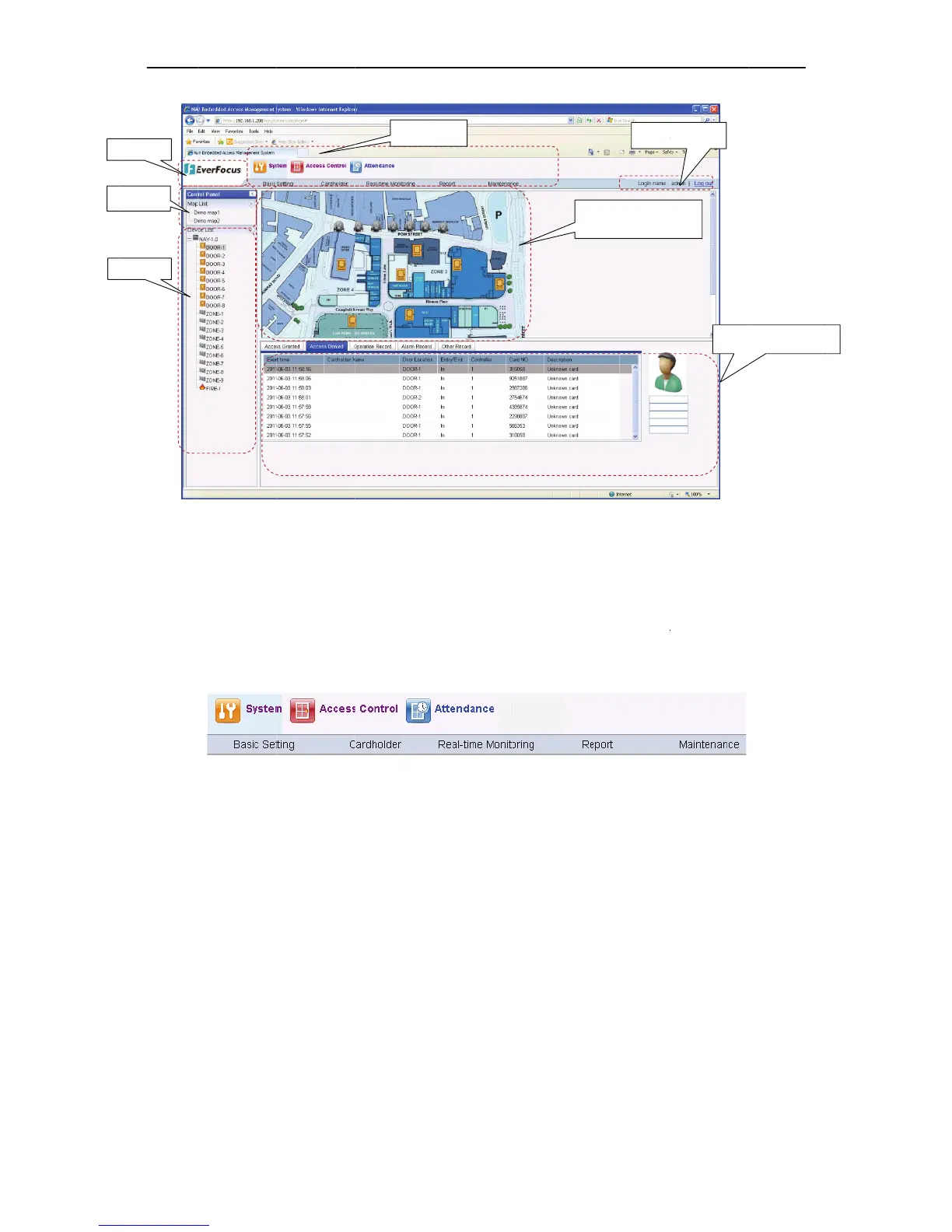
EverFocus EFC304 - Login; Menus; Control Pannel

EverFocus EFC304
160 pages
Print Icon
To Next Page IconTo Next Page
To Previous Page IconTo Previous Page
Loading...
P
M
7.3.2
M
There
a
(Figure
7
acorres
Ifthelo
g
menub
a
7.3.3
C
Clickth
e
ordoub
Pannel
M
ap
device
M
enus
a
re 4 main
m
7
11).Clicko
n
pondingfun
c
g
gedonuse
r
a
r.
C
ontrolP
a
e
“ControlP
a
leclicktheh
m
enus in th
e
n
eachmain
m
c
tion,thesp
e
r
doesnotha
a
nnel
a
nel”and“D
e
iddenarea,i
t
Fi
g
e
software,
m
enuwillsh
o
e
cificfeature
s
F
veaccessto
e
viceList”ar
t
willshowt
h
Menu
72
g
ure79Main
P
including Sy
o
witssubm
s
inlatercha
F
igur
e
710Me
n
amodulefu
n
ehidden(Fi
g
h
econtrolpa
P
ag
e
stem, Acces
s
enuoptions.
pterfordeta
n
u
n
ction,then
t
g
ure79).W
h
nelanddevi
c
E
t
i
NA
V
s
Control, A
t
Clickoneac
h
il.
t
hefeatured
h
entheuser
c
elistonthe
Logi
n
E
lectronics map r
e
i
me display
V
IP Access
c
ttendance a
h
submenu
w
oesnotapp
e
clickthebu
t
maininterfa
n
info
e
al-
Syst
e
c
ontrolle
r
nd CCTV
w
illopen
e
arinthe
t
tonarea
ce.
e
m event display

Table of Contents