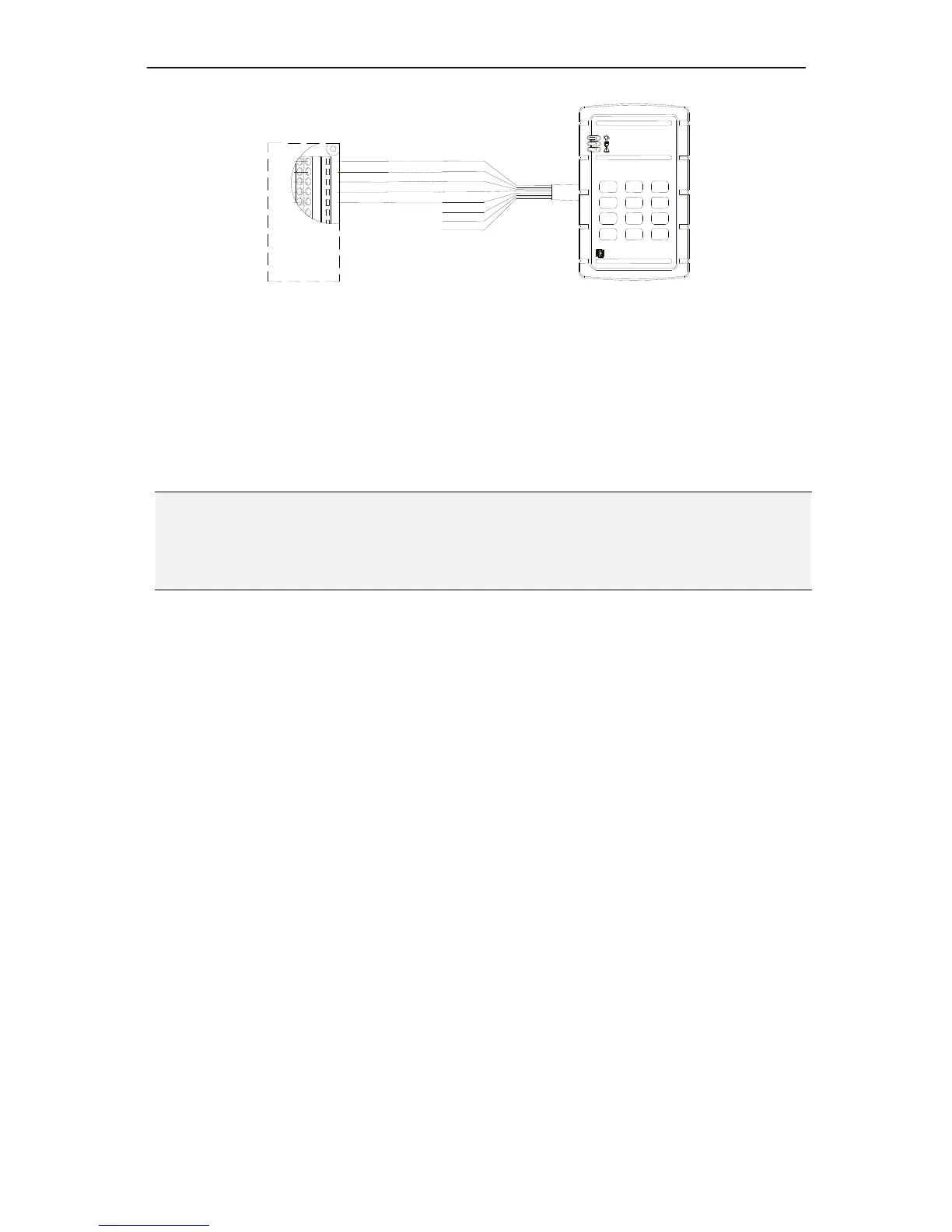
NAV IP Access controller
18
Figure2‐8
Eachdoormodulecanprovide+12Vvoltagefortworeaders.Twistedcableis
recommendedtoconnectthecontrollerandreaders.Themaximumtransmission
distancebetweenthereaderandcontrollerdependsonthegaugeofthecableandthe
specificationofthereader.Pleasereadthereaderusermanualcarefullybeforeinstalling
thecableforthereaders.
Note:Itisstronglyrecommendedtouseoneconnectionformatinamulti‐readersystem,
i.e.allthereadersareconnectedtothedoormodulesthroughRS‐232orWiegand
connection.Multipleconnectionformatscouldcausecompatibilityproblemstothe
system.
2.2.3 ConnectingtotheDoorLock,SensorandOpenButton
ConnectingtotheDoorLock
TheElectricstrikesandmagneticlocksareusedtokeepdoorslockedunlessthesystem
grantsaccessortheusersetsthedoorstoremainunlocked.Onestrikeormagneticlock
isrequiredforeachdoor.Theselocksmustbepoweredseparatelyfromthereaders.The
mountinginstructionsforstrikesandmagneticlocksvarydependingonthe
manufacturerandtypeoflock.Pleaseconsulttheinstructionsincludedwiththedoor
hardwarewheninstalling.Oncethelocksareinstalled,followtheinstructionsbelowto
connectthemtothecontroller.
ElectricStrike
Connectthewiresfromtheelectricstriketotheterminalblockonthedoormodule.
YoucaneitherconnectthewirestoPin11and12(Door1)orPin27and28(Door2)
ontheterminalblock.



 To Next Page