NAV IP Access controller
40
PresstoprompttoinputnewPIN,presstorepeatnewPIN.
IfrepeatPINisdifferentfromfirsttimeinput,itwillprompt,
Aftermodify,itwillprompt,
5.6.5ShowCardNumber
Thisfunction canbeusedtoshow theserial numberofa cardwhen itisswipedonthe systemreader.
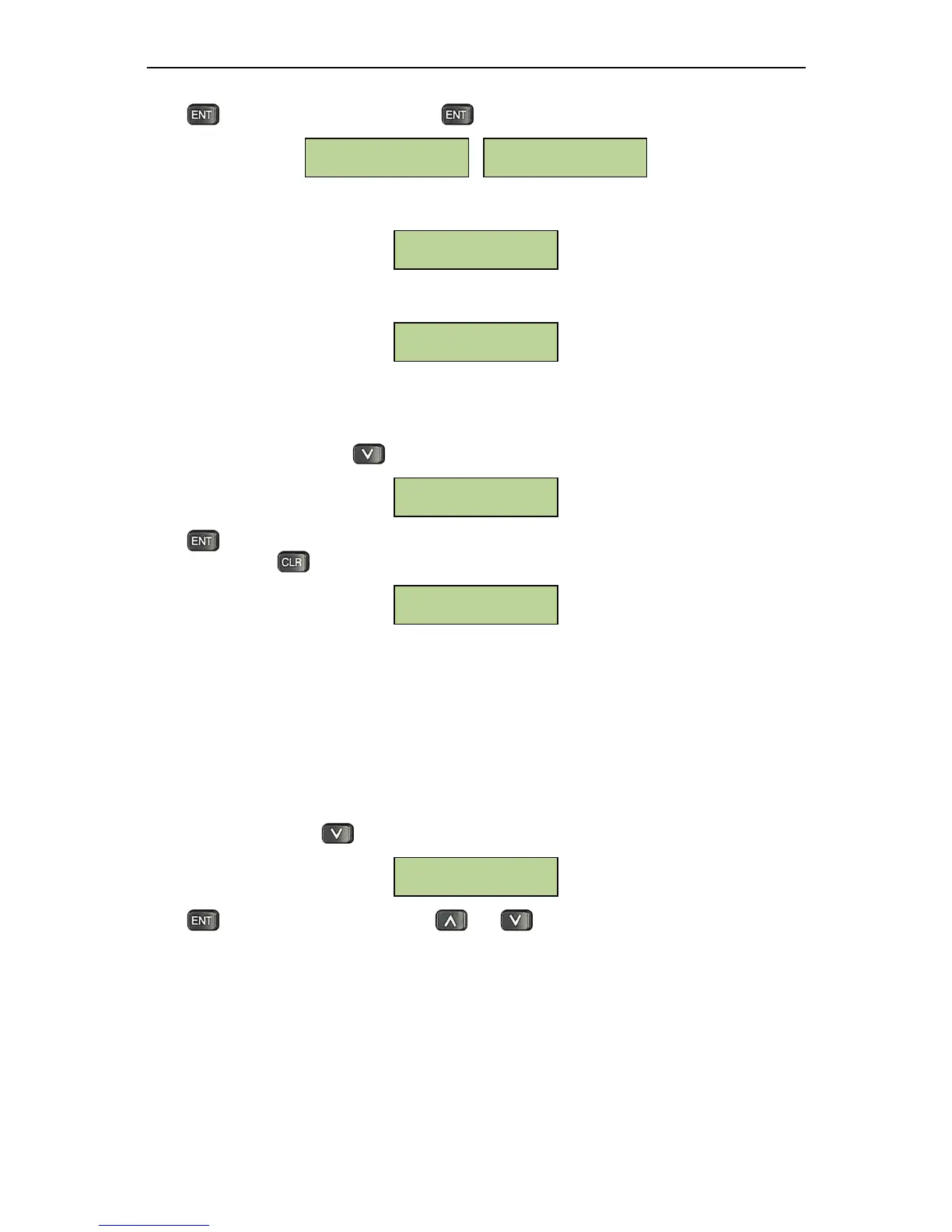
UnderCardSettingmenu,press threetimestobringupthefollowingwindow:
Press andswipethecardonthesystemreader.Theserialnumberofthecardwill
bedisplayedas
shownbelow.Presstoexit.
5.7DoorSetting
Everydoormodulecontrolstwo doorrelays.NAVController cancontrolupto8doorsintotal, defined
asdoor1to8fromrighttoleft.Accordingtoreadersettingabove,userscanallocatemultiplereadersto
onesingledoor.Usercandirectlysetdoorunlocktime,doorheldopen
timeandthedoorcontrolatfire
alarmonthecontroller.
5.7.1EnterDoorSettingMenu
UnderSystemmenu,pressthreetimestobringupthefollowingwindow:
PresstoenterDoorSettingmenu.Useand tochoosefromdifferentmenuoptions.All
menuoptionsunderDoorSettingareintroducedbelow.
5.7.2ScheduleSwitchSetting
Doorverificationindicatestheaccessmodewhenacardholderenrollsthecardonthereaderinorderto
enter/exitthedoor,forexample,a dualsecuritymethodcouldrequirebothcardand PIN,orbothcard
andfingerprint.
Door Setting
Registed: No
Card#:000006703392
Show Card Number
Password updated
successfully
Password mismatch,
please retry
Repeat:
________
Input new PIN:
________



 To Next Page