NAV IP Access controller
41
NAVControllersupportsacomprehensivedoorverificationscheduleoneachdoor.Thedoorverification
canbedefinedindividuallyonaschedulewith10typesofdate,6timezonesoneachtypeofdate.Ifthe
userjust wantstohaveaconsistent accessmode allthetimeevery day,schedule switch canbe setas
OFFtohaveonlyonedoorverificationmode,definedinthenextsection.
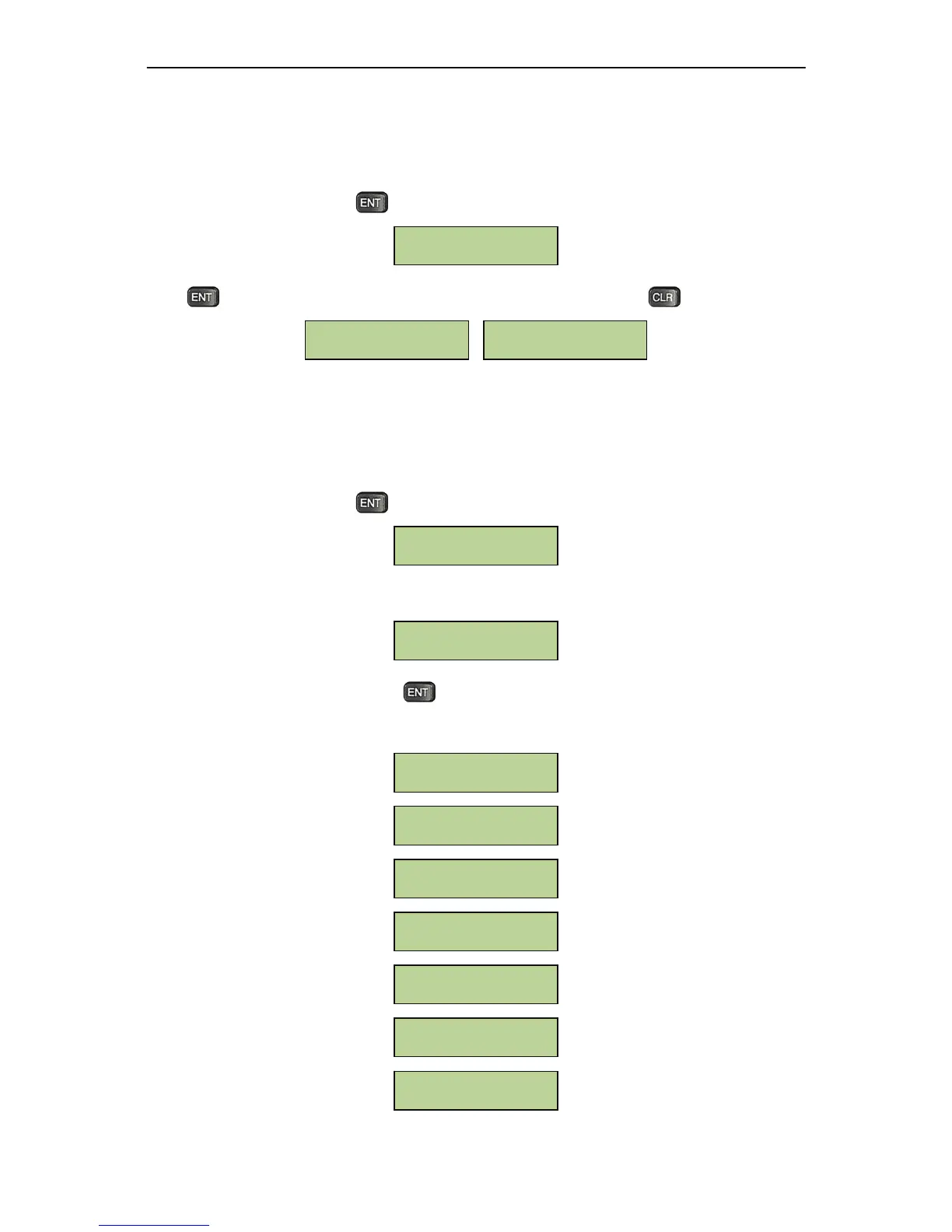
Atthefollowingsubmenu,presstoentertothesettingfordoorverificationschedule:
Press totogglebetweenenable/disabledoorverificationschedules.Presstoexit.
5.7.3DoorAccessMode
Asdescribedinprevioussection,NAVControllerwillusethecontrollerdooraccessmodeiftheschedule
switchisturnedoff.NAVControllersupports13typesofdooraccessmodes,forexample:alwaysopen,
cardonly,fingerprintonlyandsoon.
Atthefollowingsubmenu,presstosetthecontrollerdoor
accessmode:
Beforesettingthedoorverificationmode,usersfirsthavetoselectthedoortobeset,refertothebelow
window:
Afterthedoornumberisentered,press totoggleamongallavailabledoorverifica tionmodes.The
modesfollowedwithastar“*”markisthecurrentlyselectedmode.Allthe
doorverificationmodesare
listedbelow:
Card or PIN or
Fingerprint
Card + PIN +
Fingerprint
Fingerprint + PIN
Card + Fingerprint
Card + PIN
Fingerprint Only
Card Only
*Yes
InputDoor
Index: _
Door Access Mode
Schedule Disabled
[ENT] to toggle
Schedule Enabled
[ENT] to toggle
ScheduleSwitch
Setting



 To Next Page