NAV IP Access controller
32
5.5.4SetTime
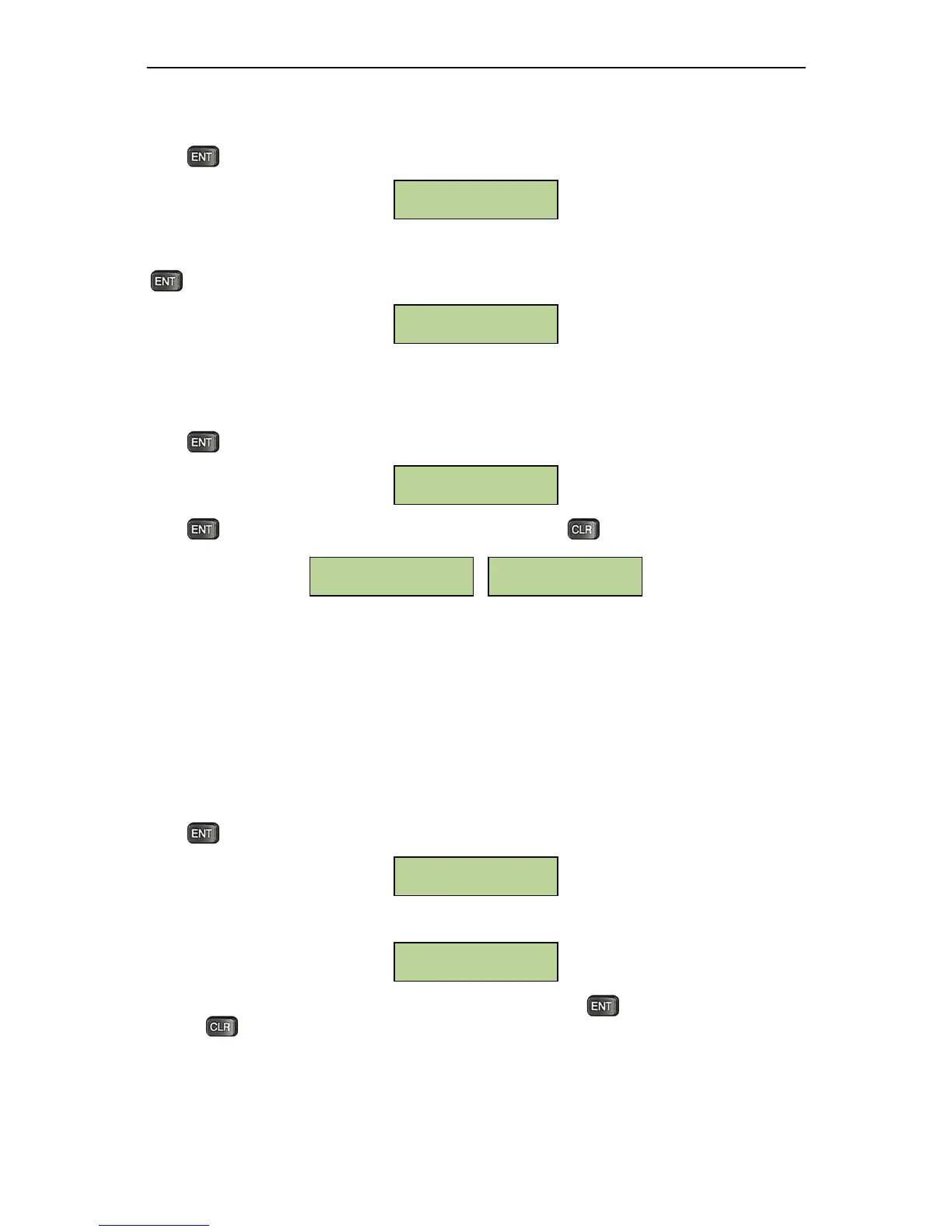
Pressatthebelowwindowtosetthetime.
TheLCDwilldisplaythefollowing menu.Usethenumericalkeystoinputthecurrenttimeasasix‐digit
number(HH:MM:SS).Thetimemustbeintherange00:00:00‐‐23:59:59.Afterenteringthetime,press
toconfirm.
5.5.5AutoDaylightSavingTime
Press atthebelowwindowtoadjustthesettingsforAutoDaylightSavings:
PresstotogglethesettingbetweenEnabled/Disabled,Presstoexit
When auto daylight savings is turned on, set the auto daylight start/end time from the built‐in
managementsoftwareremotely.
5.5.6SetSystemPIN
ASystemPINmustbeenteredbeforetheusercanmakemanagementchangesviathecontrollerkeypad.
ThefactorydefaultSystem PINis00000000.Itisrecommendedthatthepasswordischanged afterthe
initiallog‐informaximumsecurity.Besuretosecurethenewpassword;iflost,thesystem
canonlybe
accessedafterpurgingallstoreddatausingtheresetbuttononthemainboard.
PressatthebelowwindowtosetsystemPIN.
TheLCDwilldisplaythefollowingmenu.
Enter a new system PIN. Enter it a second time to confirm. Pressto set the
new system PIN.
Pressing atanytimewillexitthemenuwithoutchangingthesystemPIN.
Input SYS Password
________
Set SYS



 To Next Page