NAV IP Access controller
35
5.5.11EraseAllEvents
Thecontrollerwillrecordalleventsthatoccur,beginningimmediatelyuponpoweringon.Theseevents
can be purged by following the instructions below. The old records will be automatically overwritten
whenstoragespaceisfull(1,000,000eventsmax.).
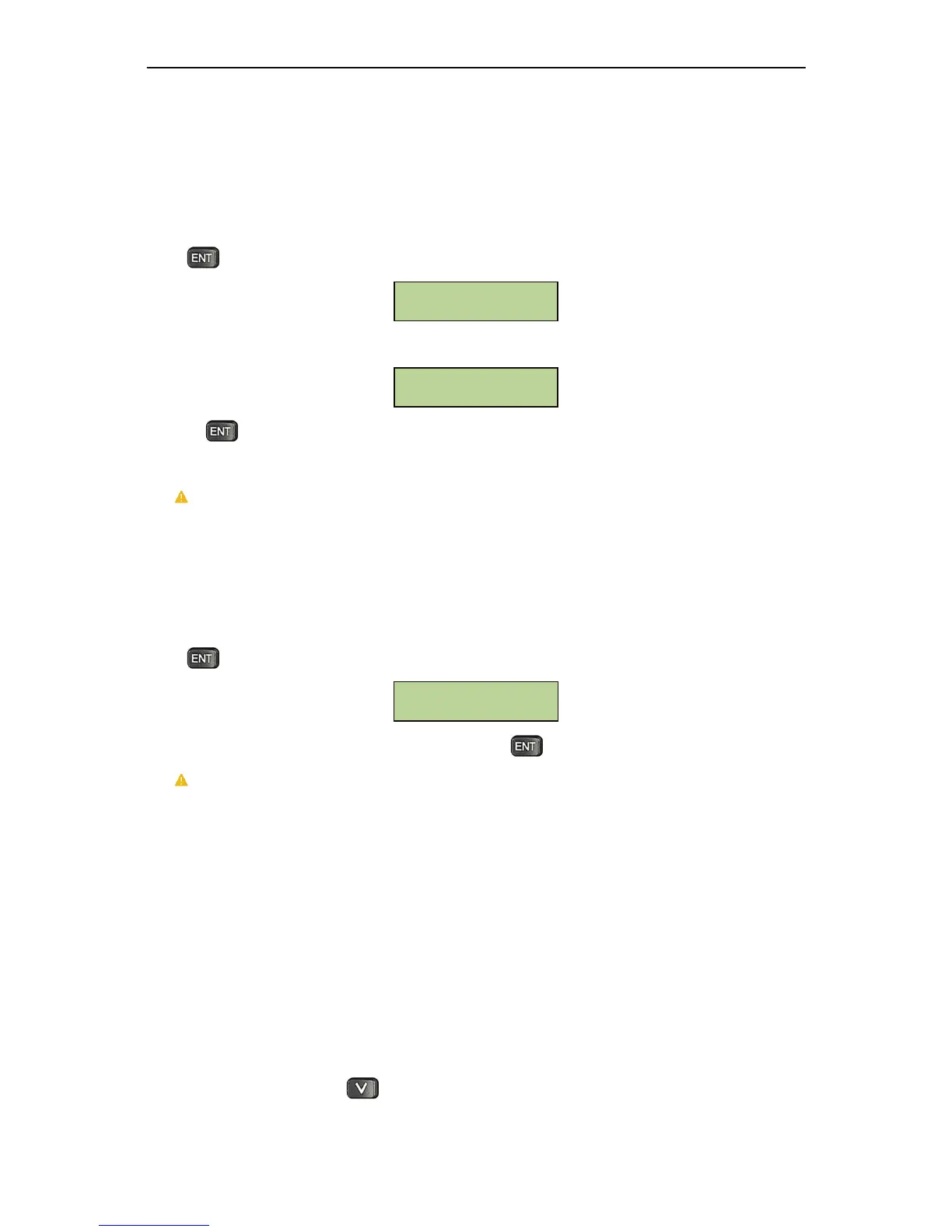
Press atthewindowbelowtoeraseallevents.
LCDwillprompt
theusertoconfirmtheaction:
Pressingwillresultinalleventsbeingpermanentlyerased.
Caution:thisoperationwill permanentlydelete ALLeventsfromthe controllerdatabase.This
operationisNOTundoable.
5.5.12LoadFactoryDefault
Thisfunctionisusedtoresetallsettingstofactorysetdefaultvalues.
Press atthewindowbelowtoresetallsettings.
TheLCDwillprompttheusertoconfirmtheaction.Presstoconfirmandperformtheresetaction.
Caution:thisoperationwillrecoverallthesettingstothefactorydefault.ThisoperationisNOT
undoable.
5.6CardSetting
Card setting can be configuredusing either the controller or the built‐in management software. Using
thebuilt‐inmanagementsoftwareistheeasiestwaytoenrollcards.However,enrollingatthecontroller
canbeusefulifthecontrollerisoffline.Theprocessisdescribedbelow.
5.6.1EnterCardSettingMenu
UndertheSystemMenu,press oncetobringupthefollowingwindow:
Restore Factory
Settings
Are you sure?
[ENT] to continue
Erase All Events



 To Next Page