NAV IP Access controller
57
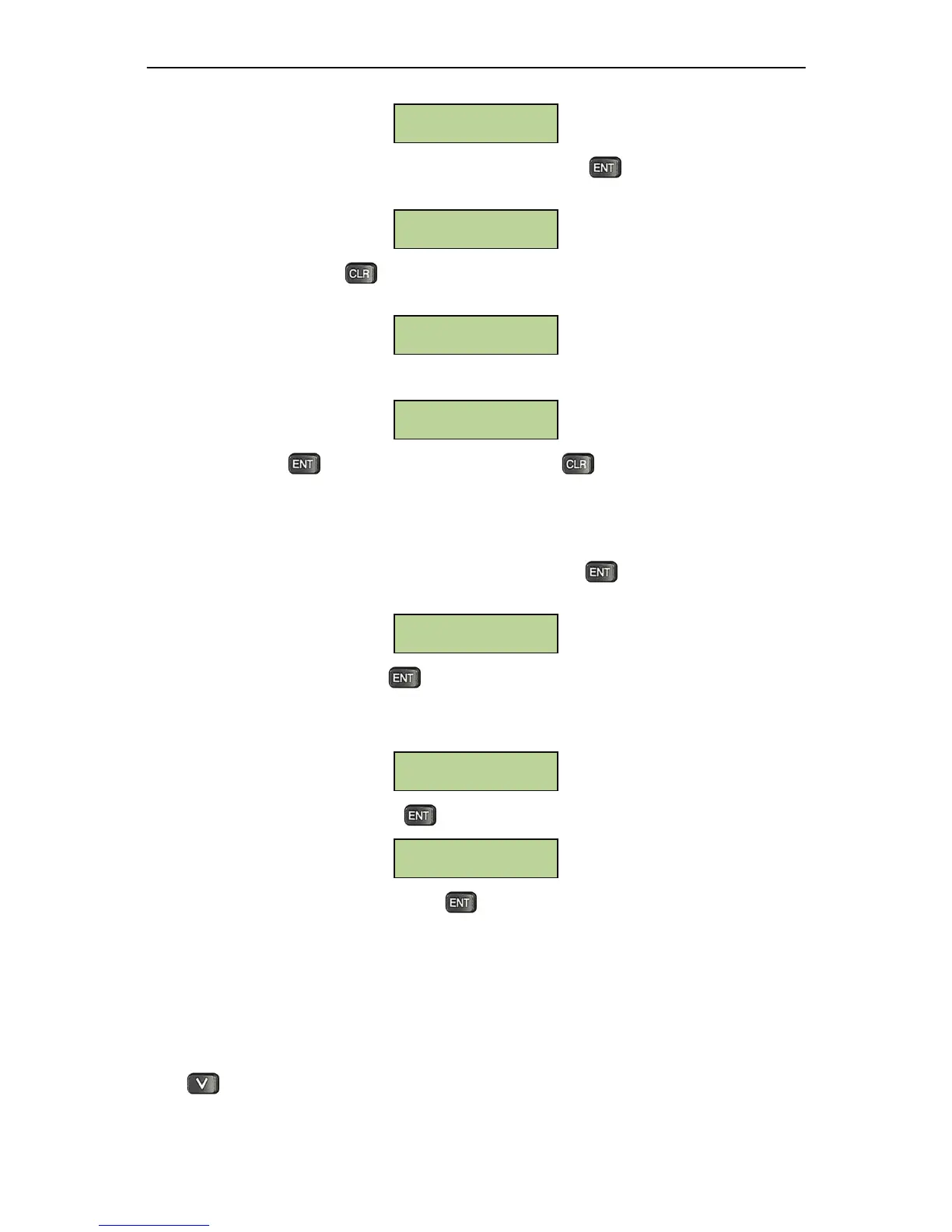
Thebelowscreen willbeshownintheDHCP settingsubmenu.Press keytotoggle betweenDHCP
(DHCPenabled)andstaticIP(DHCPdisabled).ThedefaultDHCPsettingisdisabledbydefault.
When DHCP is enabled, pressto exit and NAV Controller will update the IP address from DHCP
server
andshowthebelowscreen,indicatingthecontrollerisgettingIPaddress:
AftertheIPaddresshasbeenobtained,controllershowstheIPaddressinthebelowwindow:
Atthiswindow,presstoupdatetheIPaddressagain.Press toexitto“DHCPSetting”window.
5.10.2SetIPAddress
ForastaticIPsetting,usersneedtomanuallysetanIPaddress.Press underthebelowsubmenuof
NetworkSettingtosetIPaddress:
InputthedesiredIPaddressandpress toconfirm.ThedefaultIPaddressis192.168.1.200
WhenusingstaticIP(DHCPdisabled),NAVControllerwillrequire
thesubnetmaskandgatewaysetting
automaticallyaftertheIPaddressissethere.
Inputthedesiredsubnetmaskandpress toconfirm.
InputthedesiredgatewayIPaddressandpress toconfirm.
5.11AddressSetting
NAVControllerisconnectedtonetworkforremoteaccessibilitybyIPAddress,butitmusthaveaunique
address for the purpose of communications and control by the Management Software when there is
morethanonecontroller.
Press sixtimesfrommainmenuitemstoviewthebelowscreen:
Gateway:
___:___:___:___
Subnet Mask:
___:___:___:___
IP Address:
___:___:___:___
IP Address:
192:168:000:106
Getting IP



 To Next Page