NAV IP Access controller
42
5.7.4OpenTimeSetting
This sets the door open time when the card is swiped or request‐to‐exitbutton is pushed. Thedefault
time is 3 seconds. The maximum door open time supported by the controller is 999 minutes and 59
seconds. The door remains open as long as the request‐to‐exit button is pushed down. Thedoor open
timedoesnotcountuntilthebuttonisreleased.Inthefollowingsubmenu:
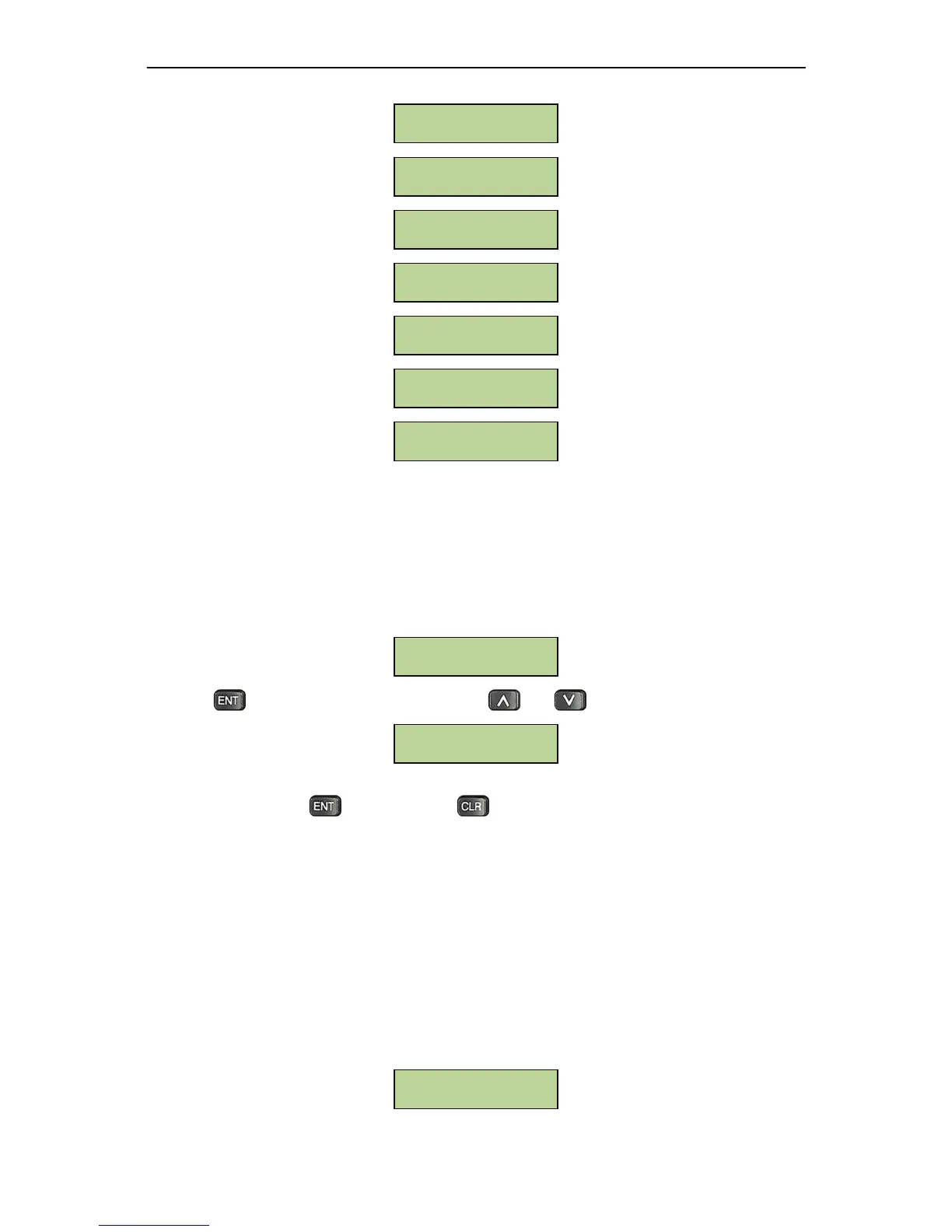
PresstoenterdoorOpenTimesetting.Useand tochoosefromdifferentdoor.
Inputthe desired dooropentime:enterminutesas a3‐digitnumber 0~999,andenter
secondsas a2 ‐
digitnumber0~59.Presstoconfirm.Press toexitwithouteffectinganychange.
5.7.5OverTimeSetting
Doorsensormonitorstheopen/closestatusofadoor.Ifnormallyopenisnotsetbythesystem(dooris
normallyconsideredclosed),then doorshouldcloseafteropeningforawhile.Itisconsideredabnormal
if controller does not receive the door close signal from door sensor in a reasonable
amount of time
afterthedoorisopened.Thistimeperiodiscalleddoorholdopentimeordoorovertime.Accordingto
this setting, NAV Controller will determine whether togenerate an alarm or not after the door sensor
timeouts. The default value of door hold open time is
5 seconds. The maximal door hold open time
supportedbythecontrolleris999minutesand59seconds.
Atthefollowingsubmenu:
Over Time Setting
Door-1 OpenTime
000Min 03 Sec
Open Time Setting
Forbid Access
Always Unlocke



 To Next Page