NAV IP Access controller
77
8. BasicSetting
ThischapterwillintroducebasicsettingofEverAccess®NAVController.It isincludingchangepassword,
user groups setting, user setting, local server configuration, system upgrade and center server
configuration.
ChangePassword:reviseloginpassword.
User Groups setting: add, delete and modify the software and permission groups. No limit on their
number,
theusercanaddpermissionsgroupsasneeded.
Usersetting:add,deleteandmodifytheusersoperatethesoftware.Thedefaultadministratorisadmin.
Ithasalloperatingprivileges,onlymodifythepasswordofsuperadministrator.
Localseverconfiguration:ConfigureIPtype,address,gateway,date,timeandsoon.
System
Update:upgradeonlineandupgradelocal.
Center server configuration: center server configuration refers to the “ENS2000 NAV series WEB
Network Access Control Management software” (not the built‐in software) address and password
configurationetc.Theconfiguredcontrollercanbeusedasasub‐stationtobeconnectedandmanaged
tothe
ENS2000software.
8.1ChangePassword
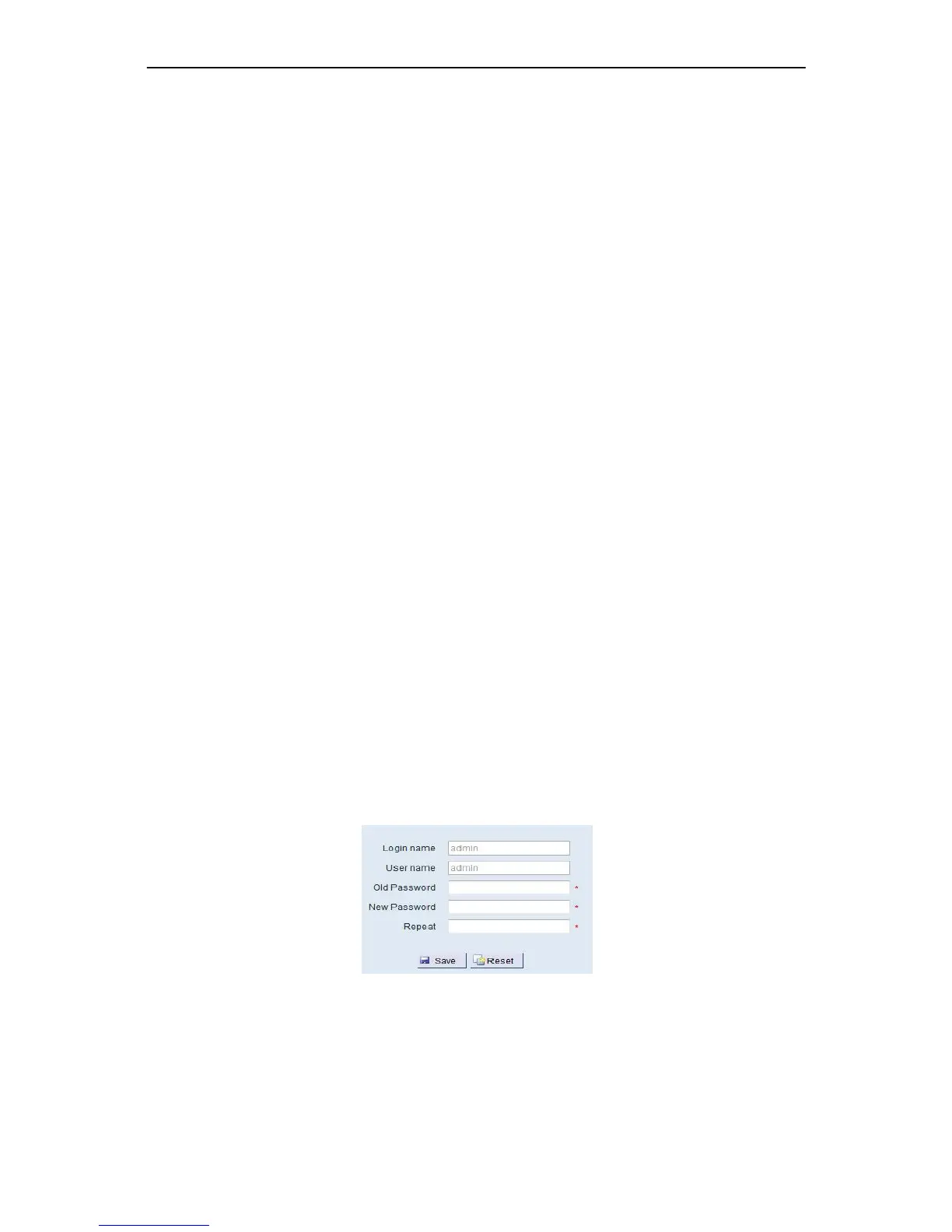
Here Password is for thecurrent user logging to NAV Controller built‐in browser software, it just only
modifyitsloginpassword.
First of all, the user must input the old password, then enter and repeat the new password. Click the
“Save”buttontosave.Iftheinputiswrong,user
canusethe“Reset”buttontorefill.
Figure8‐1ChangePassword
Chapter



 To Next Page