EasyManua.ls Logo

EverFocus EFC304 - Page 122

EverFocus EFC304
160 pages
Print Icon
To Next Page IconTo Next Page
To Previous Page IconTo Previous Page
Loading...
NAV IP
A
3)
4)
12.1.5
Inoth
e
firstca
St
1)
2)
3)
12.1.
6
Clickth
e
apatht
o
A
ccess cont
r
Inputar
e
Clickthe
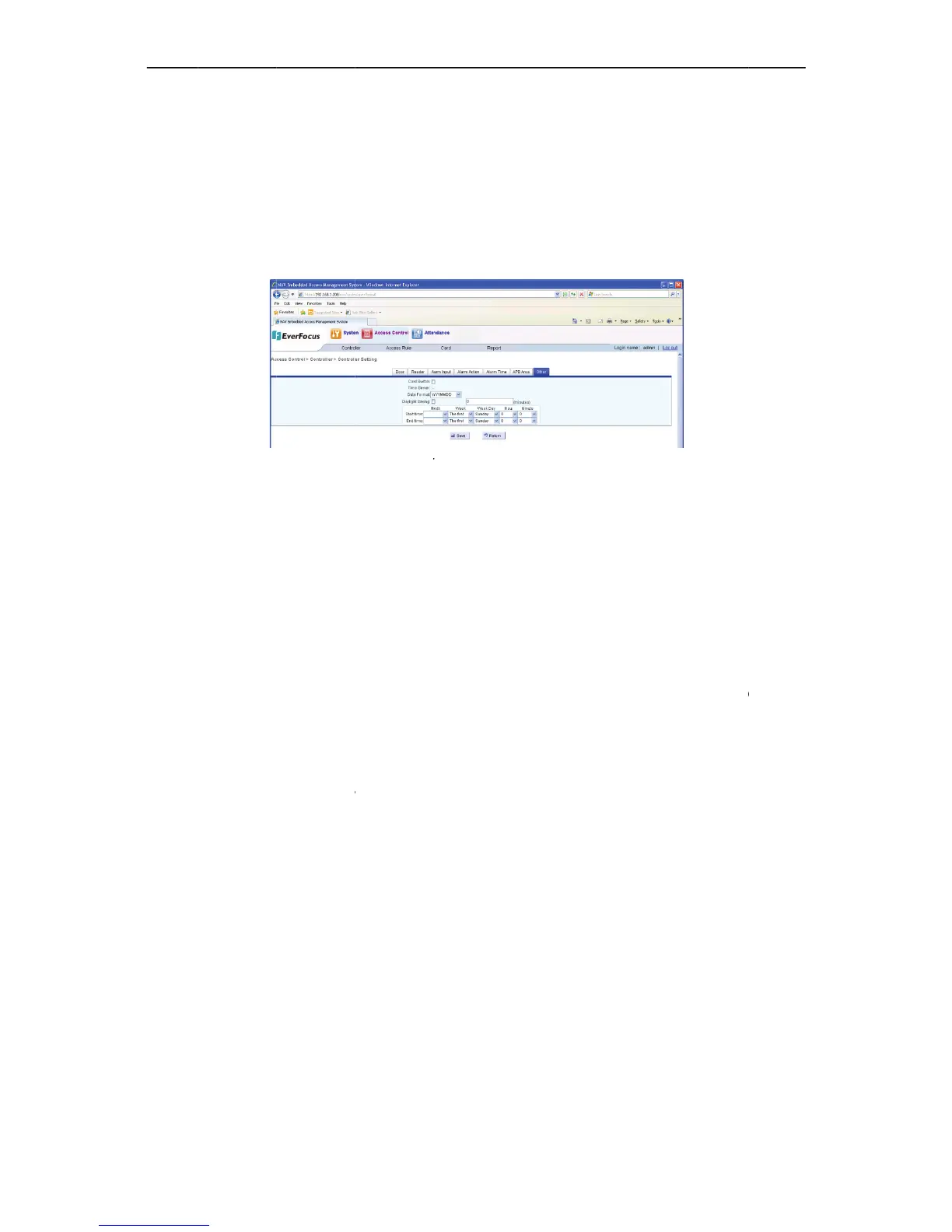
.7 Other
S
e
rsettingp
a
rdIn,time
Firstcard
ofwhich
t
presente
d
Time syn
c
serverin
t
setting t
o
synchroni
z
replacea
n
thesoftw
a
thecontr
o
PC.
Date for
m
userscan
Daylight
s
enabled,
u
time,for
w
DSTone
h
backward
eps:
Clickthe
Selecta
n
Clickthe
6
ExportC
o
e
“Export”b
u
o
savethefil
e
r
olle
r
e
ainformat
“Save”but
S
etting
a
ge,itisfor
synchroniz
a
IN:choose
f
t
heschedule
d
totheread
e
c
hronization
t
hesystem.
A
o
match tha
t
z
ation serve
r
n
ypreviouss
e
a
rewillauto
m
o
llerdatean
d
m
at: the sys
t
choosethe
d
s
avingtime:
W
u
serneed d
e
w
ardorback
w
h
ourforward
onehourfr
o
“Other”ta
b
n
dchanget
h
“Save”but
o
ntrollers
u
tton,popu
p
e
.Click“OK”
ion.
tonandsa
v
theoverall
a
tionserve
Figu
r
f
romenable
d
issetas“no
e
r,willother
server: indi
A
llcontrolle
r
t
of the ti
m
r
in the syst
e
e
tting.Ifthe
m
aticallymo
d
d
timearefo
u
t
em offers t
w
d
esiredform
a
W
hetherau
t
e
finethe sta
r
w
ard.When
a
from1:59:5
9
o
m1:59:59a
m
b
page.
h
esetting.
tontosave
p
downloadfi
toconfirm.
P
113
v
ethechan
settingof
t
r,datefor
m
re
1212Other
S
d
or disabled
.
rmallyopen
cardsbeabl
e
cates wheth
r
sinthesyst
e
m
e synchron
i
e
m and the
controlleris
d
ifythecont
u
ndtobein
c
w
o date for
m
a
t.
t
oDaylightS
a
r
tandend d
a
a
utoDSTise
9
amto3:00:
0
m
to1:00:00a
m
thechang
e
lebox,allco
P
leasesee7.
1
ges.
t
hecontrol
l
m
at,dayligh
S
etting
.
Whenfirst
,onlyafter
a
e
tounlockt
h
er the cont
r
e
m will auto
i
zation serv
e
last assigne
d
c
onnectedt
o
rollerdatea
n
c
orrect,chec
k
m
at: “YYYY
M
a
vingTime(
D
a
tesof DST,
nabled,the
c
0
0amonthe
m
onthelas
t
e
s.
ntrollerswill
1
.7Exportfu
n
l
er.Theset
t
tsavingti
m
cardinis en
a
a
firstcarde
n
h
edoor.
r
oller is the
maticallyadj
e
r. There ca
d
time synch
o
aPCinstall
e
n
dtimetom
k
thedatean
M
MDD” and
D
ST)isenabl
e
includingm
o
c
ontrollerwil
firstSunday
t
SundayinO
beexported
n
ction.
t
ingisinclu
m
eetc.
a
bled,inad
n
abledcard
h
time synchr
o
ust its date
a
n be only
o
ronization s
e
e
dwithFlex
s
atchthePC
s
dtimeonth
e
“MMDDY
Y
e
d.Whenau
o
nth,week,
d
lautomatica
inApril,and
ctober.
toCSVform
a
ding
oorzone
h
asbeen
o
nization
a
ndtime
o
ne time
e
rver will
s
oftware,
s
etting.If
e
control
Y
YY” and
toDSTis
d
ate,and
llyadjust
adjustit
a
t,select

Table of Contents