EasyManua.ls Logo

EverFocus EFC304 - Page 126

EverFocus EFC304
160 pages
Print Icon
To Next Page IconTo Next Page
To Previous Page IconTo Previous Page
Loading...
NAV IP
A
13.2.
1
Int
St
1)
2)
3)
13.2.
2
Ste
1)
2)
3)
4)
13.2.
3
Se
l
page,s
A
ccess cont
r
1
AddAG
r
hegroupsc
h
eps:
Entera
n
Clickon
o
sections
Afterco
m
created.
2
DeleteA
ps:
Inthegr
o
Clickthe
Confirm
t
Clickthe
3
EditAG
r
l
ectagrou
p
hownasfo
r
olle
r
r
oupSche
h
edulesettin
g
n
ewname
o
o
necellin
t
andentry/
e
m
pleted,cli
GroupSc
o
upsched
u
“Delete”b
u
t
odelete.
“Ok”butt
o
r
oupSche
d
p
schedule
a
llowing:
dule
g
page,click
t
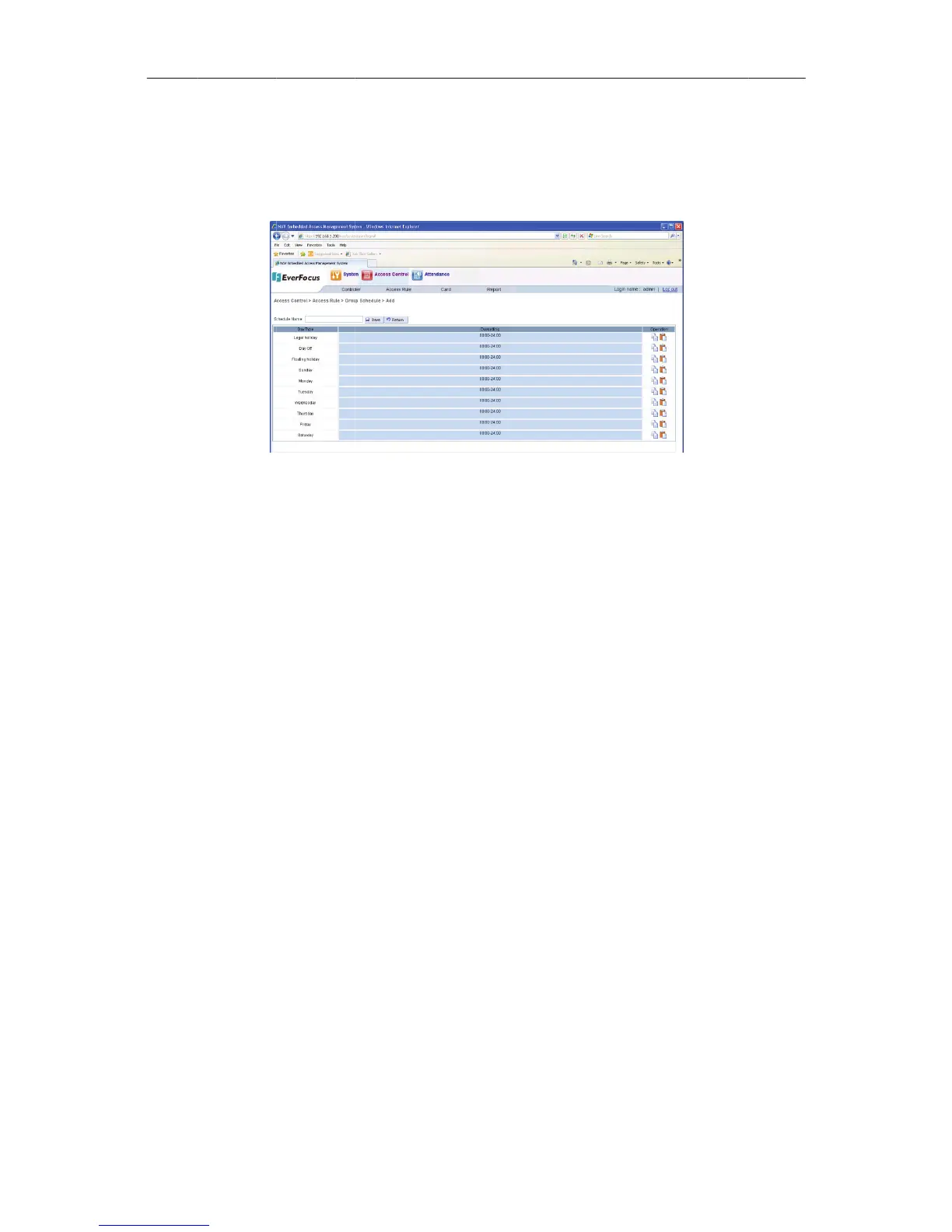
Figure13
o
nthebox.
t
hecolumn
e
xitmode,
s
ckthe“sav
e
hedule
u
lesetting
p
u
tton.
o
n.
d
ule
a
ndclickth
e
117
t
he“Add”bu
4AddaGrou
p
“Daysetti
n
s
hownasF
i
e
buttona
p
age,select
e
“Edit”bu
ttontoadd
a
p
Schedule
n
g”,popup
i
gure135.
ndthene
w
oneormo
r
t
ton,enter
a
newsched
u
aboxwhe
r
w
groupsch
e
r
eschedule
tothegro
u
u
le.
r
ecansett
h
e
dulehave
e
tobedele
t
u
pschedule
h
etime
been
t
ed.
setting

Table of Contents