EasyManua.ls Logo

EverFocus EFC304 - Page 130

EverFocus EFC304
160 pages
Print Icon
To Next Page IconTo Next Page
To Previous Page IconTo Previous Page
Loading...
NAV IP
A
13.4.
2
St
e
1)
2)
3)
4)
13.4.
3
Se
l
page,s
Th
e
sectio
n
In
p
theloc
button
Af
t
followi
A
ccess cont
r
2
DeleteA
e
ps:
Inthed
o
Clickthe
Confirm
t
Clickthe
3
EditAD
o
l
ectadoor
hownasfo
e
defaulte
n
n
s,clickthe
p
utthestar
klevelfort
.Click“Ret
u
t
erbackto
t
ng:
r
olle
r
DoorSch
o
orschedul
e
“Delete”b
u
t
odelete.
“Ok”butt
o
o
orSched
schedulea
n
llowing:
n
try/exitm
o
timebar,e
tandendt
i
hedoorif
u
u
rn”backt
o
t
hepage,c
l
edule
e
settingp
a
u
tton.
o
n.
ule
n
dclickthe
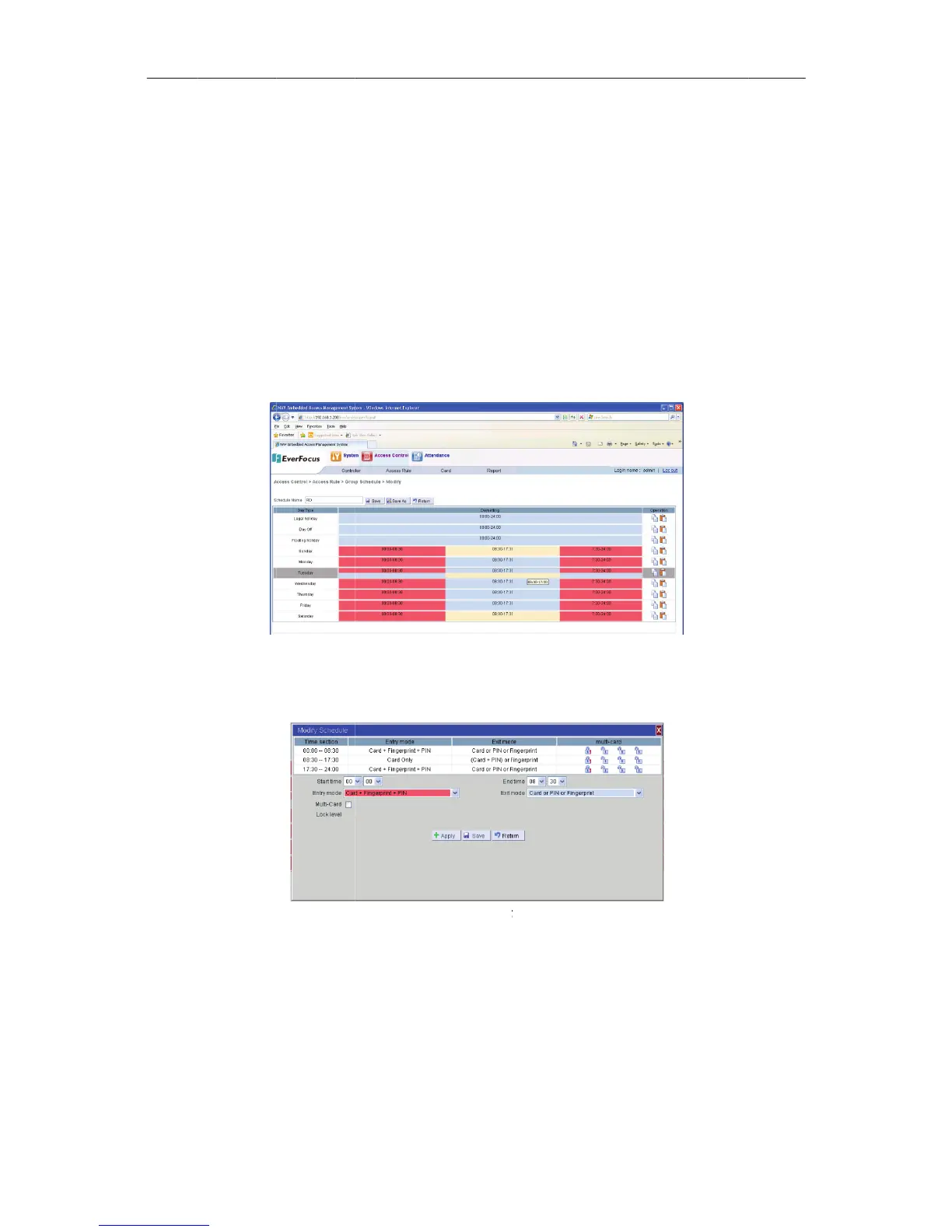
Figure13
o
deis“Car
d
ntertothe
Figure
1
i
me,select
u
singthem
o
groupsc
h
l
ick“Save”
121
a
ge,select
o
“Edit”but
t
13EditaDoo
r
d
only”,ifn
“ModifyS
c
1
314Modify
S
theentry/
e
ulticardac
h
edulesetti
n
button,do
o
o
neormor
e
t
on,entert
o
r
Schedule
eedtoset
t
c
hedule”pa
S
chedul
e
e
xitmodef
o
cess,andc
l
n
gpage.
o
rschedule
e
schedule
t
o
thedoor
s
t
hemodei
n
ge,shown
a
o
rcurrentt
l
ickthe“A
p
havebeen
t
obedelet
e
s
chedules
e
n
different
t
a
sfollowin
g
imesectio
n
p
ply”and
S
saved,sho
e
d.
e
tting
t
ime
g
:
n
,set
S
ave”
wnas

Table of Contents