EasyManua.ls Logo

EverFocus EFC304 - Page 147

EverFocus EFC304
160 pages
Print Icon
To Next Page IconTo Next Page
To Previous Page IconTo Previous Page
Loading...
17.
17.1
N
Ifasta
f
berec
o
Click on
access
a
17.1.
1
Click th
e
the list
“Save”
b
Atten
d
N
oAcce
s
f
fmember
f
o
rdedtore
f
menu opti
o
a
ttendancep
a
1
AddAN
o
e
“Add” butt
and set em
p
b
uttontoap
p
d
ance
s
sAtten
d
f
orgetsto
b
f
lecttheira
o
ns: Attenda
n
a
geshowno
F
i
o
Access
A
on toenter
t
p
loyee num
b
p
lythoseset
t
Figure
Exce
p
d
ance
b
ringorswi
p
ctualatten
d
n
ce Atten
d
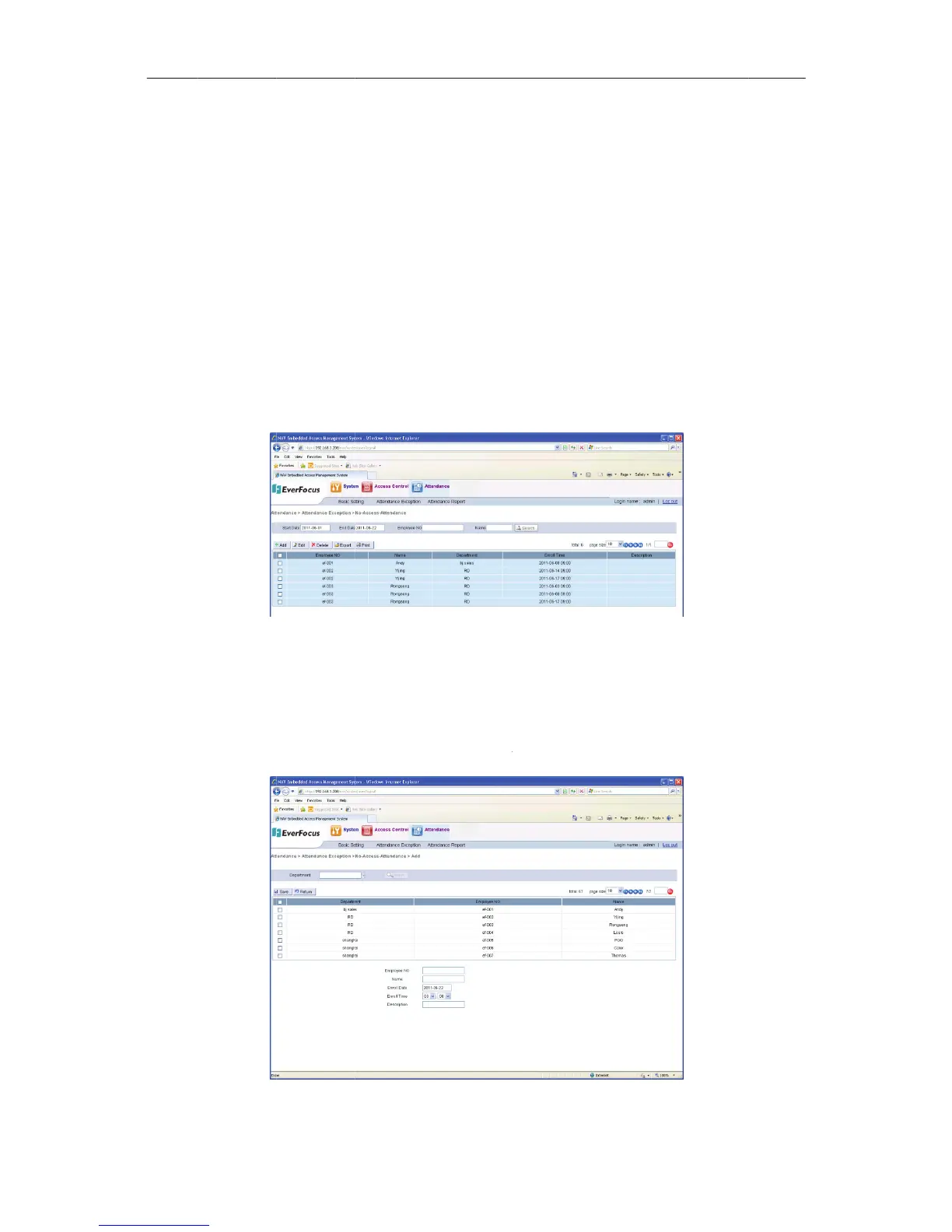
nFigure17
1
i
gure171No
A
ttendanc
e
t
he“noacc
e
b
er, employe
t
ings.Clickth
172AddaN
o
138
p
tion
p
etheirca
r
d
ance.
d
ance Excep
t
1
:
Access
A
tten
d
e
e
ssattendan
c
e name, en
r
e“Back”but
t
o
AccessAtt
e
r
d,anoa
c
t
ionNoAc
c
d
anceEnrollm
e
c
e enrollmen
r
ollment dat
e
t
ontoretur
n
e
ndanceEnr
o
NA
V
c
cessatten
c
essAttenda
n
e
nt
t” detailpa
g
e
, time and
d
n
tothelists
h
o
llment
V
IP Access
c
dances
h
n
ce, to ente
r
g
e. Select a r
e
d
escription.
h
ownonFigu
Cha
p
1
c
ontrolle
r
h
ould
r
the no
e
cord on
Click the
re172:
p
te
r
7

Table of Contents