EasyManua.ls Logo

EverFocus EFC304 - Page 154

EverFocus EFC304
160 pages
Print Icon
To Next Page IconTo Next Page
To Previous Page IconTo Previous Page
Loading...
NAV IP
A
Oncet
h
succes
s
overti
m
17.3.
3
Ifther
e
Select
a
dialog
b
button
17.3.
4
Users
c
Thesy
s
dater
a
Overti
m
17.3.
5
Click
e
willap
p
“Ok”.
D
17.3.
6
Clickt
h
operat
i
A
ccess cont
r
h
echangei
s
ful”.Then
m
erecordh
3
DeleteO
v
e
isaninval
i
a
nOvertim
e
b
oxwillap
p
andthesy
s
4
SearchO
v
c
ansearch
O
s
temwillg
o
a
nge,empl
o
m
eenrollm
e
5
ExportO
v
e
xport”but
t
p
earsoap
a
D
etailedop
e
6
PrintOve
h
e“Print”b
i
onproced
u
r
olle
r
sconfirme
d
clickthe“r
e
asbeenm
o
v
ertimeE
n
i
dOvertim
e
e
Enrollrec
p
earasking
s
temwilldi
v
ertimeE
n
O
vertimeE
n
o
toOverti
m
o
yeeIDand
e
ntsmatch
v
ertimeE
n
t
ontotran
s
a
thforado
e
rationalp
r
rtimeEnr
uttontoen
u
resarein
s
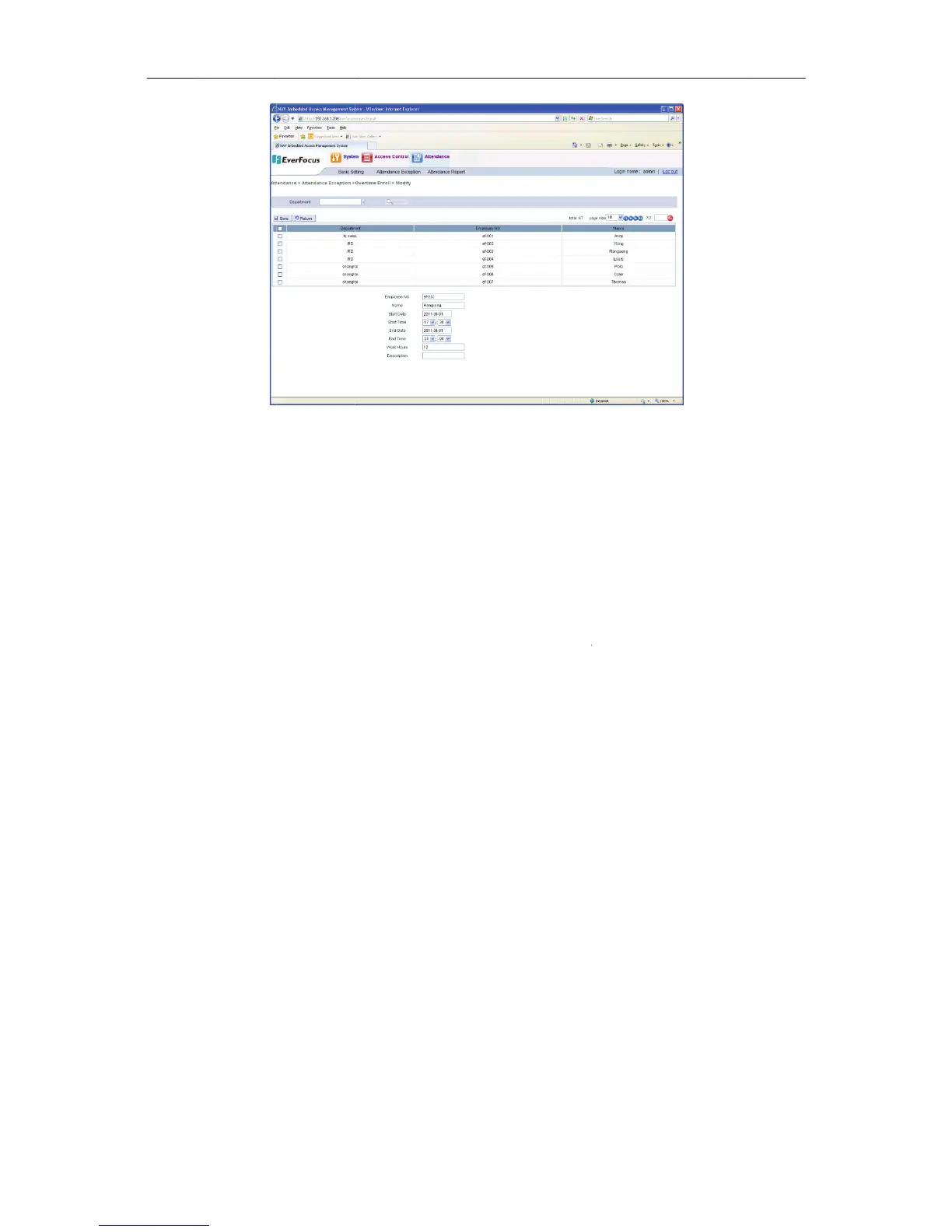
Figure175
E
d
,clickthe
e
turn”butt
o
o
dified.
n
roll
e
Enrollrec
o
ordtobed
toensure
t
splayacon
n
roll
n
roll.
m
eEnrollof
staffmem
b
ing,theyw
n
roll
s
ferallOve
r
cumentca
n
r
oceduresa
oll
teraprint
r
s
ection7.1.
145
E
ditaOvertim
e
Save”but
t
o
ntogoba
o
rd,usersc
eletedand
t
hedeletio
n
firmation
o
theprese
n
b
ername.
C
illbedispla
r
timeEnrol
n
begiven.
reinsectio
r
equestof
t
8,PrintFu
n
e
Enrollment
t
onandthe
cktotheli
s
andeletei
t
clickthe
D
n
request.
T
o
fthedeleti
n
tmonth.U
C
lickthe“s
e
yedinthel
lrecordsin
Chooseal
o
n7.1.7,Ex
p
heOverti
m
n
ction.
systemwil
s
t,wereyo
u
t
.
D
elete”but
t
T
oproceed,
onrequest
serscanse
a
e
arch”butt
o
ist.
aCSVfor
m
o
cationfor
t
p
ortFuncti
o
m
eEnrollre
c
lprompt
E
u
canseet
h
t
on.Apro
m
clickthe
o
beingsucc
e
a
rchbyap
p
o
nandift
h
m
at.Adialo
g
t
hefileand
o
n.
c
ords.Detai
E
dit
h
e
m
pt
o
k”
e
ssful.
p
lyinga
h
ereare
g
box
click
led

Table of Contents