EasyManua.ls Logo

EverFocus EFC304 - Page 157

EverFocus EFC304
160 pages
Print Icon
To Next Page IconTo Next Page
To Previous Page IconTo Previous Page
Loading...
18.3.
1
Steps:
1)
2)
3)
18.3.
2
Click
e
dialog
b
andcli
c
18.3.
3
Clickt
h
Detaile
18.4
S
Torevi
e
thepa
g
Depart
Therep
o
1
Generat
e
Inputthe
Inputthe
Clickthe
2
ExportS
t
e
xport”but
t
b
oxwillap
p
c
k“Ok”.De
3
PrintSta
t
h
e“Print”b
doperatio
n
S
tatistic
s
e
wtheSta
t
g
easshow
n
ment.
o
rtcanbeg
e
e
Statistics
employee
startand
e
Search”b
u
t
atisticsb
y
t
ontotran
s
p
earsoap
a
tailedoper
a
t
isticsby
C
uttontoen
n
procedur
e
s
ByDep
a
t
isticsbyD
e
n
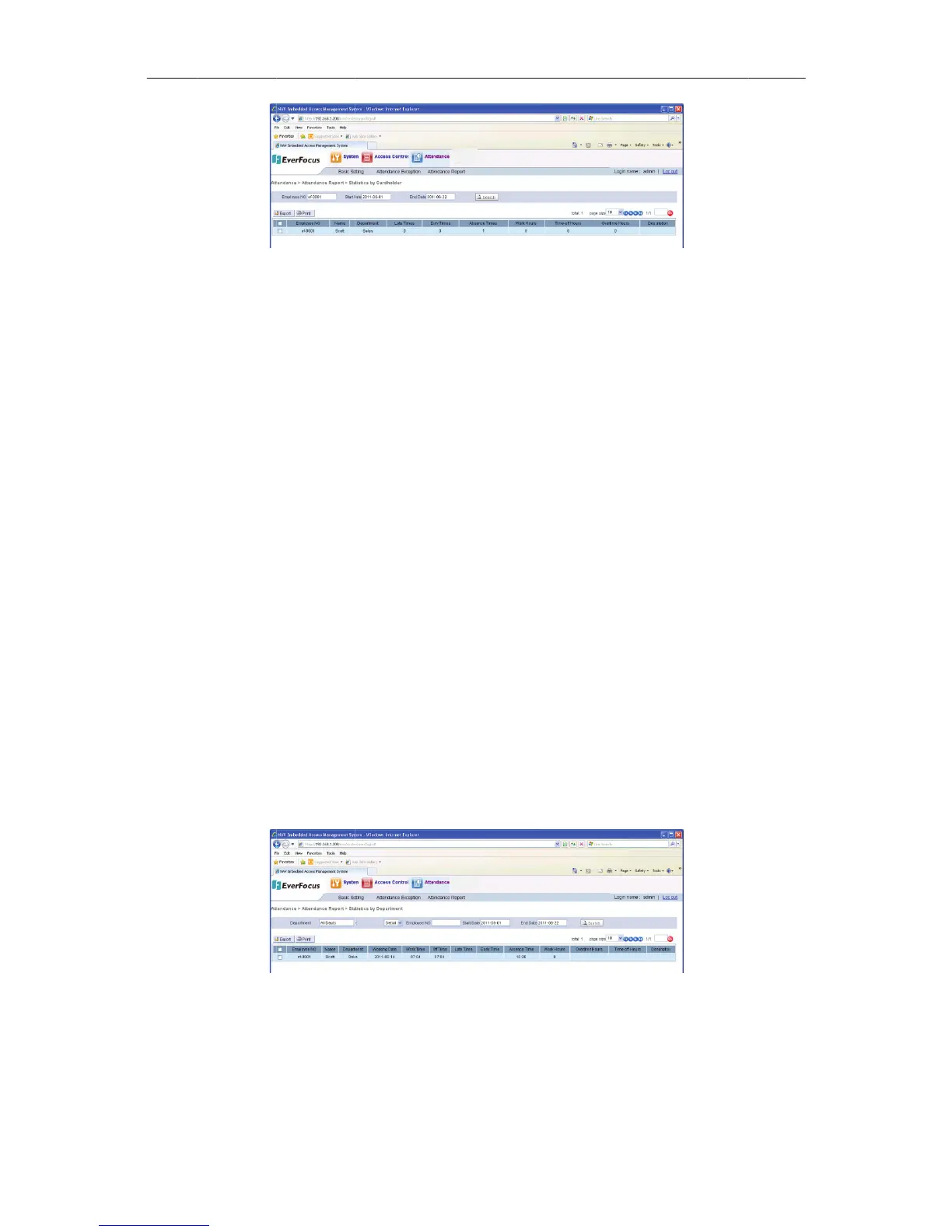
onFigure
e
neratedint
w
Figure18
3
byCardh
numberin
t
e
ndtime.
u
tton,the
m
y
Cardhol
d
s
ferallStat
i
a
thforado
a
tionalpro
c
C
ardhold
e
teraprint
r
e
sareinse
c
a
rtment
e
partment
S
184:Atten
d
Figure18
4
w
oways:Re
p
148
3
Statisticsby
C
olderRe
p
t
he“Emplo
m
atchingre
c
d
erRepo
r
i
sticsbyCa
r
cumentca
n
c
eduresar
e
e
rReport
r
equestof
t
c
tion7.1.8,
S
ection,Cli
c
d
ance>At
t
4
Reportbya
D
p
ortbyDepa
r
C
ardholde
r
p
ort
yeeNO”b
o
c
ordswillb
r
t
r
dholderR
e
n
begiven.
C
e
insection
heStatistic
PrintFunc
t
c
kthefollo
w
t
endanceR
e
D
epartmen t
r
tmentandS
t
NA
V
o
x.
eshownin
e
cordsina
C
C
hooseal
o
7.1.7,Expo
sbyCardh
o
t
ion.
w
ingmenu
e
port>Stati
s
t
atisticsbyD
V
IP Access
c
thelist.
C
SVformat
.
o
cationfor
t
rtFunction
o
lderrecor
d
optionsto
e
sticsby
epartment.
c
ontrolle
r
.
A
t
hefile
.
d
s.
e
nter

Table of Contents