EasyManua.ls Logo

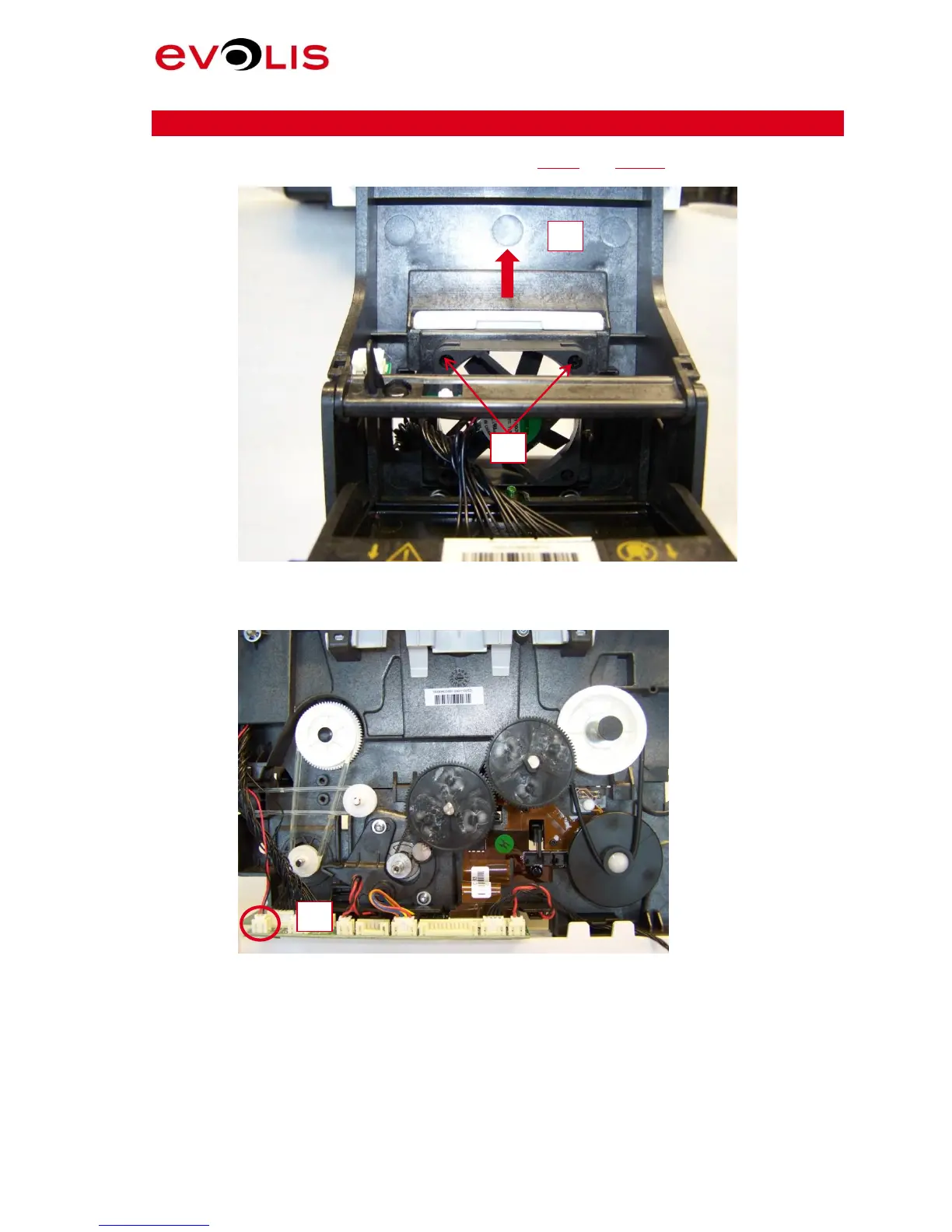
Evolis Primacy - Step 28 - Fan Kit - S10100; Picture 73: Fan - 1; Picture 74: Fan Connector

Evolis Primacy
61 pages
Print Icon
To Next Page IconTo Next Page
To Previous Page IconTo Previous Page
Loading...
Primacy Service Manual
57 / 61
Step 28 FAN KIT S10100
1. First, be sure to have completely performed Step 8 and Step 26.
2. Remove the filter fan.
Picture 73: Fan - 1
3. Remove the two rivets.
4. Disconnect the fan cable.
Picture 74: Fan Connector

3
4
5

Table of Contents

Other manuals for Evolis Primacy

Related product manuals