Design and function
MMA welding
099-000115-EW501
17.06.2015
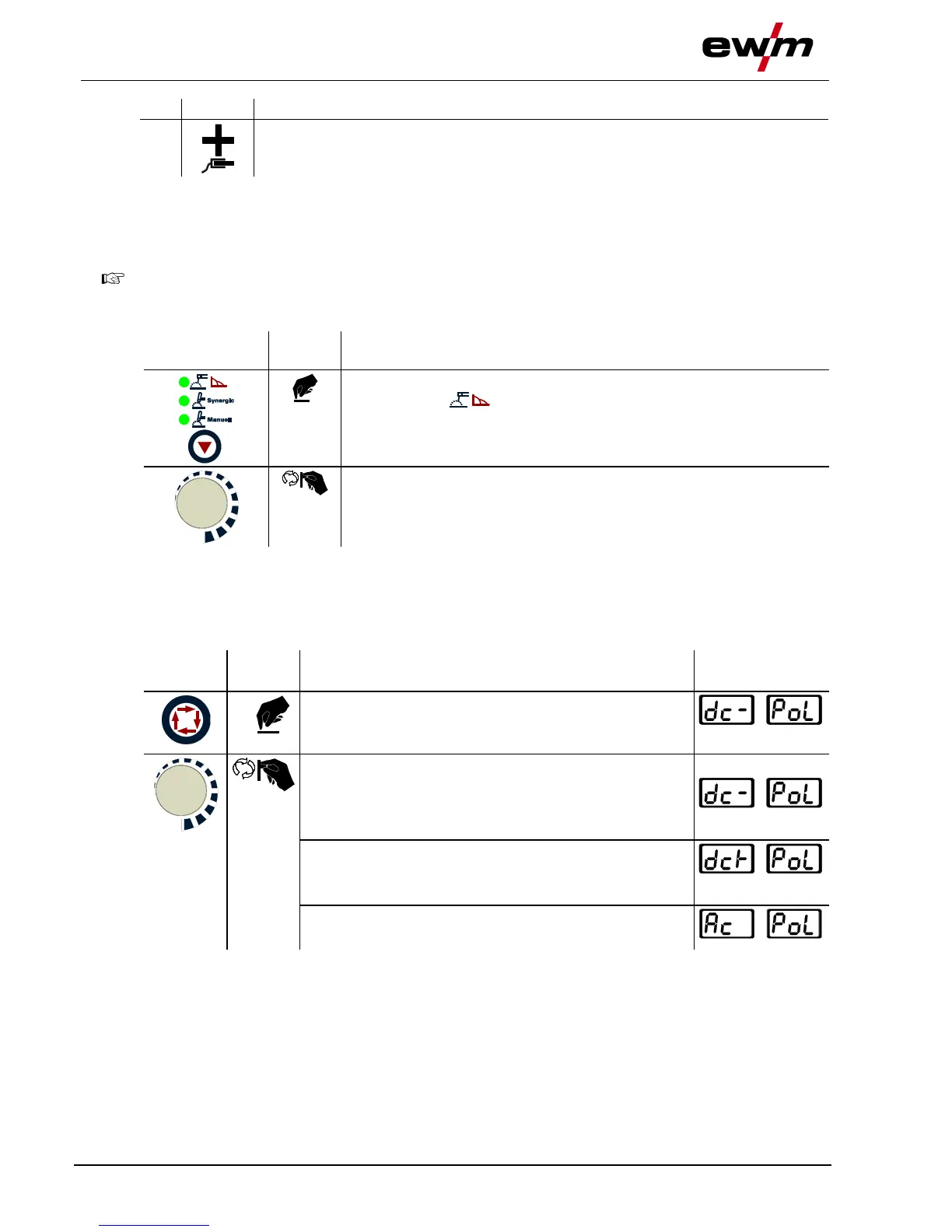
Connection socket, “+” welding current
Connection for workpiece lead
• Insert cable plug of the electrode holder into either the "+" or "-" welding current connection socket and
lock by turning to the right.
• Insert cable plug of the workpiece lead into either the "+" or "-" welding current connection socket and
lock by turning to the right.
Polarity depends on the instructions from the electrode manufacturer given on the electrode
packaging.
5.14.2 Select welding task
Select MMA welding process.
The signal light comes on in green.
5.14.3 Welding current polarity reversal (polarity reversal)
This function can be used to reverse the welding current polarity electronically.
For example, when welding with different electrode types for which different polarities are stipulated by
the manufacturer, the welding current polarity can be switched easily on the control.
5.14.4 Selection and adjustment
Select welding current polarity welding parameter:
Press until welding current polarity AC/DC signal light
comes on.
Set welding current polarity
DC- position
"-" polarity on connection socket, welding current "-"
"+" polarity on connection socket, welding current "+"
DC+ position
"+" polarity on connection socket, welding current "-"
"-" polarity on connection socket, welding current "+"
AC position
MMA alternating current welding








 To Next Page