Setting up Your Unit
Optical Explorer 89
Reverting to Factory Settings
Reverting to Factory Settings
At any time, you can use one of these options, according to your needs:
³ reset all settings of the unit that you have customized, such as the
thresholds, to their default values
³ reset the OX1 to factory settings (all customized settings and erase all
measurements)
³ reset the battery indicator information once you have replaced the
battery (see Replacing the Battery on page 178 for details)
To revert values to factory settings:
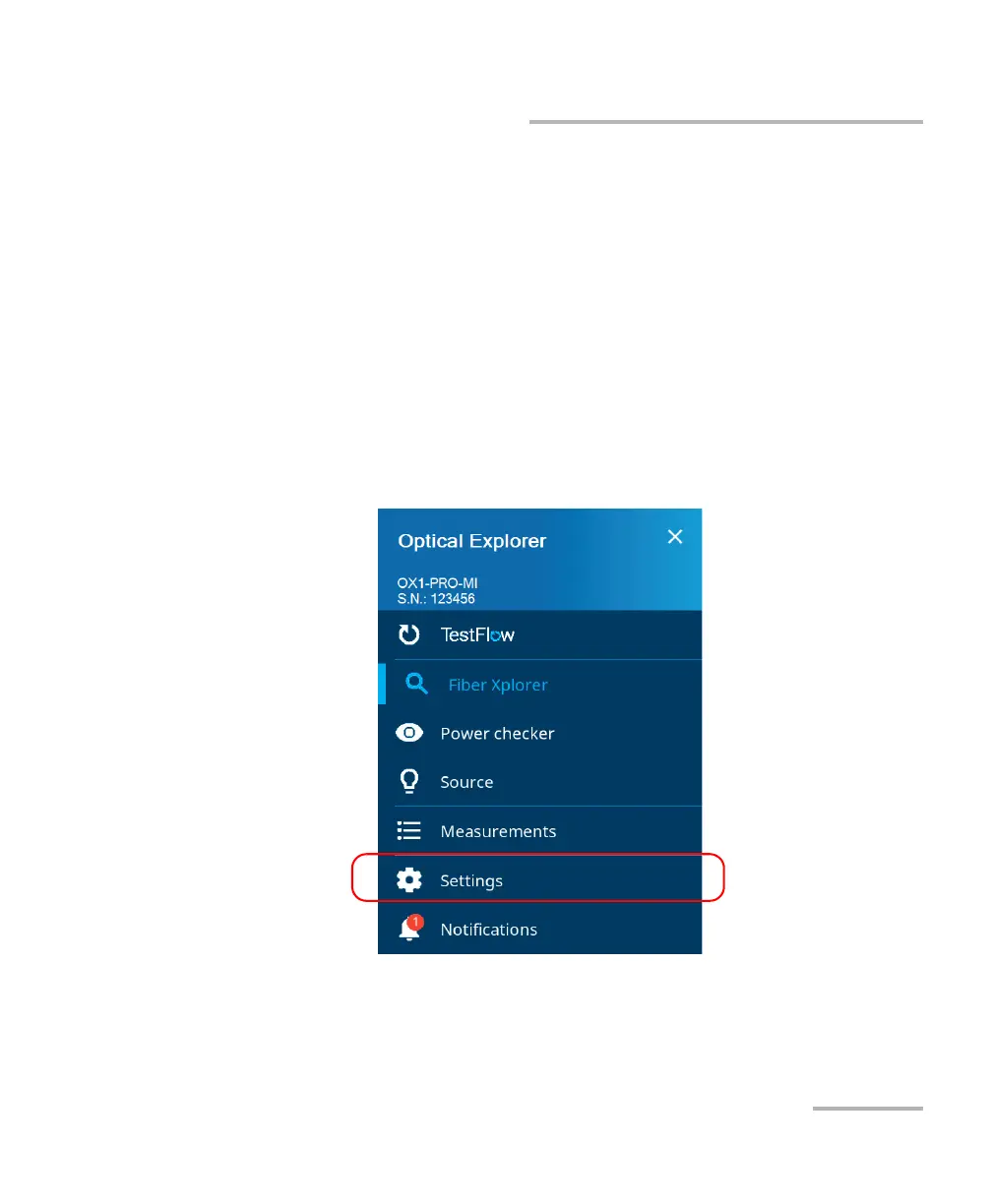
1. From the main menu, tap Settings.



 To Next Page