Managing Test Results
Optical Explorer 129
Deleting Measurements
Deleting Measurements
Every time you perform a measurement that is not part of a TestFlow job,
the unit stores it under a sequential name generated automatically. The
numeric part of the name increases from 000 to 999. Once the numeric
part of the name reaches 999, it is reset to 000 automatically. The new
results will then overwrite the existing ones bearing the same name.
You can manually delete the measurements that you no longer need.
Note: The unit will always use the next name in sequence to store a
measurement. This means that, for example, even if you delete the
OX1-003 measurement right after it is complete, the unit will not reuse
OX1-003 for the next measurement, but will use OX1-004.
To delete measurements manually:
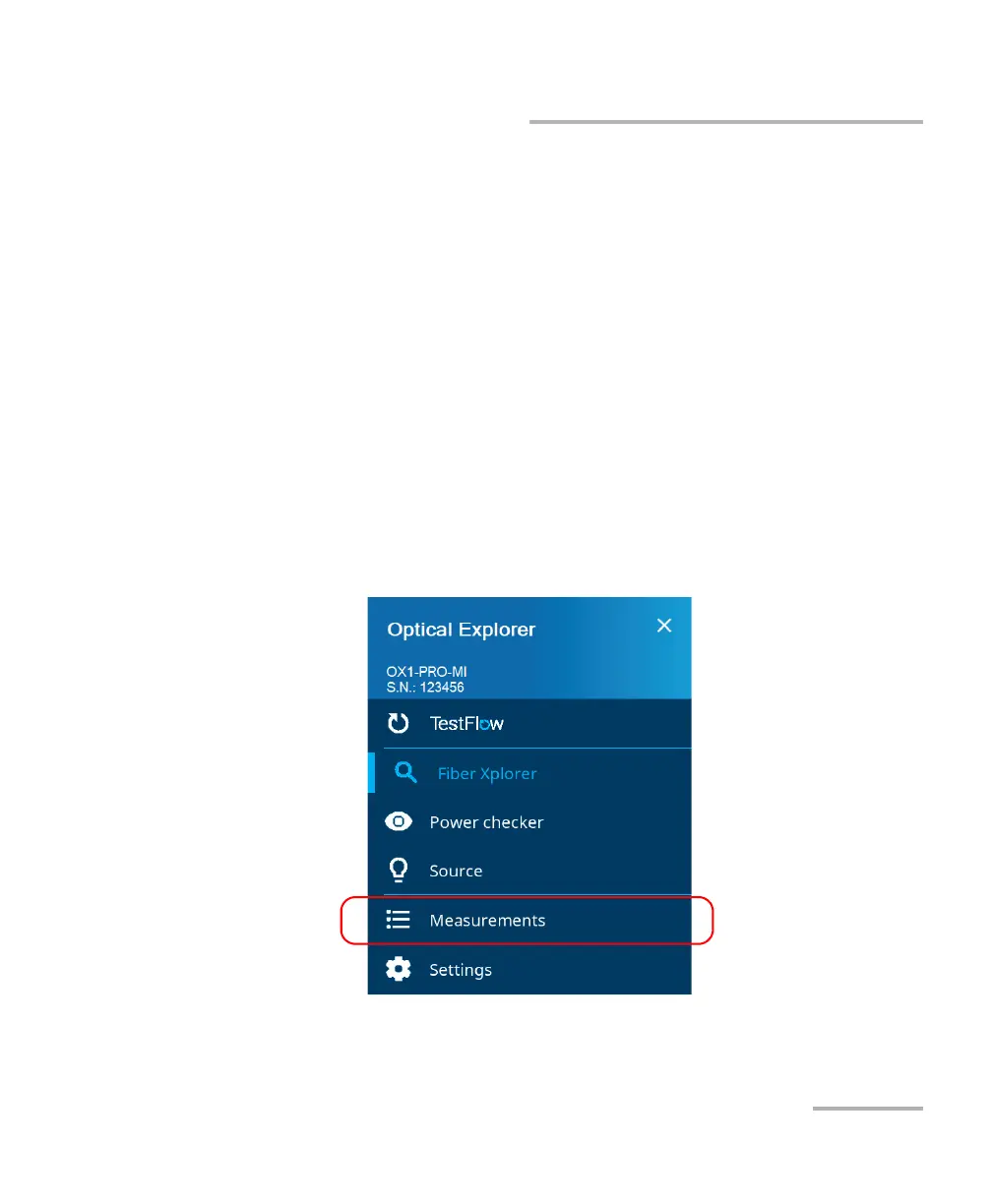
1. From the main menu, tap Measurements.



 To Next Page