Setting up Your Unit
40 OX1
Enabling or Disabling Sound Notifications
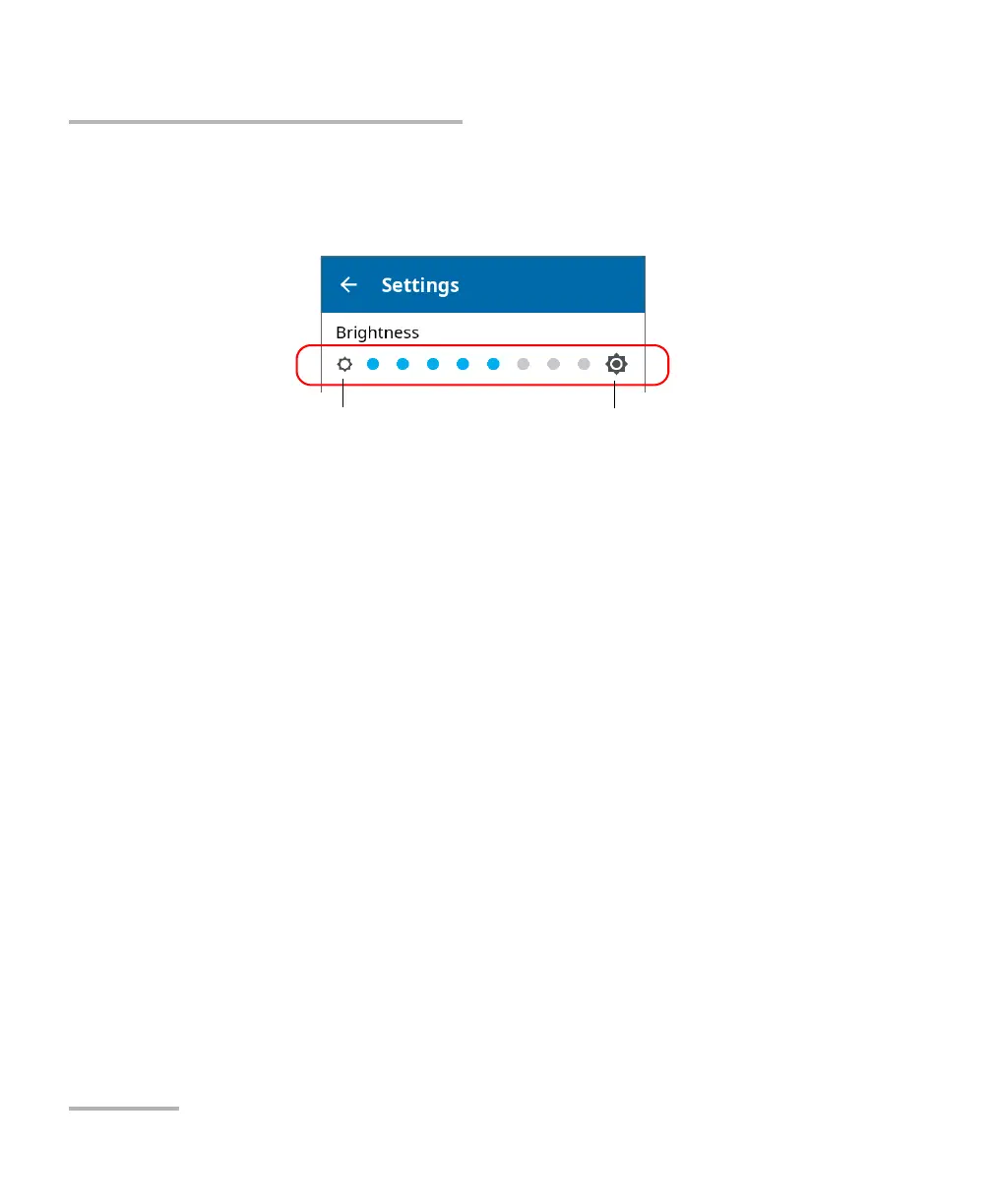
2. Under Brightness, tap the dots until the screen appearance is to your
liking. You can also tap the desired brightness icon to quickly set the
brightness to the minimum or the maximum value.
The new brightness value is taken into account immediately.
Enabling or Disabling Sound Notifications
By default, your unit emits a sound at the end of a measurement and when
the power checker detects a tone.
This sound varies with the type of notification, which means that you will
hear a different sound in each of these situations:
³ At the end of a measurement performed using EXFO Advisor
thresholds.
³ At the end of a measurement performed using custom thresholds
when its status is Pass.
³ At the end of a measurement performed using custom thresholds
when its status is Fail.
³ When the power checker detects a tone from a source.
You can disable the sound notifications if you prefer. Your preference is
kept in memory even when you turn the unit off.
To set the brightness to the
minimum value
To set the brightness to the
maximum value



 To Next Page