Testing Fibers
96 OX1
Working With Link Results
Working With Link Results
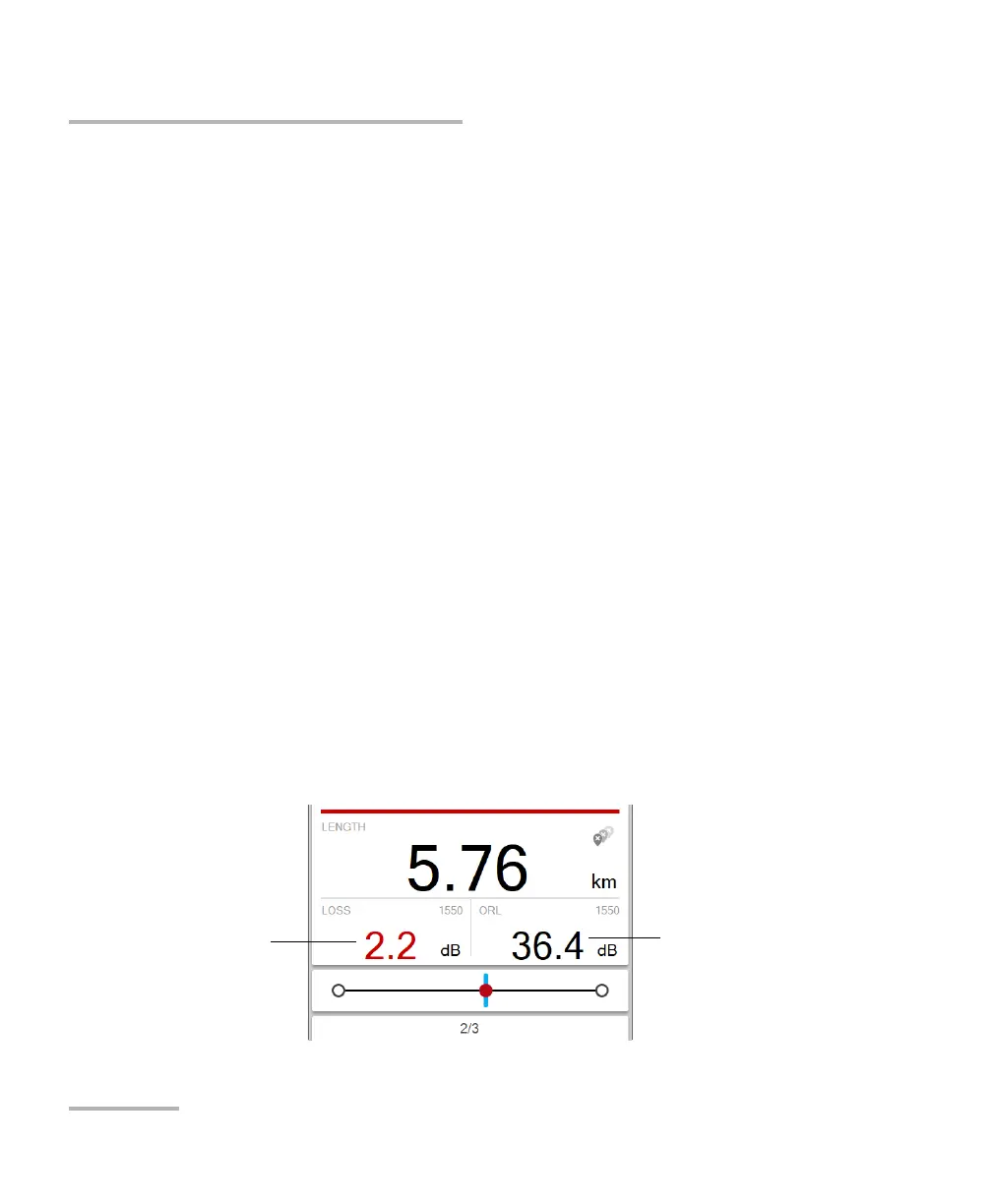
You can view, at a glance, the pass/fail status of the link, the link length, the
loss and ORL values for the link. The pass/fail status depends on the status
of each value and it will be:
³ Pass: when each element on the link has a pass status
³ Fail: when at least one of the element on the link has a fail status
³ Unknown: when no threshold is configured or a span value (length,
loss, ORL) is not available
Note: If you choose to include the optical power of a link in the measurement, the
value will be displayed in the Fiber Xplorer page. This value is taken into
account in the status of the global acquisition. See Enabling or Disabling
Power Measurements on page 59 for details.
In Fault Xplorer and Link Mapper, the application displays a pass/fail status
when custom thresholds are applied.
Since you cannot use custom thresholds in Flash Advisor, EXFO Advisor
rates the quality of the results according to the parameters used for the
measurement. The ratng ranges from zero to five stars (half stars are
possible). The same rating is applied to all wavelengths. If you use the
EXFO Advisor thresholds in Fault Xplorer and Link Mapper, there will be no
pass/fail status displayed either.
Worst link ORL value
among selected
wavelengths
Worst link loss value
among selected
wavelengths



 To Next Page