Setting up Your Unit
86 OX1
Configuring the IOR Value
Configuring the IOR Value
Having the proper index of refraction (IOR) is crucial for all measurements
associated with distance (element position, total length, etc.). By doing so,
you ensure that the distances are more accurate for your measurements.
You can edit the IOR value associated with the 1550 nm wavelength only.
The unit automatically finds the corresponding IOR value for other
wavelengths.
IOR is provided by the cable or fiber manufacturer.
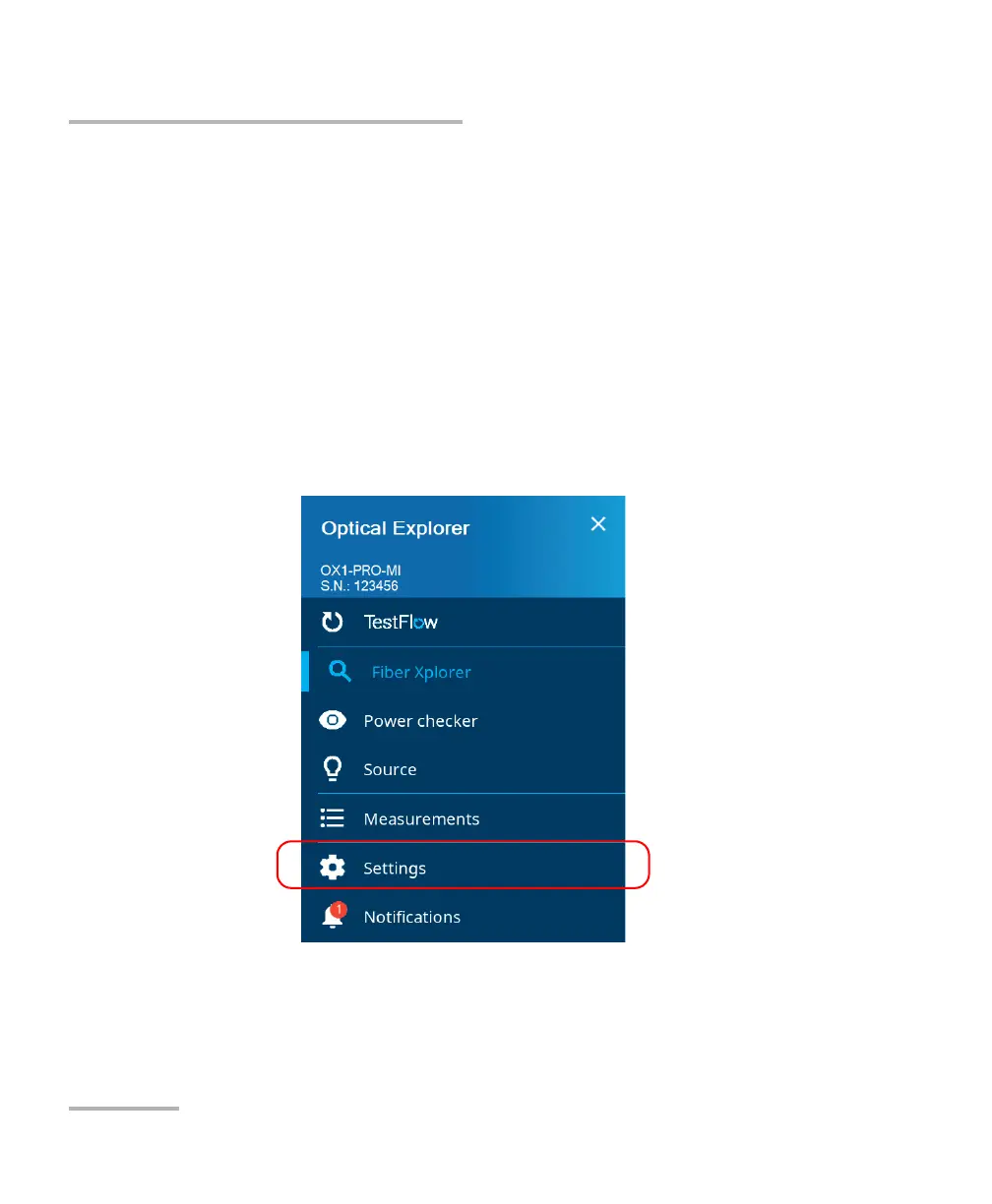
To configure the IOR value:
1. From the main menu, tap Settings.



 To Next Page