Setting up Your Unit
Optical Explorer 85
Working With a Demarcation Section
4b. Tap the threshold that you want to modify.
4c. Enter a new value.
4d. Tap OK to return to the Demarcation section page.
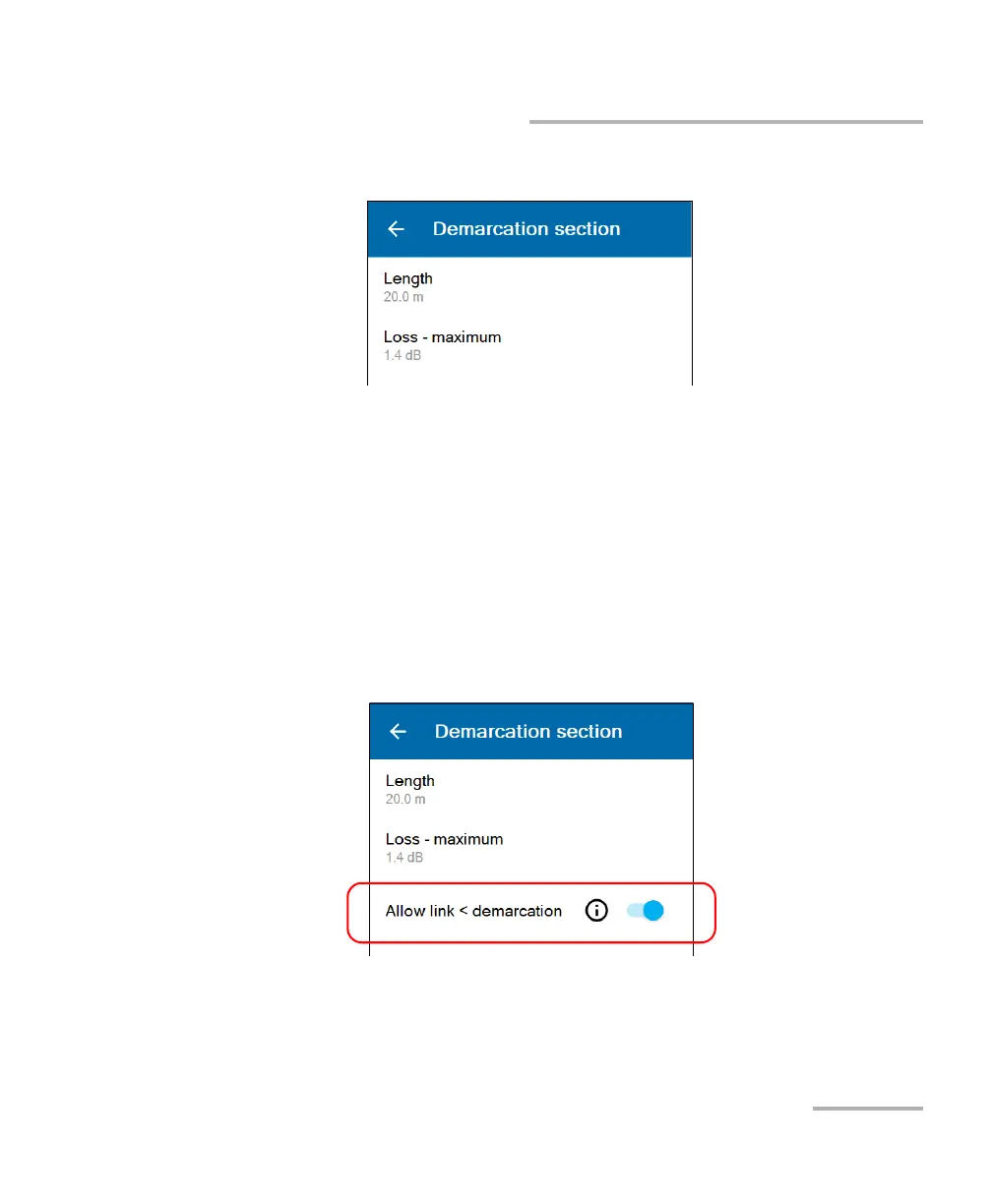
5. Use the Allow link < demarcation toggle button to define the behavior
of the unit when it detects the end of the link before the end of the
demarcation.
³ To have the last event identified as the actual end of fiber (Pass),
enable the feature.
³ To have the last event identified as a fiber break (Fail), disable the
feature.
The new thresholds will be taken into account for the next measurement.



 To Next Page