Working With the TestFlow Mobile Application
Optical Explorer 163
Configuring the Unit’s Behavior After a Pass Measurement
Configuring the Unit’s Behavior After a Pass
Measurement
If you are working with a TestFlow job, by default, the application saves
measurements with a pass status automatically and goes directly to the
next test except when using the EXFO Advisor thresholds. The unit will not
go to the next test if the measurement has a fail status, therefore you can
perform fail measurements again if desired (see Performing a
Measurement Again on page 165 for details). Even if the status changes
from fail to pass after having performed a measurement again, the unit will
not switch to the next test automatically. You will have to use the navigation
arrow to go to the next test.
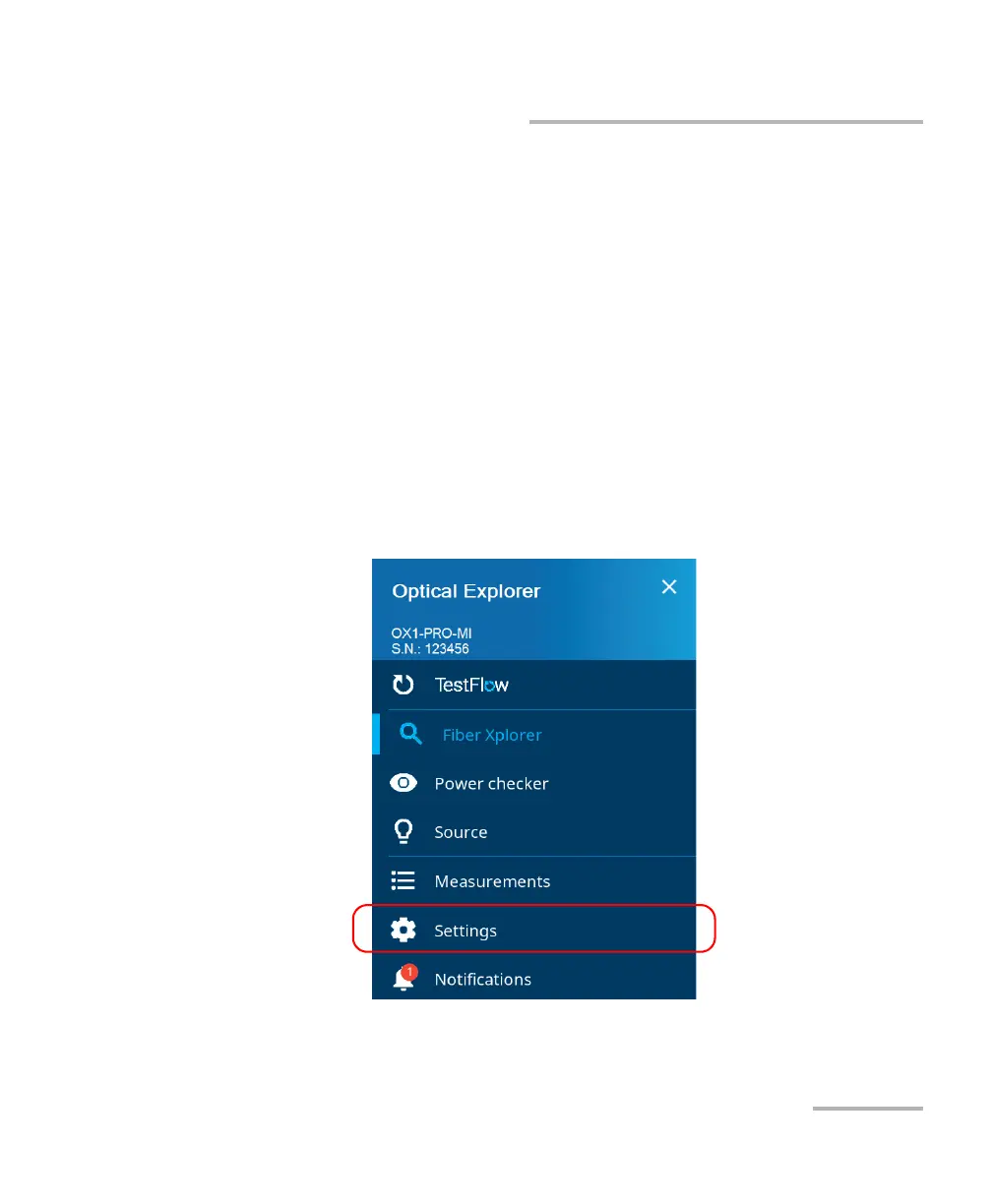
To configure the unit’s behavior after a pass measurement:
1. From the main menu, tap Settings.



 To Next Page