Working With the TestFlow Mobile Application
162 OX1
Transferring a TestFlow Job to the OX1
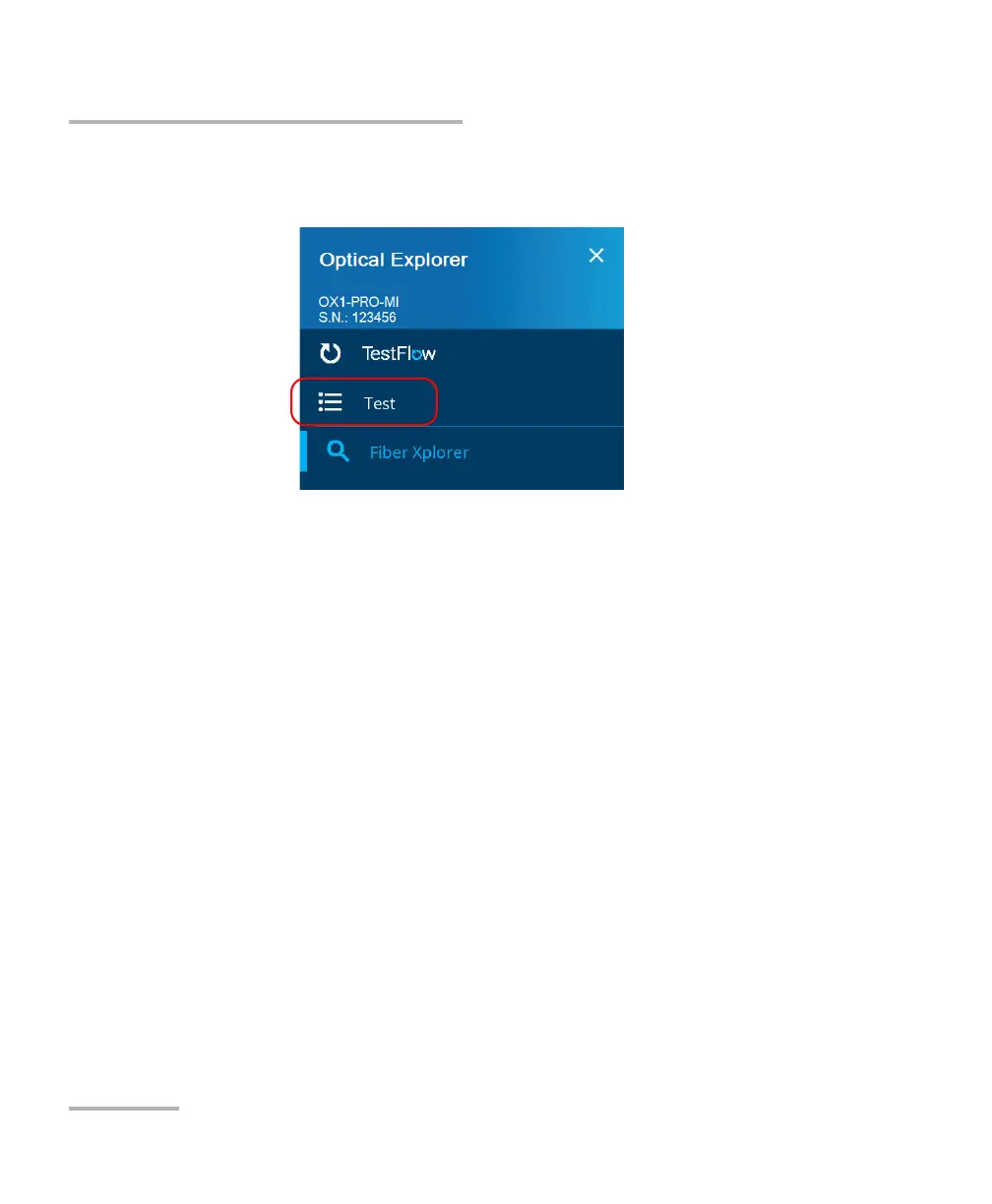
5. In the OX1, from the main menu, tap the name of the job you have just
transferred.
6. Tap the test you want to perform.
Note: From the main menu, you can tap TestFlow to go directly to the next test
you have to perform.
You are now ready to perform the tests in a job (see Performing
Measurements on page 92 for details).



 To Next Page