Maintenance
174 OX1
Cleaning SC Connectors
Cleaning SC Connectors
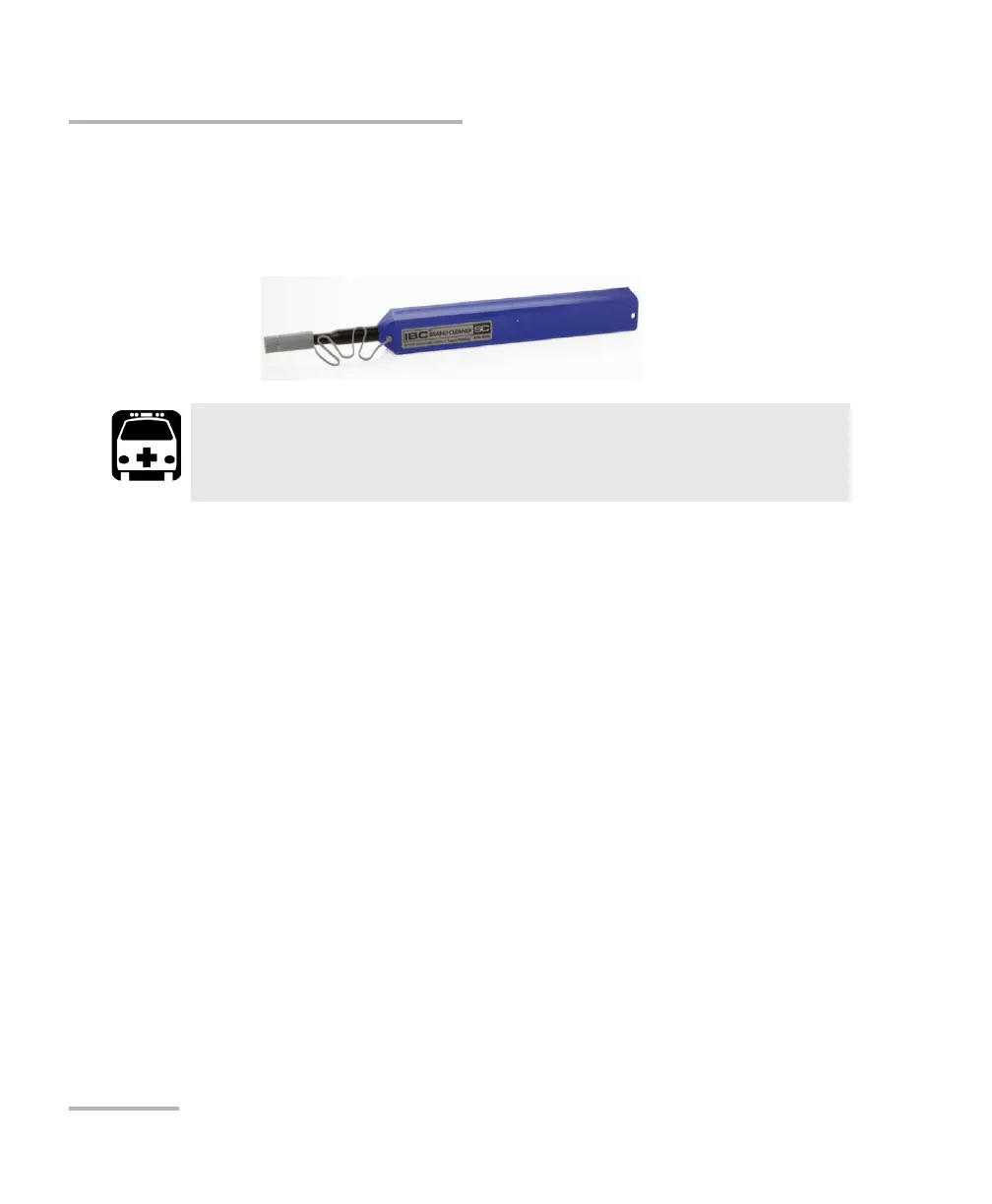
Your unit is equipped with an SC connector that can be cleaned using a
mechanical cleaner.
To clean a connector using a mechanical cleaner:
1. Insert the cleaning tip into the optical adapter, and push the outer shell
into the cleaner.
Note: The cleaner makes a clicking sound to indicate that the cleaning is done.
2. Verify connector surface with a fiber inspection probe (for
example, EXFO’s FIP).
WARNING
Verifying the surface of the connector with a fiber-optic microscope
WHILE THE UNIT IS ACTIVE WILL result in permanent eye damage.



 To Next Page