Troubleshooting
Optical Explorer 215
Testing the Touchscreen
Testing the Touchscreen
Your unit comes with a tool enabling you to verify that the touchscreen is
working as expected.
To help you verify the behavior of the touchscreen, you will see the
following:
³ A red dot displayed for each quick tap on the screen.
³ A blue dot displayed for each long tap.
³ A blue line appearing as you move the tip of your finger around the
screen while applying pressure.
To test the touchscreen:
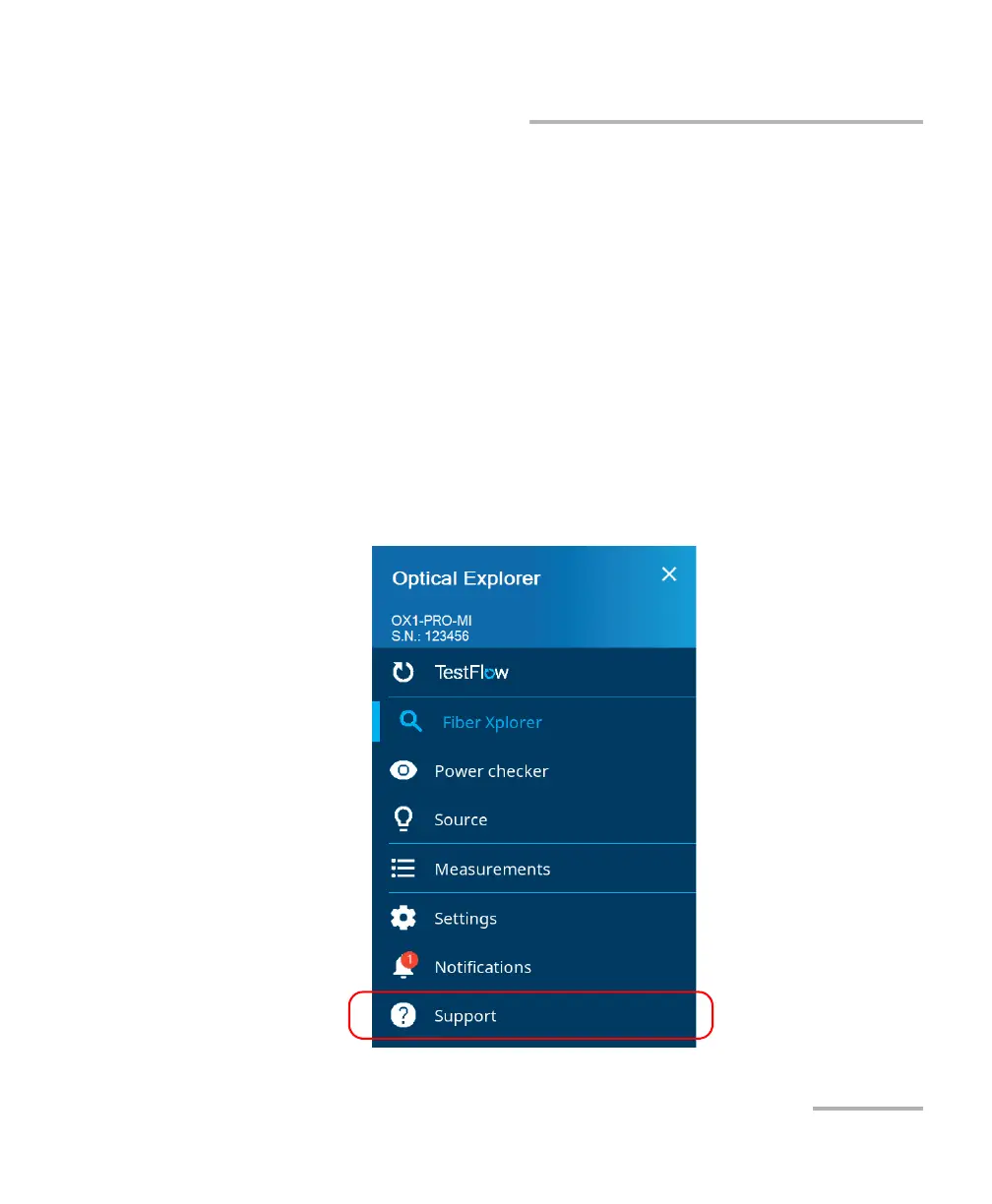
1. From the main menu, tap Support.



 To Next Page