Troubleshooting
224 OX1
Viewing System Information
Viewing System Information
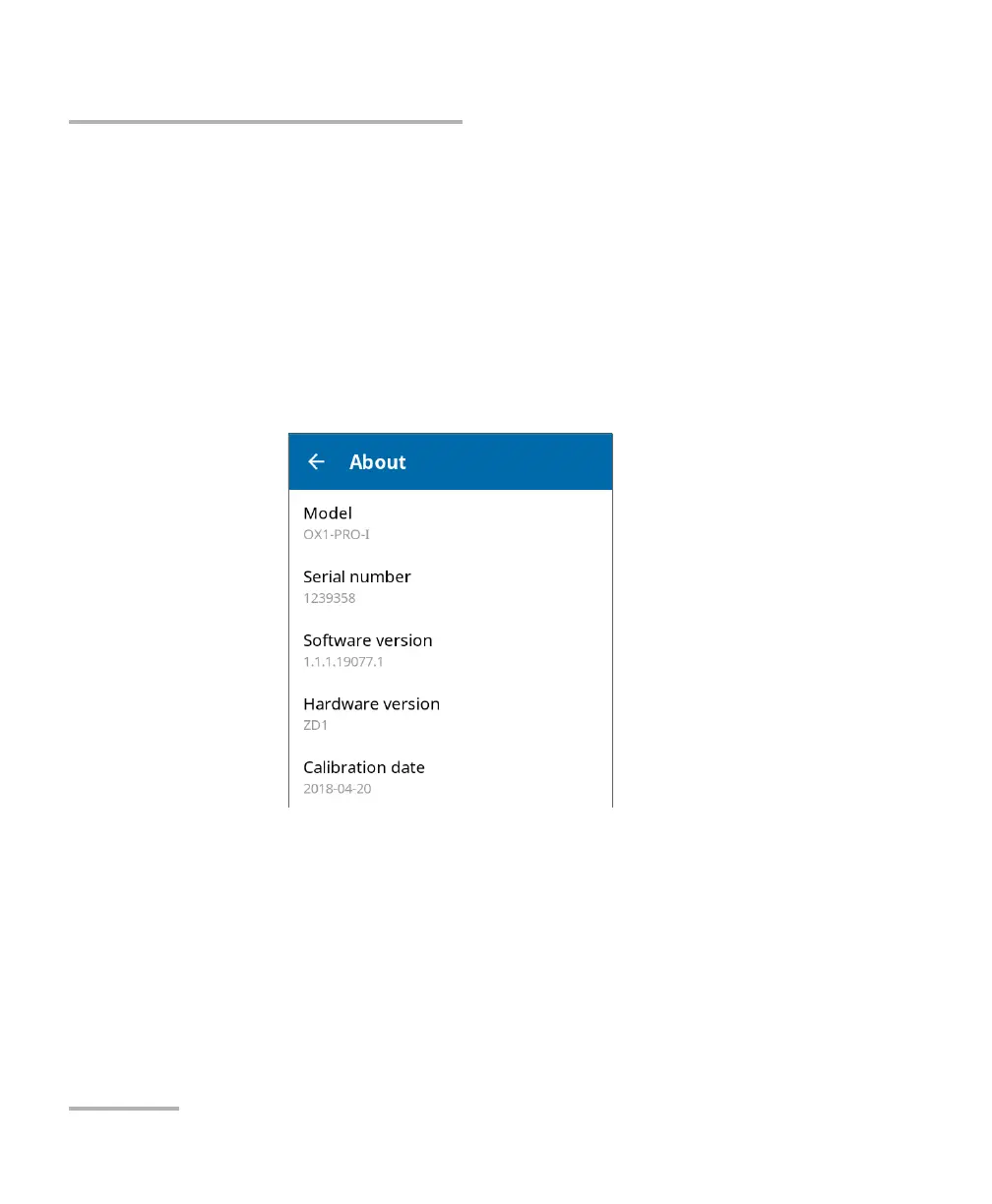
You can easily access important information such as the model of your
unit, the serial number, the software and hardware versions, as well as the
latest hardware calibration, directly from your unit. You can also find the
contact information if you ever need to reach EXFO.
To view the system information:
From the main menu, tap Settings, and then About.
The information you want to view is displayed on screen.



 To Next Page