Troubleshooting
Optical Explorer 223
Sharing Information With the Technical Support Group
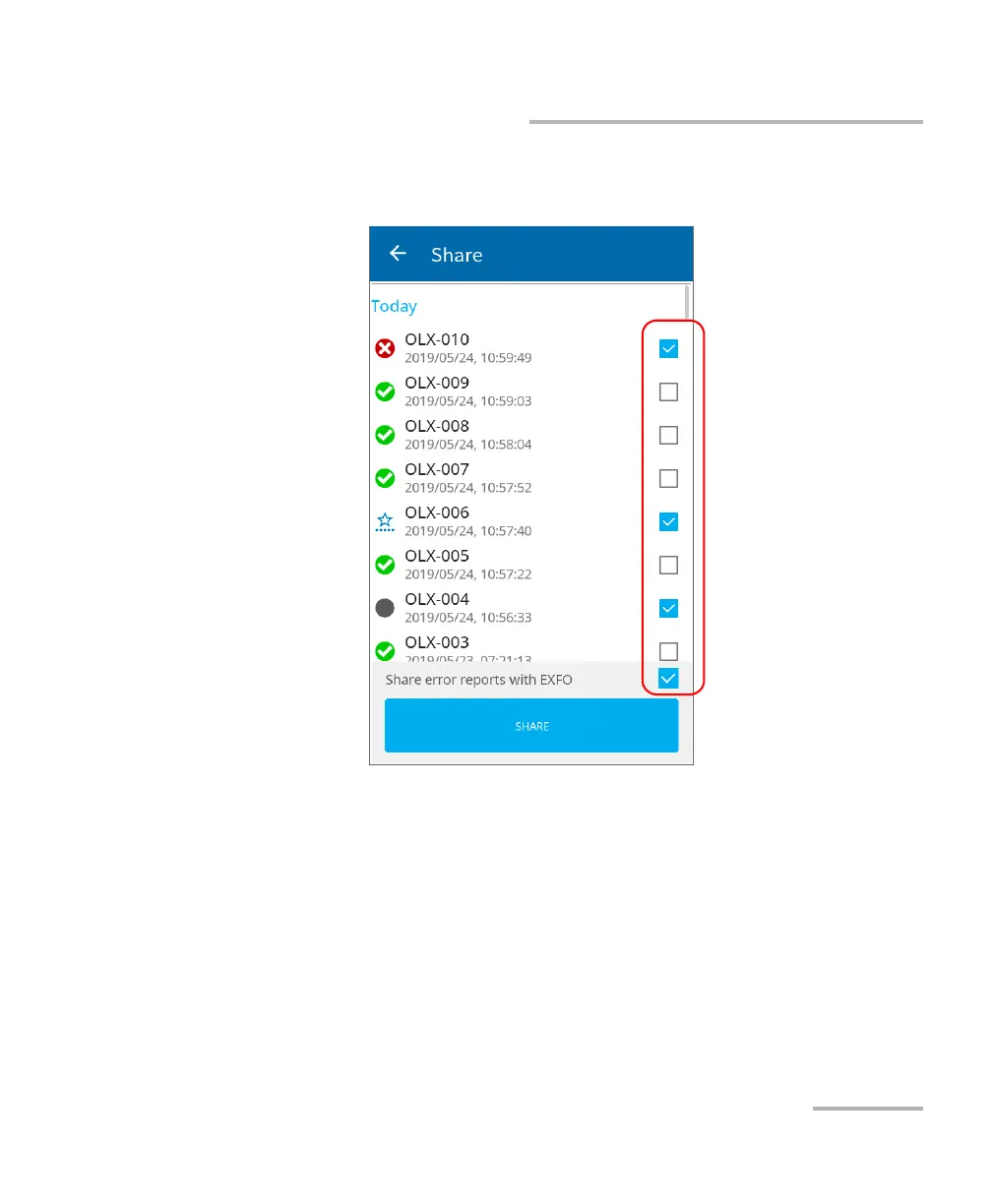
3. Select the check boxes corresponding to the measurement files that
you want to share.
4. You can also share error reports with EXFO by selecting the
corresponding checkbox.
5. Once your selection is complete, tap SHARE.
A confirmation message is displayed as soon as the transfer is complete.



 To Next Page