Managing Test Results
Optical Explorer 127
Changing an Element Type
Changing an Element Type
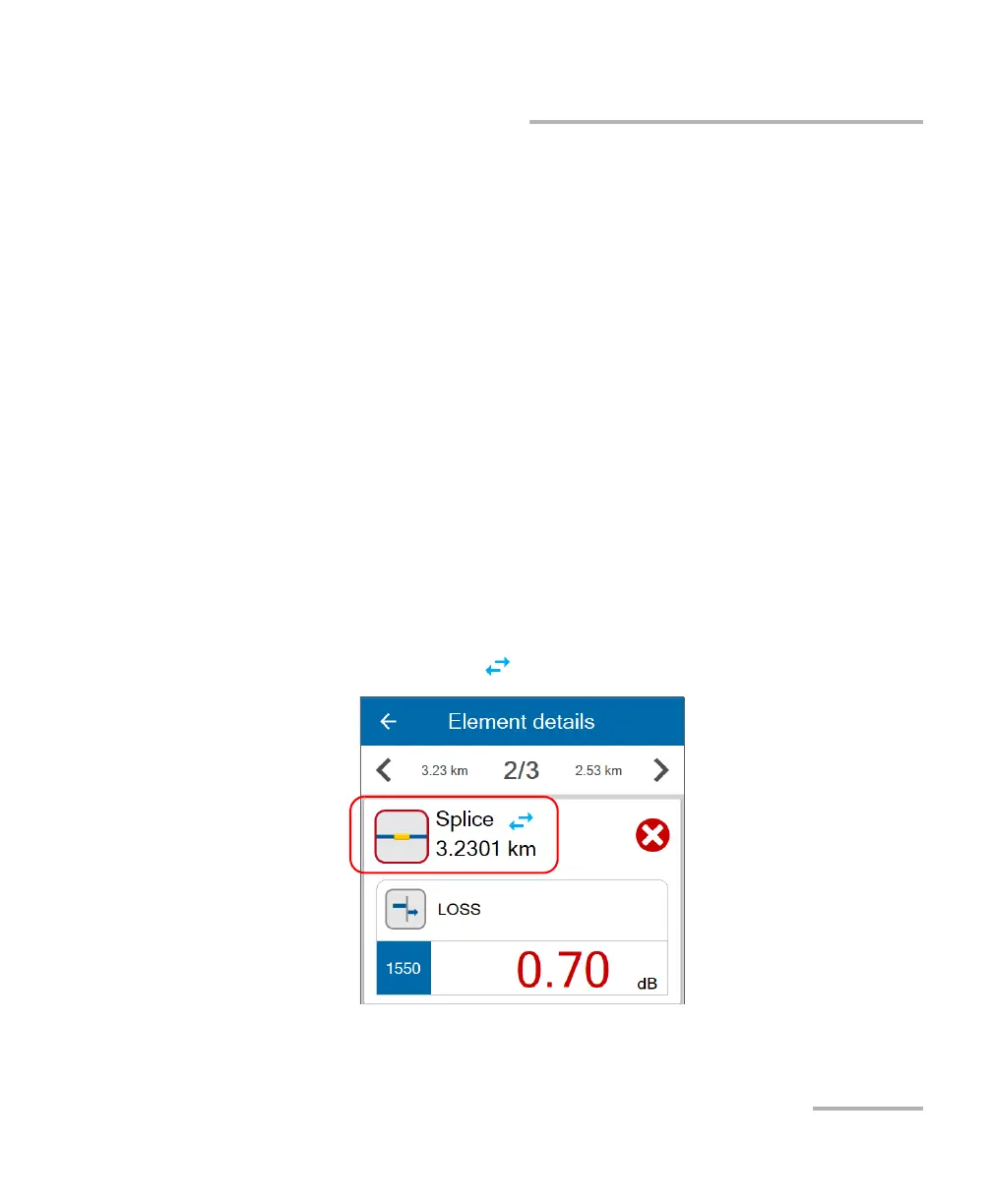
In Fault Xplorer and Link Mapper, you can change the element type
identified as “splice” to the element type “connector”. The splice must be
between the link start and the link end. A “*” sign is displayed to notify you
that the former splice is now considered as a connector. Once the element
type has been changed, the unit reanalyzes the measurement
automatically by reapplying the thresholds of the connector. Both the
pass/fail status of the element as well as the status of the whole link are
refreshed.
Note: You can change back the element type now identified as “connector” to the
element type “splice” but the “*” sign will still be displayed.
Note: No confirmation message will be displayed to confirm your change.
To change an element type:
1. In the link results area, tap the element you want to modify.
See Working With Link Results on page 96 for details.
2. Use the blue arrows to change the element type.



 To Next Page