Using the Power Checker
110 OX1
Setting Reference Values on Your Power Checker
Setting Reference Values on Your Power
Checker
In loss measurement mode, your unit displays on screen the loss created
by the fiber under test only, since it subtracts a reference value from the
measured power.
You can set a different reference value for each wavelength. The reference
value remains available as long as you do not restart the unit. By default,
the reference value is set to 0.00 dBm.
Note: You can only set reference values in loss measurement mode, which is
available when a single wavelength is selected. If a pair of wavelengths or
the automatic PON detection are selected on a dual-channel unit, you only
have access to the power measurement mode (no reference values).
To set reference values:
1. Inspect your fibers and clean them properly.
2. Using the proper adapter and test jumpers, connect a light source to
your unit.
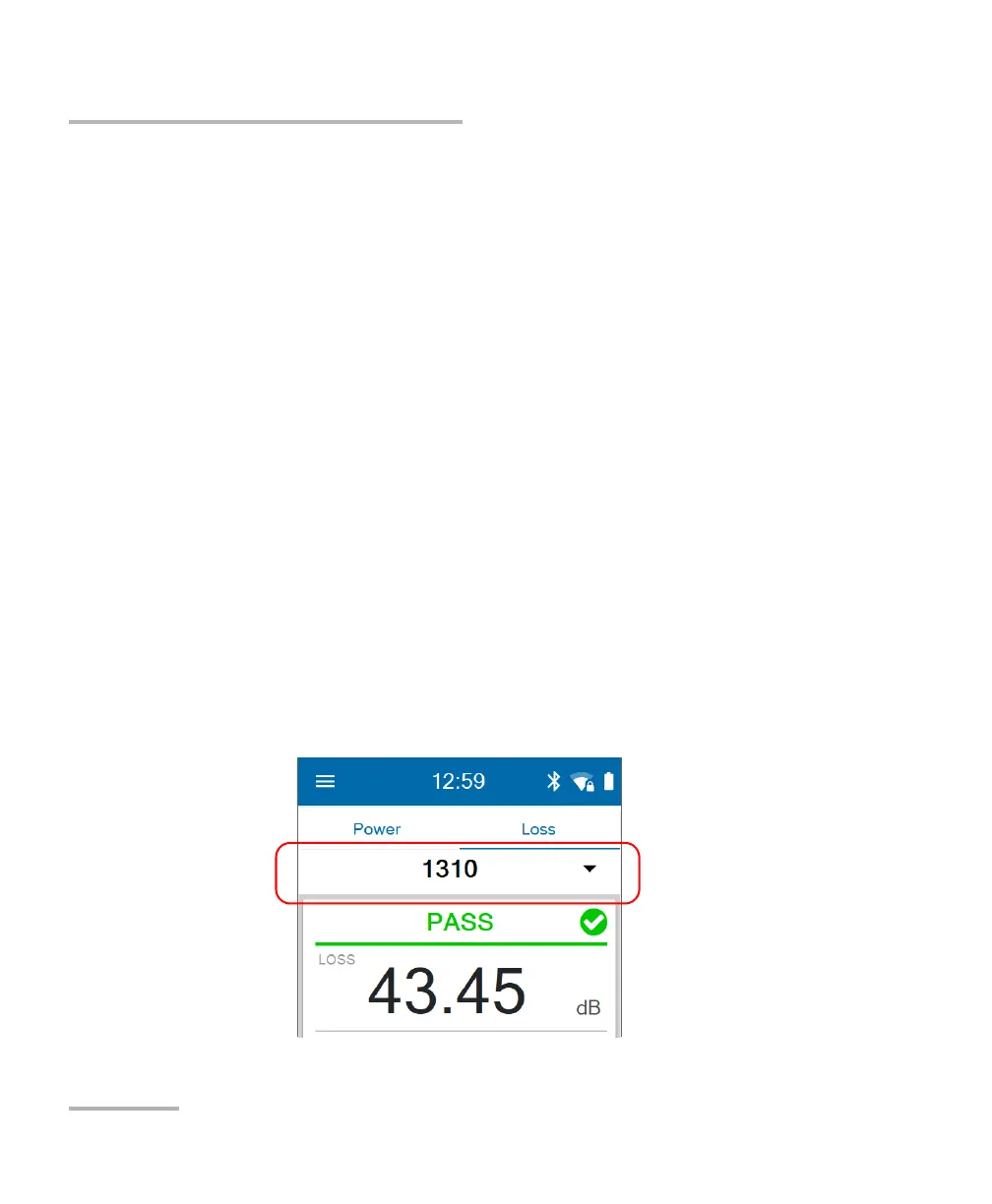
3. From the Loss tab, select a wavelength and activate the source at the
same wavelength.



 To Next Page