Maintenance
Optical Explorer 201
Recycling and Disposal
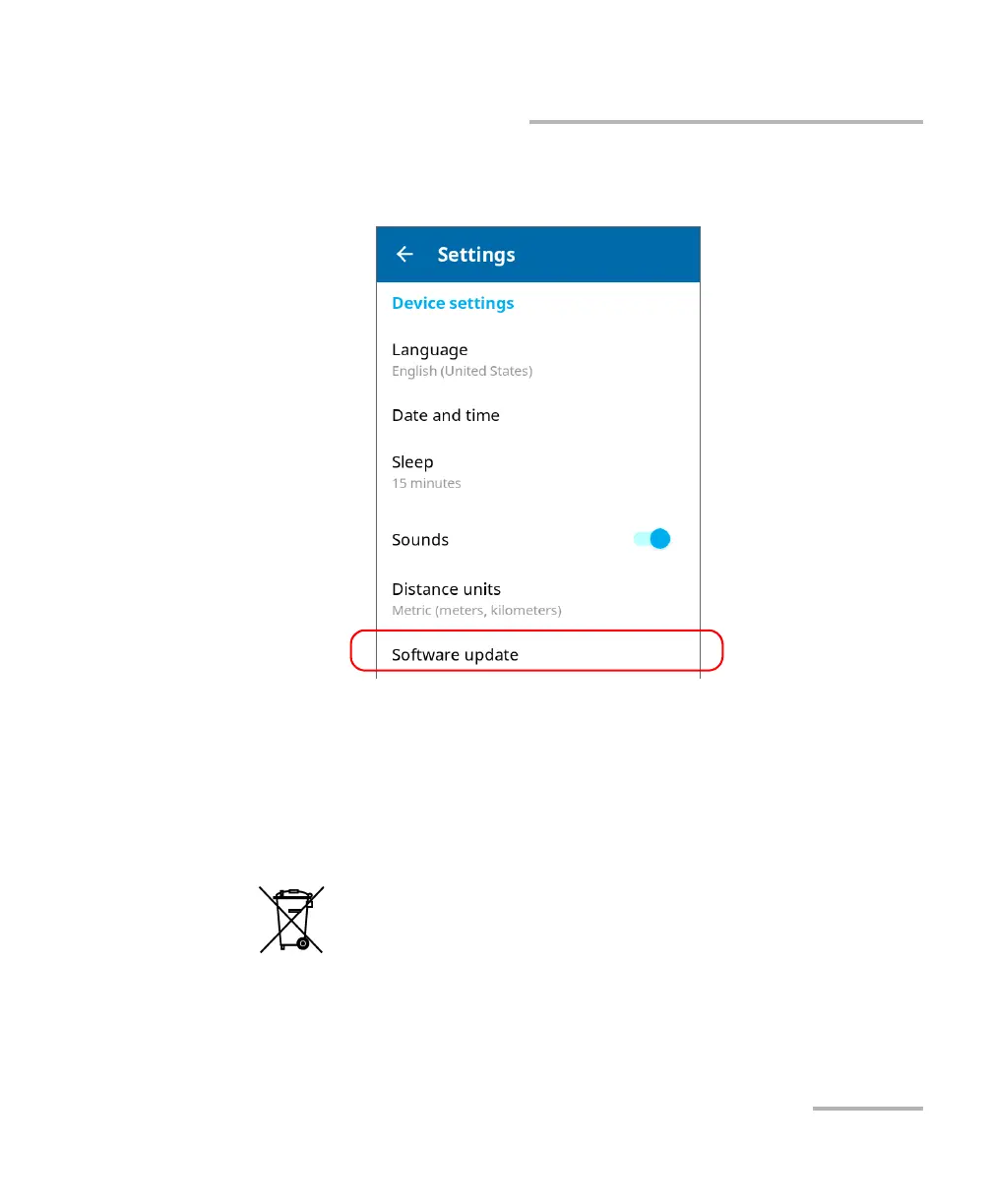
6. Tap Software update. The unit will start to check for updates
automatically.
7. Follow the on-screen instructions. If an update is available and you
choose to install it, your unit will restart automatically at the end to
complete the process.
Recycling and Disposal
For complete recycling/disposal information, visit the EXFO Web site at
www.exfo.com/recycle.
This symbol on the product means that you should recycle or
dispose of your product (including electric and electronic
accessories) properly, in accordance with local regulations. Do
not dispose of it in ordinary garbage receptacles.



 To Next Page