Setting up Your Unit
Optical Explorer 43
Selecting the Language of Operation
Selecting the Language of Operation
You may display the user interface in one of the available languages.
English is the default language.
The value is kept in memory even when you turn the unit off.
To select a new interface language:
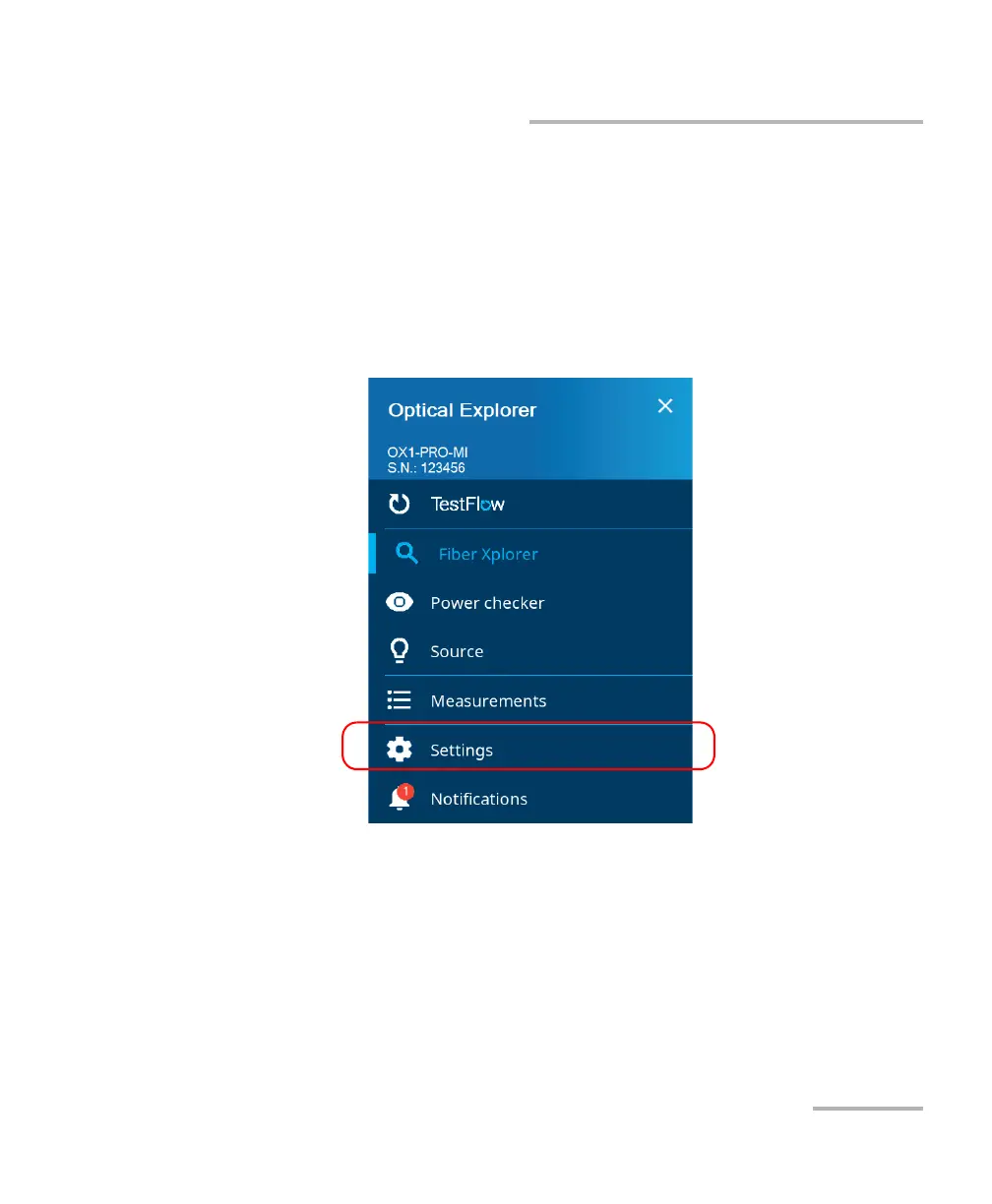
1. From the main menu, tap Settings.
2. Scroll down to the Device settings section.



 To Next Page