Troubleshooting
Optical Explorer 217
Accessing the Online Documentation From the OX1
Accessing the Online Documentation From
the OX1
You can access the getting started guide from your unit.
For more detailed information, you can also access the user guide at all
times from your smart device:
³ by scanning the QR code displayed on your unit
³ by using the corresponding link in the TestFlow mobile application
(see Accessing the Online Documentation From the Smart Device on
page 171)
To view the getting started guide from your unit:
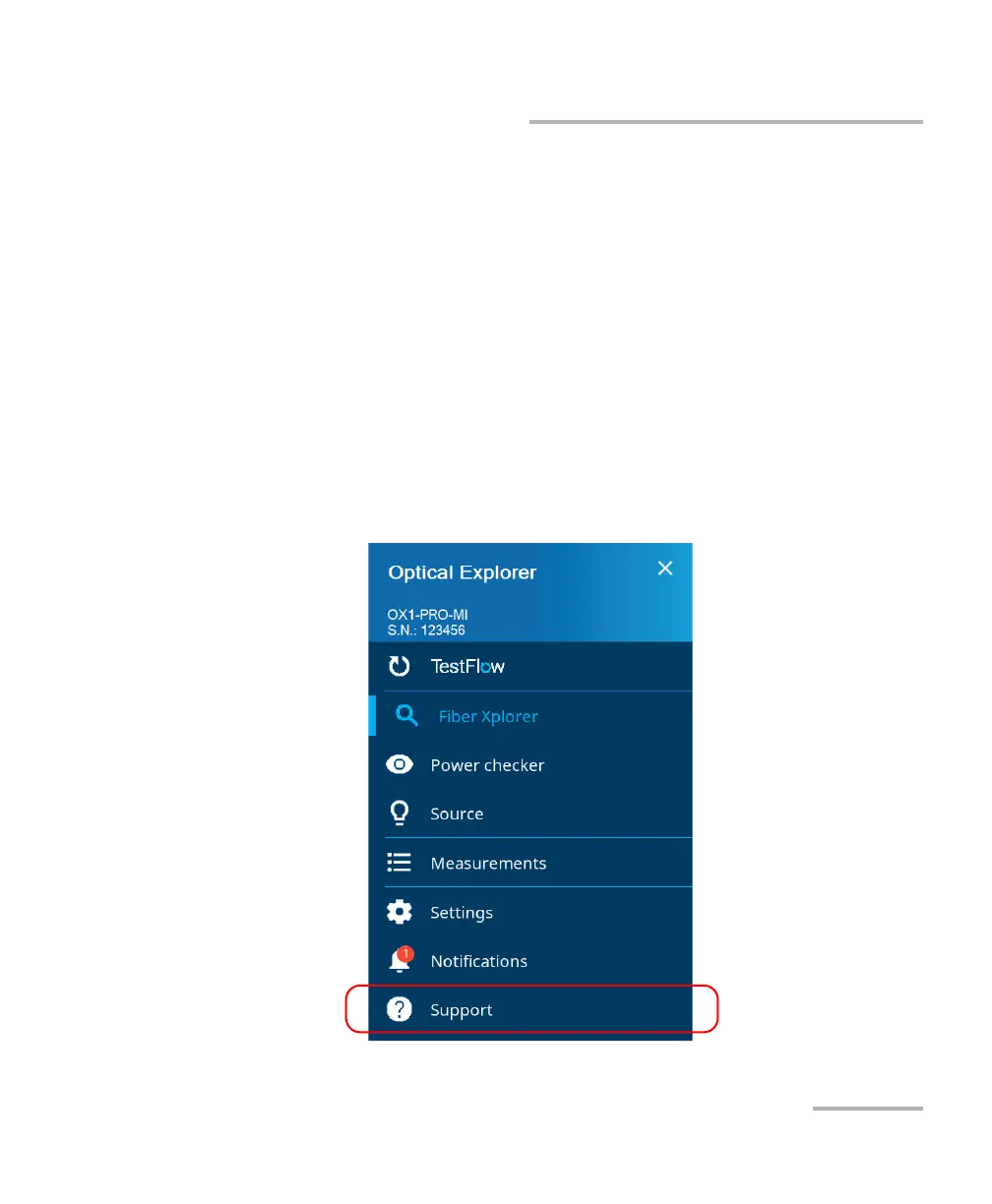
1. From the main menu, tap Support.



 To Next Page