Using the Power Checker
104 OX1
Setting Thresholds
Setting Thresholds
You can define thresholds to specify minimum and maximum power or
loss values for each wavelength or you can apply the same thresholds to all
wavelengths.
You can also choose not to define any threshold values by disabling this
feature. All values can be reverted to factory settings at any time. The
values you have entered are kept in memory when you close the page.
The threshold values affect the global status (pass, fail or unknown) of the
absolute power and the insertion loss.
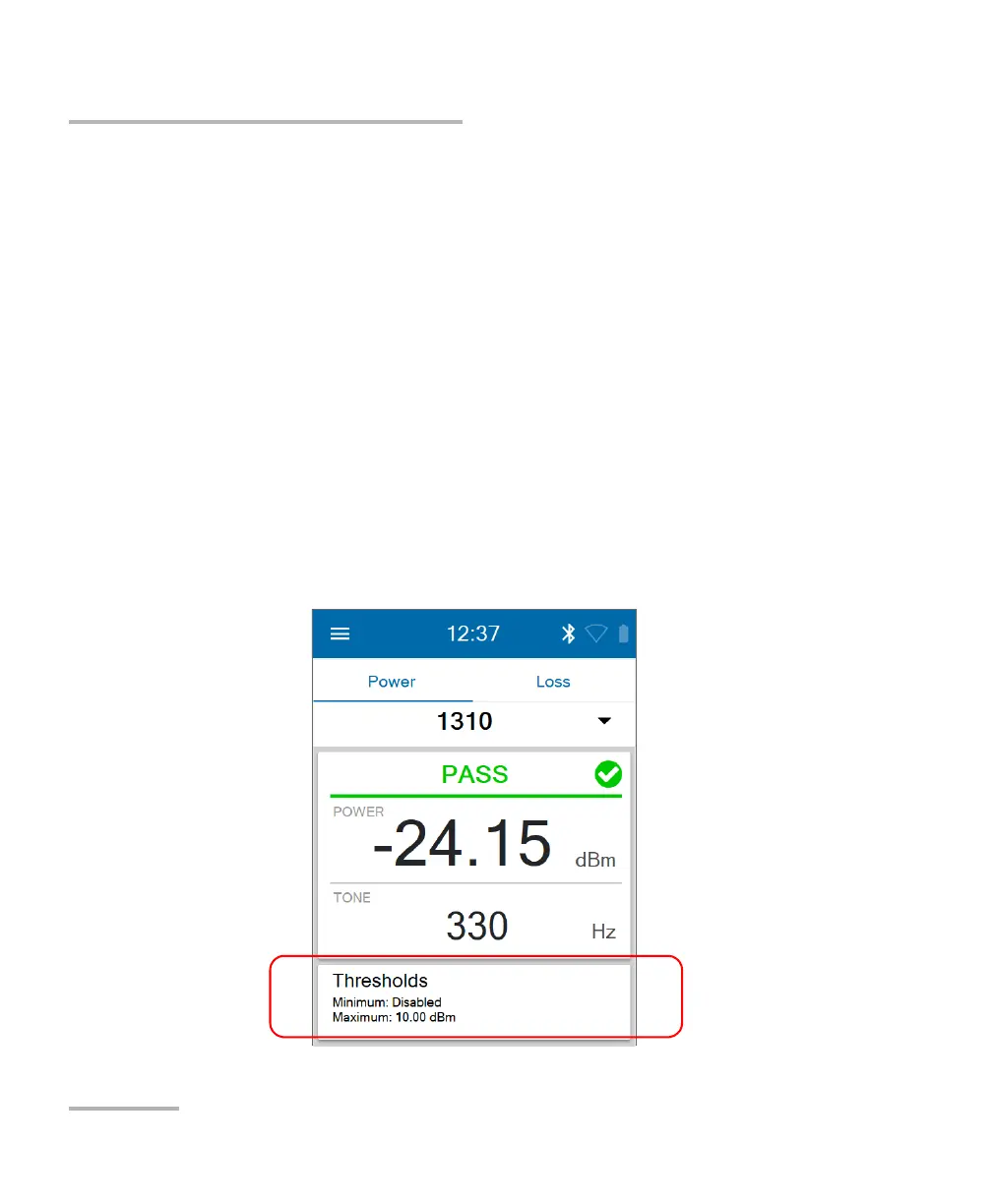
You can set the thresholds directly from power checker or in the Settings
page.
To set power or loss thresholds directly from the power checker
page:
1. Tap Thresholds.



 To Next Page