Setting up Your Unit
54 OX1
Selecting Test Wavelengths
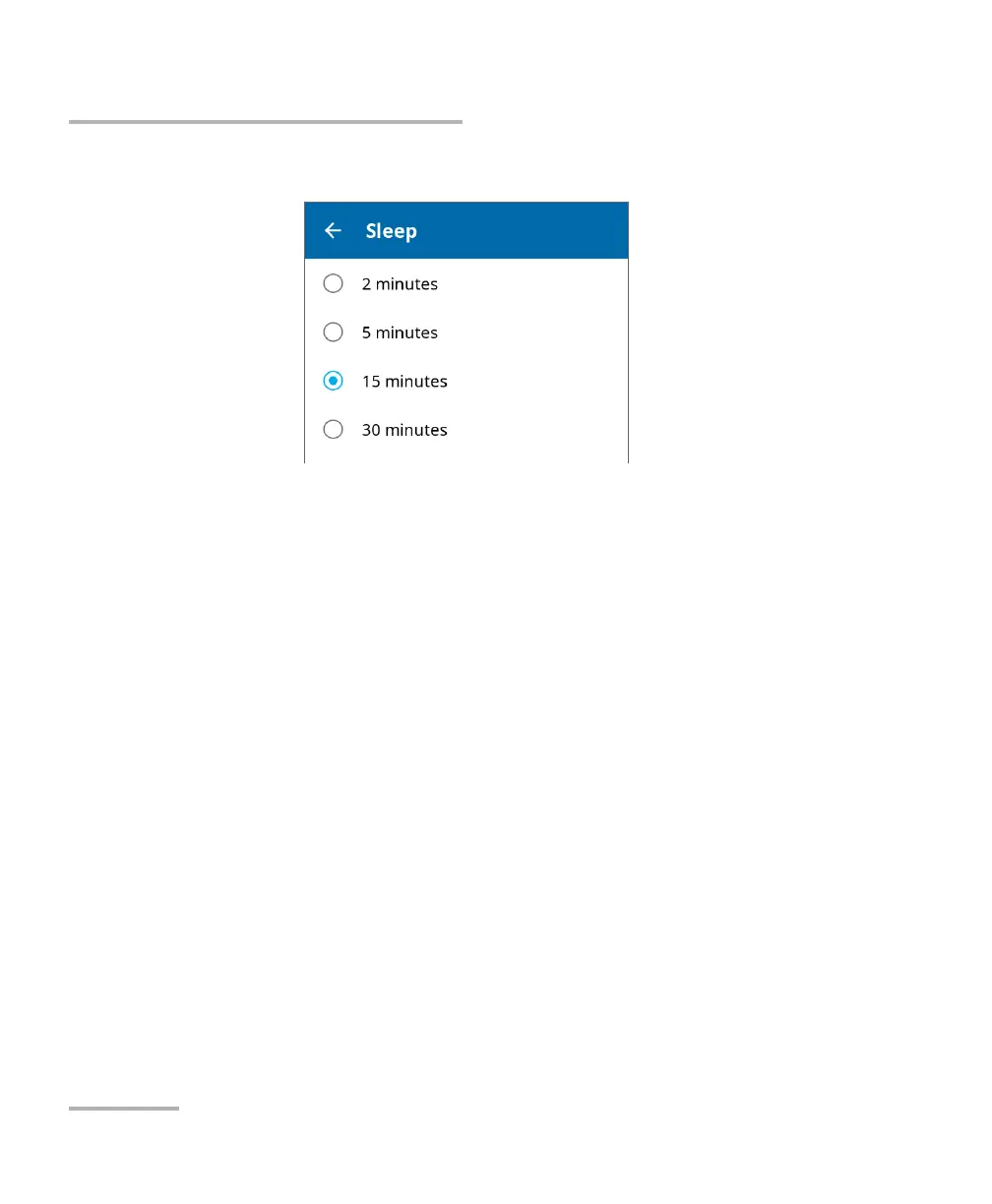
4. Select the desired number of minutes.
The new value is taken into account immediately.
Selecting Test Wavelengths
You can select the wavelengths you want to use for your measurements or
let the unit select the most appropriate wavelengths. The manual or
automatic selection of the wavelengths is kept in memory when you turn
off the device as well as the wavelengths you have chosen. By default, the
automatic option is deactivated.
Note: The automatic wavelength selection is not possible on units with only one
wavelength available.
Note: When you use the automatic wavelength selection on a unit with both
filtered and non-filtered ports, the unit selects the filtered port by default if
the OX1 detects a liver fiber.
You can make your selection in the Settings page or directly in Fiber
Xplorer.



 To Next Page