Maintenance
200 OX1
Upgrading Applications and Firmware
To upgrade applications or firmware:
1. Connect your unit to an external power source with the provided USB
power adapter.
2. If it is not already done, turn on your unit.
3. Ensure that your unit has access to the Internet (see Working With a
Wireless Network on page 145).
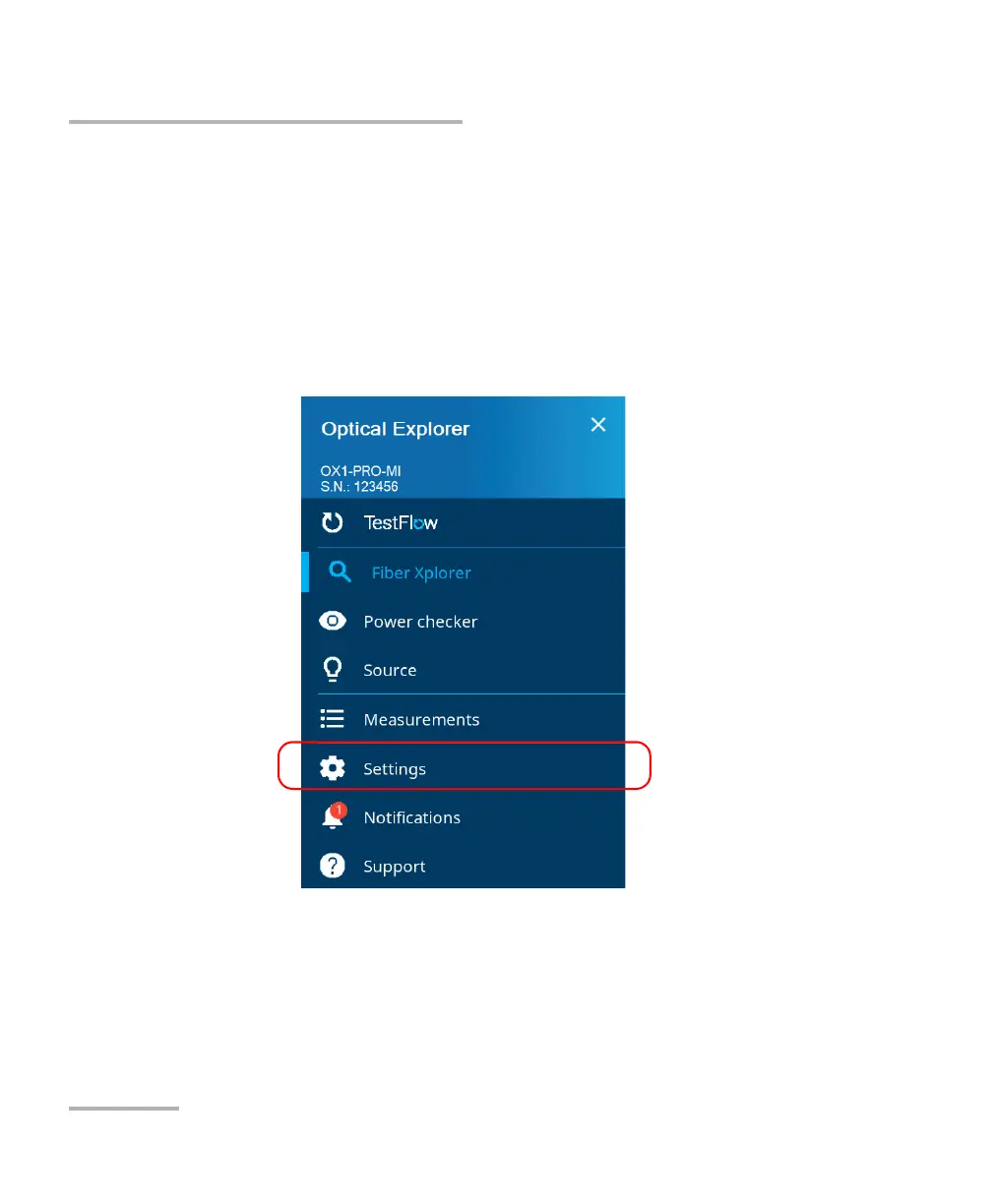
4. From the main menu, tap Settings.
5. Scroll down to the Device settings section.



 To Next Page