Working With the TestFlow Mobile Application
Optical Explorer 161
Transferring a TestFlow Job to the OX1
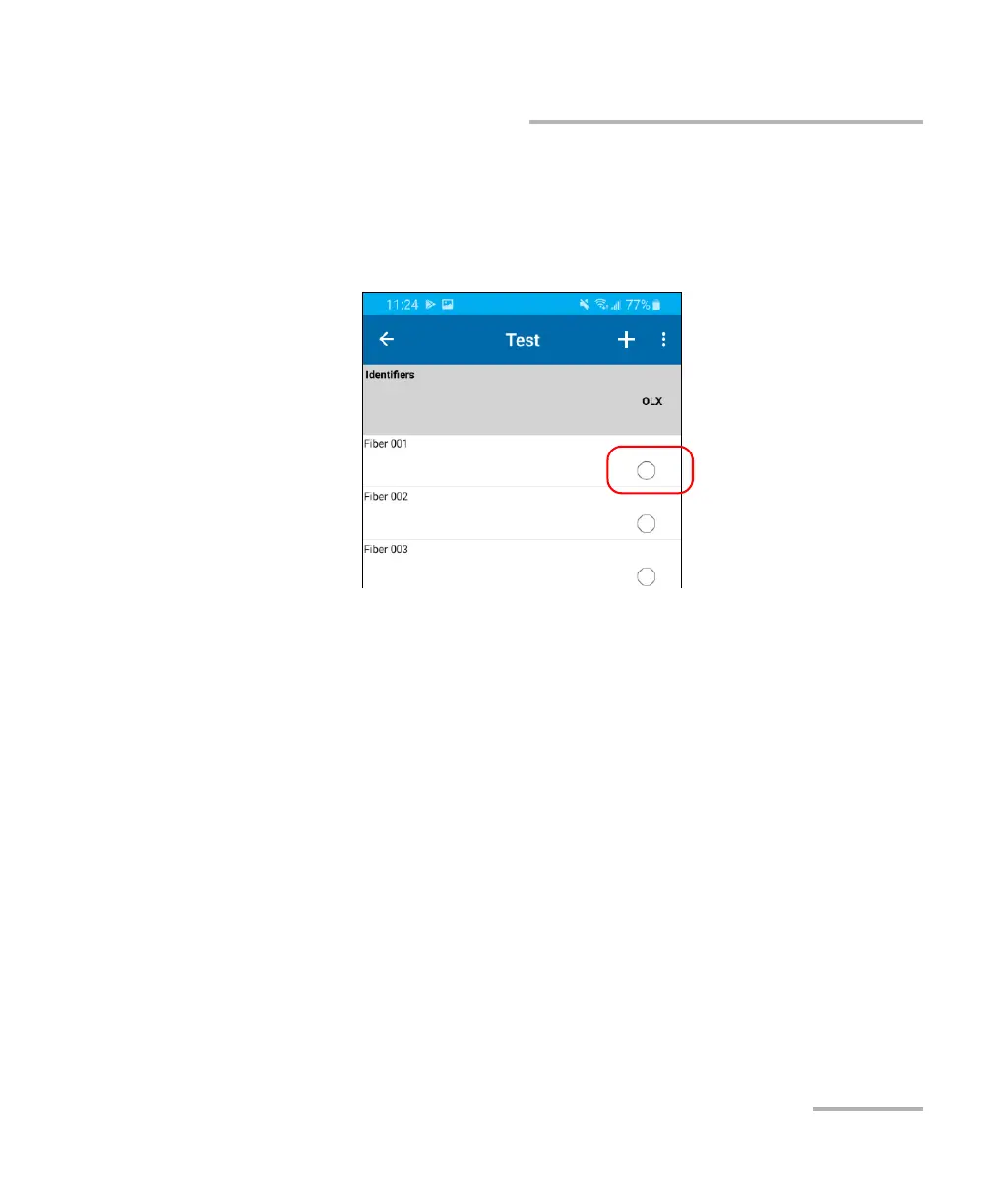
2. In the TestFlow mobile application, tap the row corresponding to the
job you want to transfer to your OX1.
3. Once you are in a job, tap one of the empty bubble corresponding to a
test.
4. When the unit prompts you, tap Sync.
Note: If you are not already connected to an OX1 unit, the application will prompt
you to select the unit you want to use.
Note: You can also access the job sync feature from the three-dot menu.



 To Next Page