Testing Fibers
Optical Explorer 97
Working With Link Results
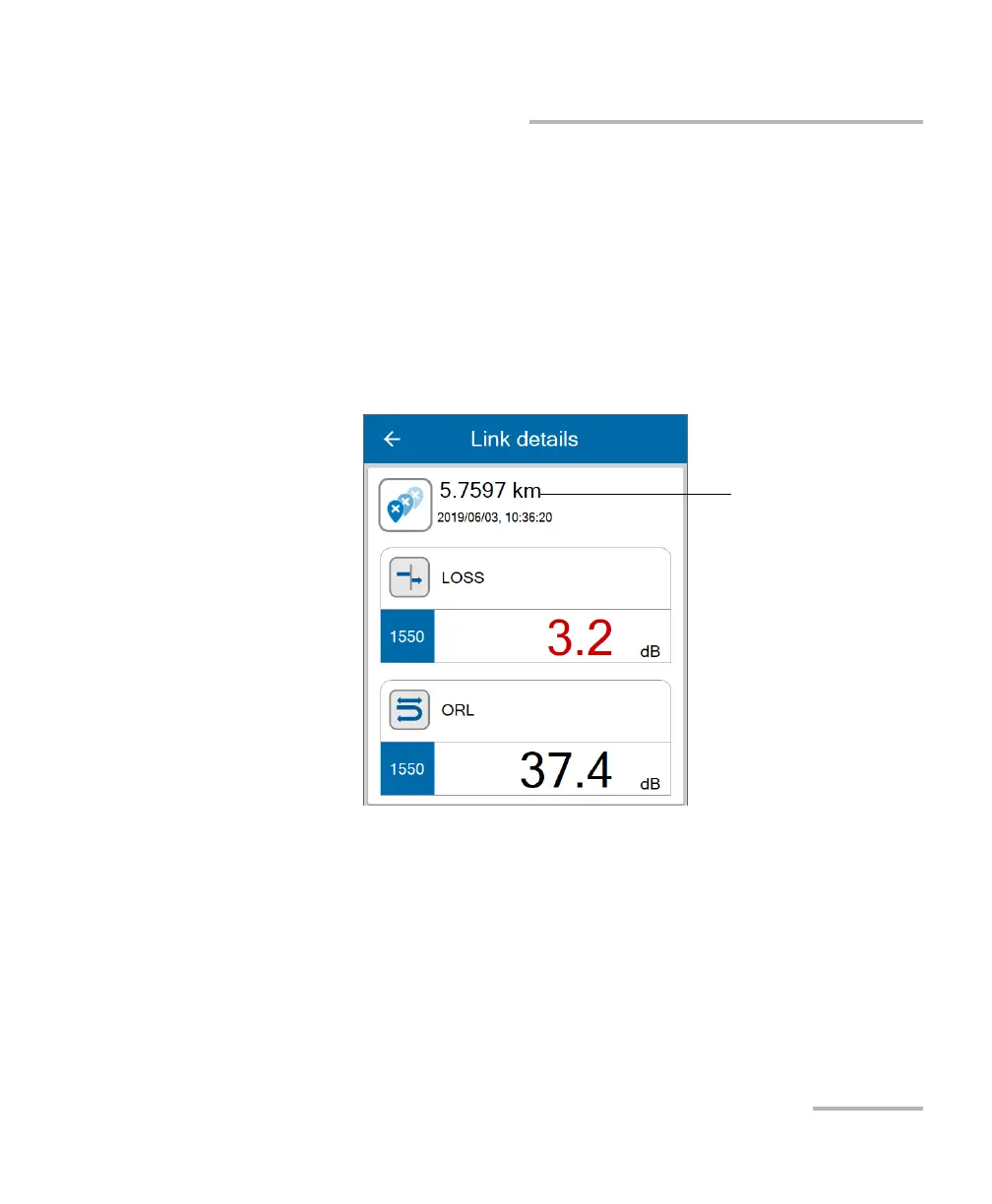
By tapping directly on the space dedicated to the link results, you can
access specific values by wavelength. The page also displays the length for
both the launch and receive test cords.
Note: If the link ORL value is displayed with a < symbol, the value is exceeding
the saturation level of the detector.
Note: If the reflectance value is displayed with a > symbol, the value is exceeding
the saturation level of the detector.



 To Next Page