Using the Power Checker
Optical Explorer 113
Measuring Power or Loss
4. Using bulkhead adapters or the system patch panels, connect a fiber
under test to reference the patchcord attached to the light source and
power checker.
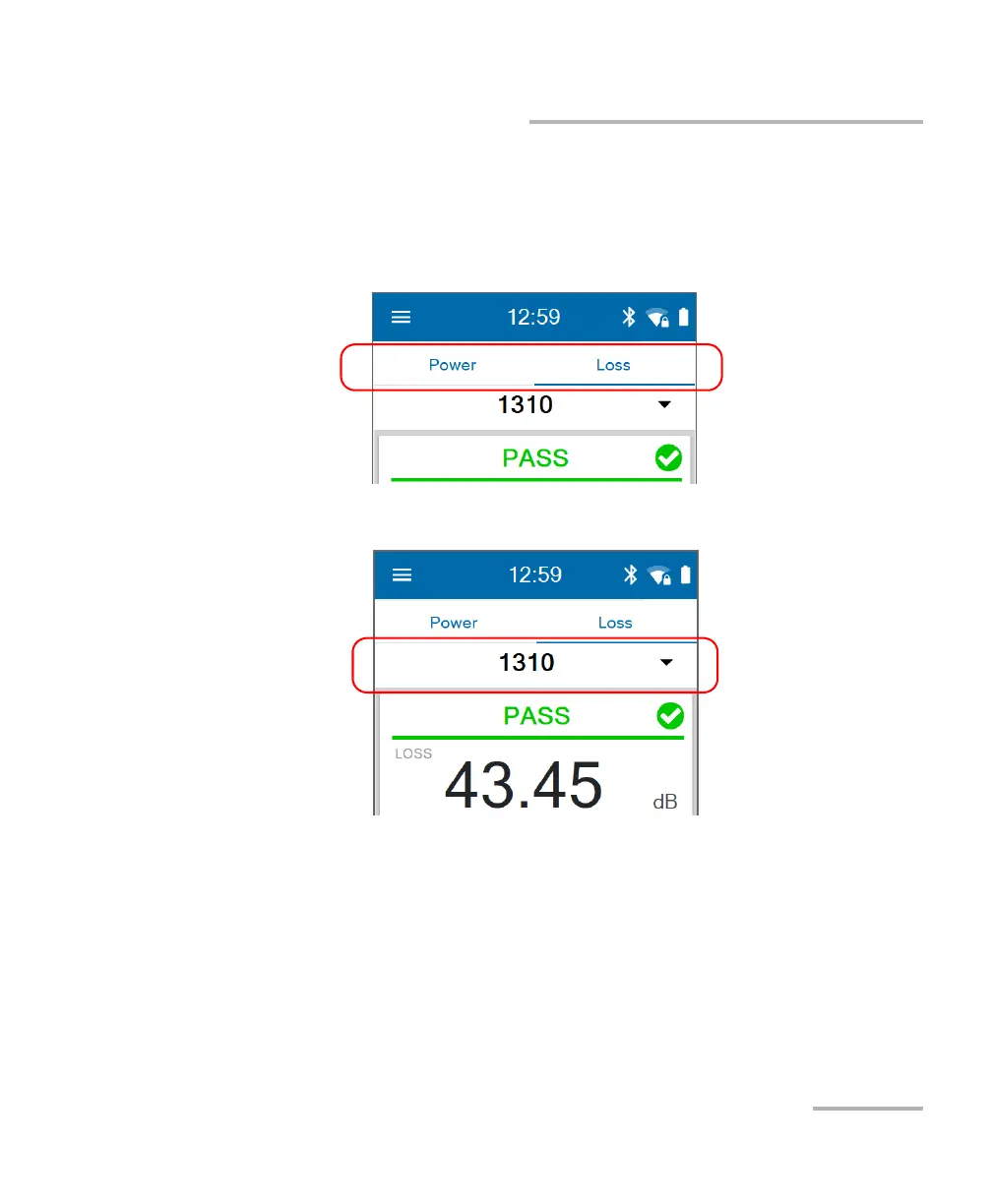
5. Tap the Power or Loss tab.
6. Select a wavelength and activate the source at the same wavelength.
Note: If you connect a single-wavelength source to a dual-channel unit and you
select a pair of wavelengths, you will see the power value measured at the
received wavelength. The unit will display “LOW” for the other channel.
If you select the automatic PON detection, you will only see the power
value measured at the received wavelength.
7. Repeat the procedure for other wavelengths if desired.
The absolute power or link loss value appears on screen.



 To Next Page