Managing Test Results
Optical Explorer 131
Deleting Measurements
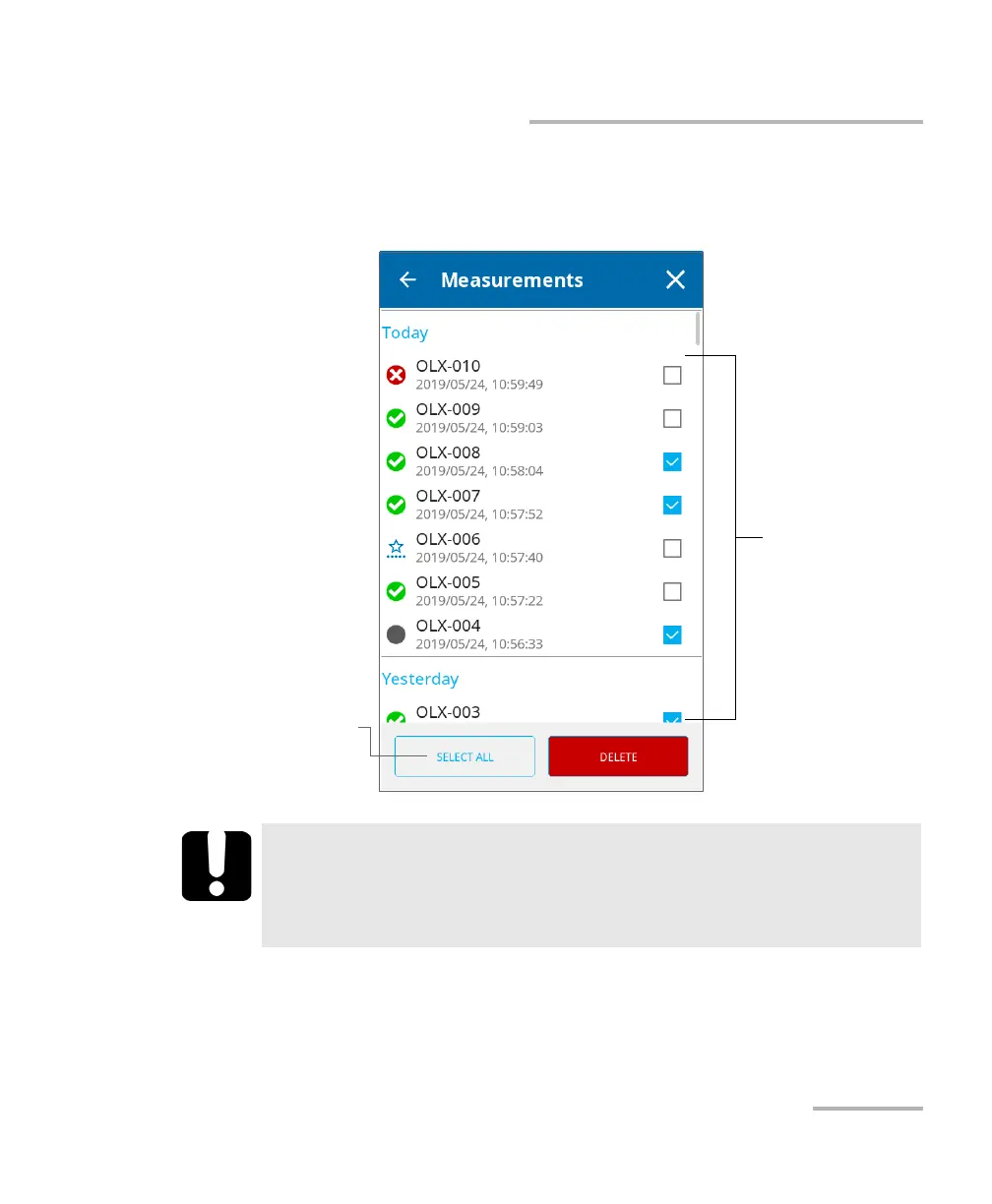
3. Select the item(s) that you want to delete by selecting the
corresponding check box. If you prefer to select all items at once, tap
the SELECT ALL button.
4. Tap DELETE.
The selected measurements are removed from the list.
IMPORTANT
Deleted measurements cannot be recovered. The deletion is
effective as soon as you tap DELETE (no confirmation message will
be displayed).
To select specific
measurements
For a quick selection of all
measurements



 To Next Page