Managing Test Results
134 OX1
Generating Measurement Reports
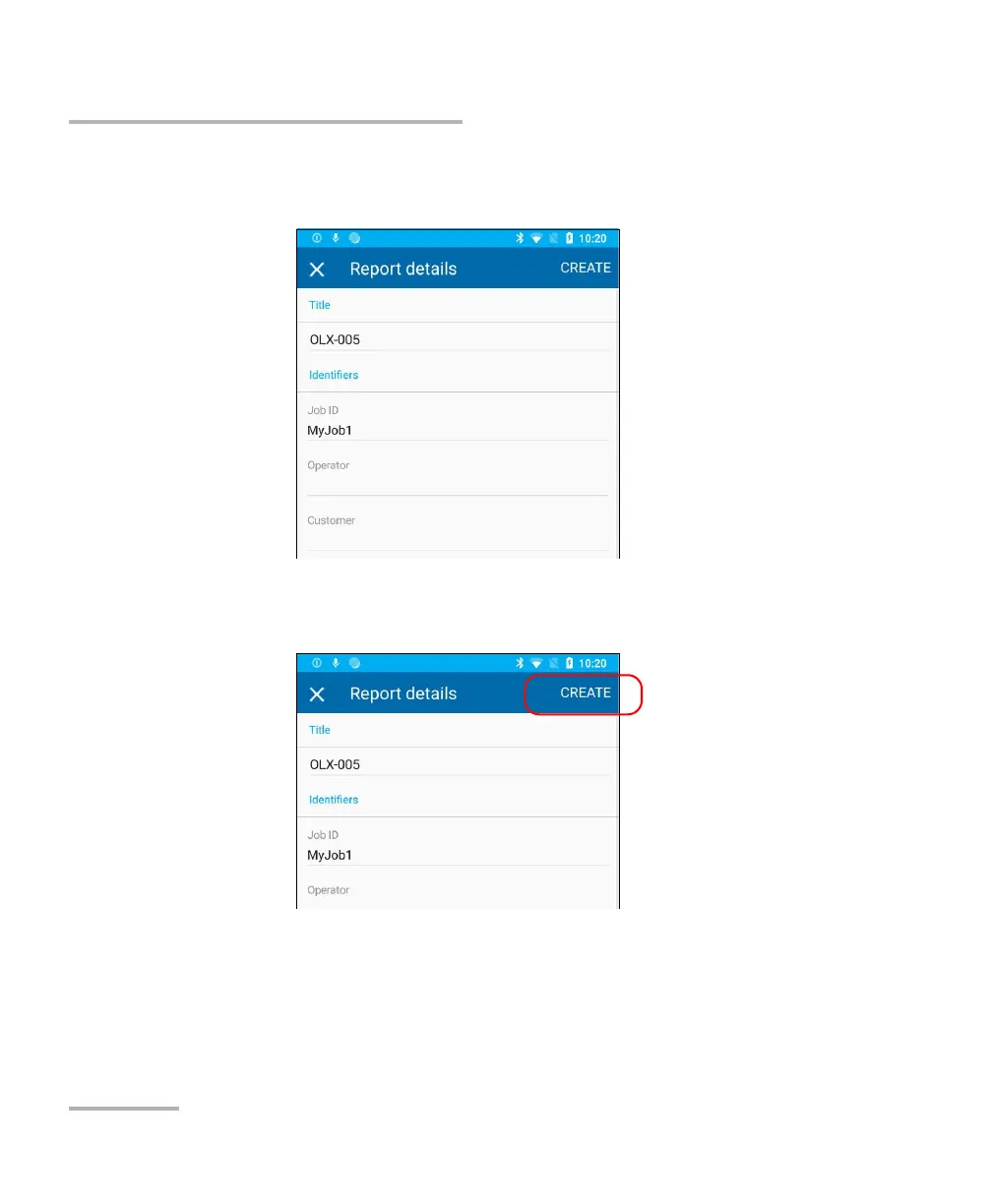
5. If desired, modify the report information by tapping the desired field.
All the fields are editable, including the report title.
6. When you have finished editing the report information, tap CREATE to
start the report creation.
Note: As soon as the report is generated, you can transfer it with the tools
available from your smart device as you would do with any other PDF file.



 To Next Page