Working With the TestFlow Mobile Application
Optical Explorer 151
Working With a Wireless Network
To configure a wireless network with the TestFlow mobile
application:
1. Ensure that a Bluetooth
®
connection has already been established
between your unit and a smart device (see Establishing or Closing a
Connection With a Smart Device Via the Bluetooth Technology on
page 137).
2. If necessary, enable the Wi-Fi communication on your unit
(see Enabling or Disabling the Wireless Communication on page 141).
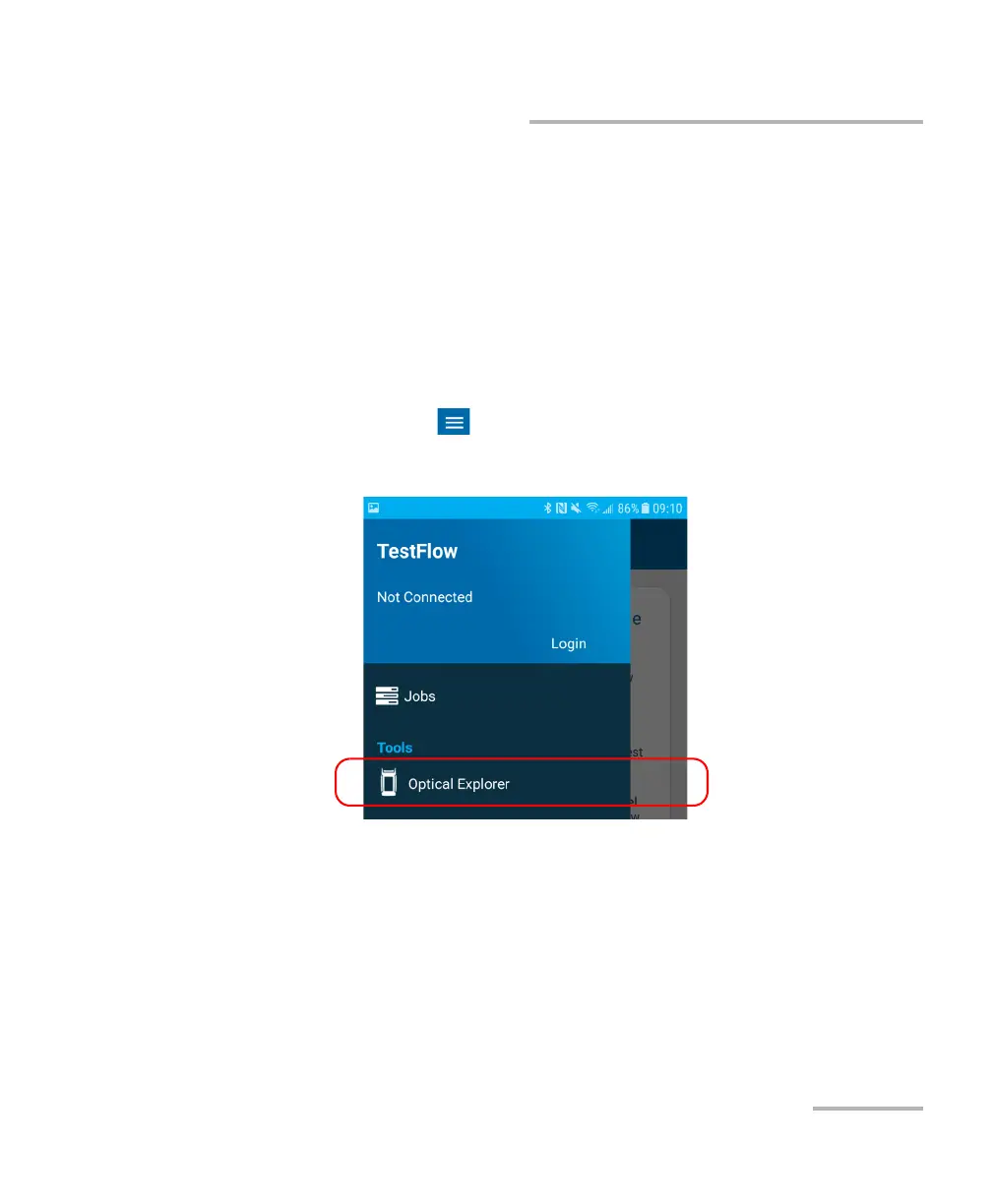
3. On the smart device, open the TestFlow mobile application and access
its main menu ( menu).
4. Under Tools, tap Optical Explorer.



 To Next Page