Working With the TestFlow Mobile Application
Optical Explorer 153
Working With a Wireless Network
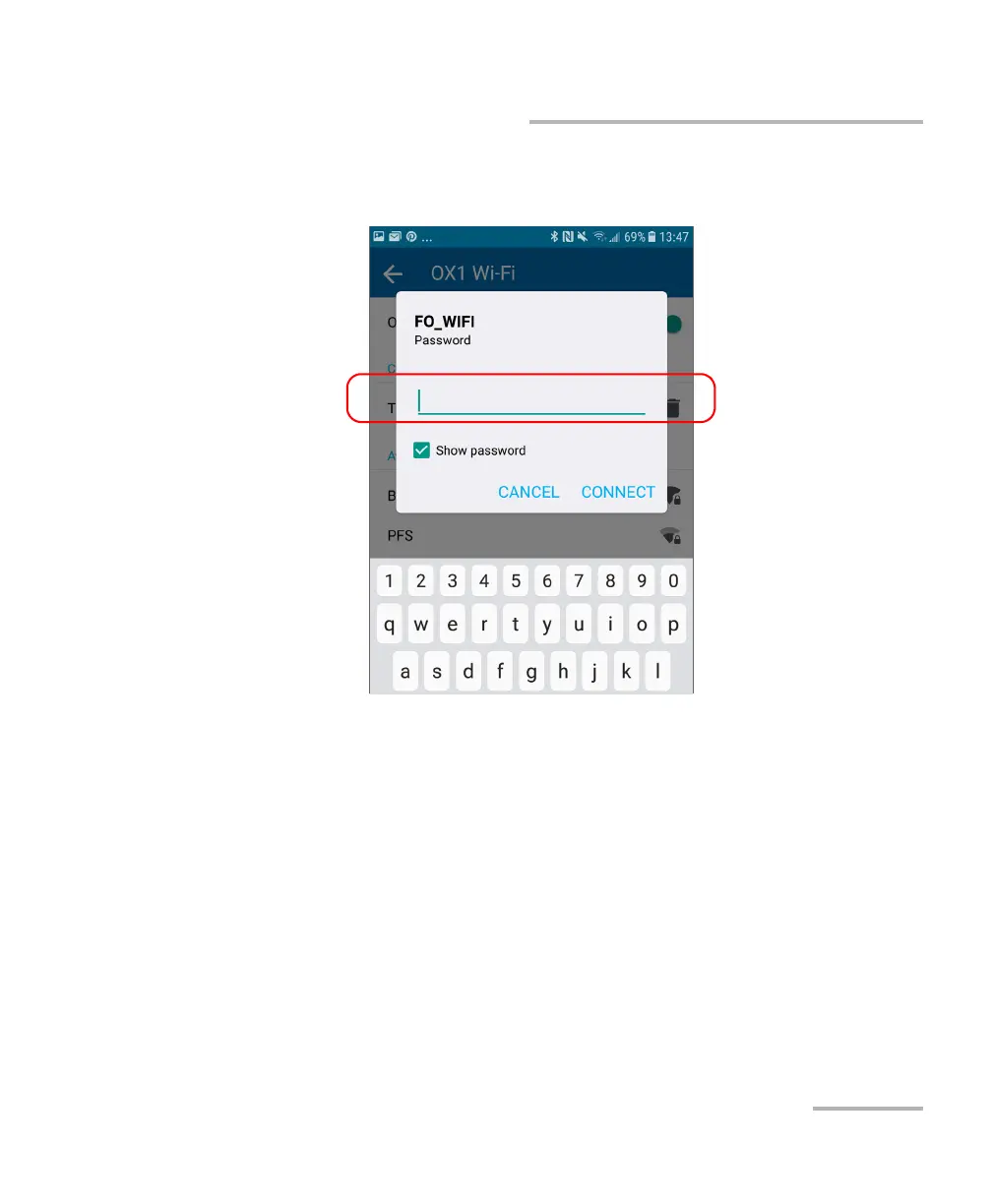
8. If the network is protected by a network security key (password), enter
it.
9. Tap CONNECT.
10. Follow the on-screen instructions.
The application establishes the communication automatically.
Note: You may want to ensure that the TestFlow mobile application has been
able to establish a first connection with the Wi-Fi network before
attempting to connect to this network from your OX1 unit. This is
particularly useful in the case of secured networks to ensure that the
provided password is good.



 To Next Page